
Image Upscaling
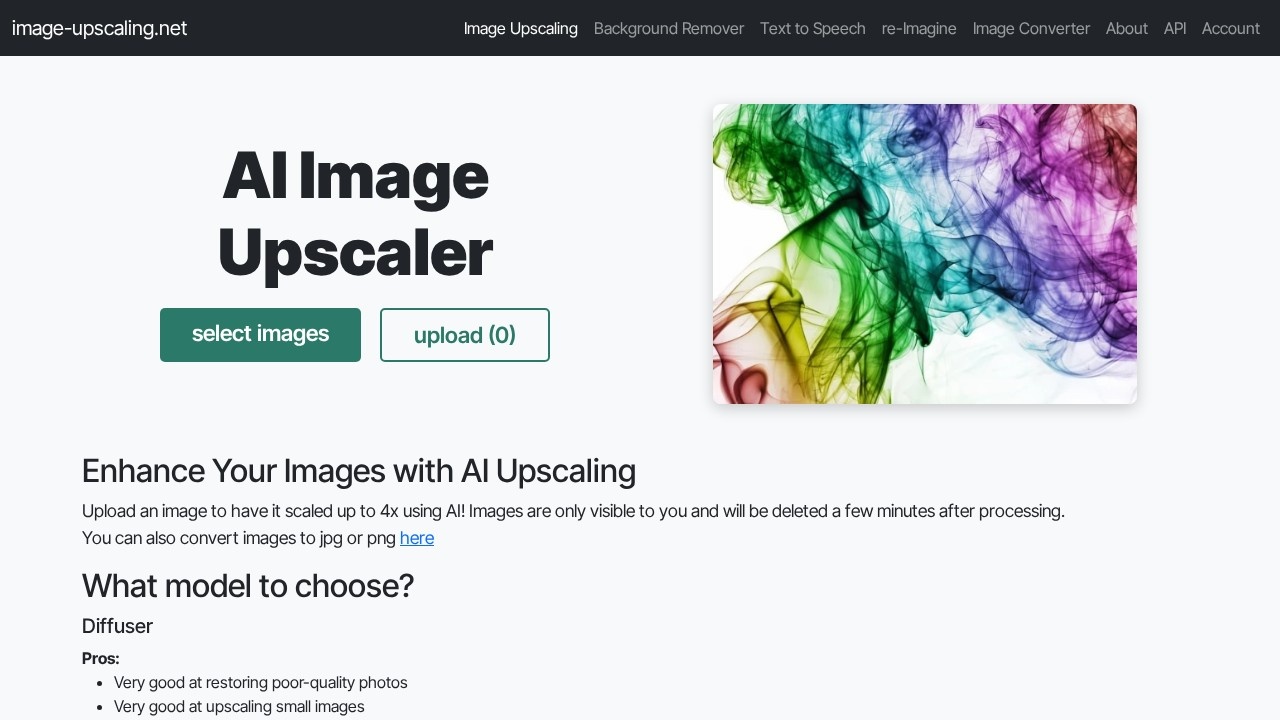
Free AI tool by Image Upscaling for enlarging images up to 400% and 16K resolution. Delivers high-quality results with no subscription, registration, or paywall.
What is Image Upsing?
Image Upscaling is a free AI-powered tool that enlarges images up to 400% (4x) and supports resolutions up to 16K. It operates without requiring a subscription, registration, or paywall—users simply upload an image and wait for high-quality processing. The service automatically deletes processed images after three hours, and users can download results individually or as a ZIP file. It’s designed for quick, high-quality upscaling with no account needed for basic use.
Application scenarios
Photo restoration
Use the Diffuser model to recover low-quality or damaged photos with realistic textures.
Art and illustration upscaling
The Plus model excels at enlarging digital art and drawings while keeping sharp edges.
Small image enlargement
Enlarge tiny images to larger sizes without losing detail, especially with the Diffuser model.
Batch processing
Upload multiple images at once and download them all as a ZIP archive.
Quick social media sharing
Upscale images for better resolution on platforms like Instagram or Twitter without long wait times.
Research support
The service is funded by donations, directly supporting research into new upscaling models.
Core Features
Model selection
Choose from three AI models—Diffuser, Plus, or General—each optimized for different image types and quality levels.
Face recovery
Enable the “face restoration” option to fix distorted or unnatural-looking faces in upscaled images.
WebP output
Convert images to WebP format for 10–20x smaller file sizes and faster downloads (recommended).
Text prompt support
For the Diffuser model, add a text description to help the AI understand and refine image details; if omitted, the system auto-generates one.
Automatic deletion
Processed images are automatically removed after three hours, ensuring privacy.
Batch download
Download all processed images at once as a ZIP file.
Free daily quota
Each user gets a daily free quota; once exhausted, you must visit the /account page for more credits.
Priority processing
Paid users receive priority in the processing queue during high demand.
Target users
This tool is ideal for photographers, digital artists, graphic designers, and anyone who needs to enlarge images without losing quality. It also serves researchers and hobbyists who want a free, no-registration solution for upscaling personal or low-resolution images. The donation-funded model makes it accessible to students and small creators.
How to use Image Upscaling?
- Visit the website at https://image-upscaling.net/.
- Select an AI model (Diffuser, Plus, or General) based on your image type.
- Optionally enable face restoration or WebP output.
- Upload your image(s) by clicking “Bilder auswählen hochladen.”
- Wait for processing—typically 1–2 minutes, but up to 5 minutes during high demand.
- Once ready, click on an image to open it, or download all as a ZIP archive.
- Processed images are automatically deleted after three hours.
Pricing and free trial
The service offers a free daily quota—no subscription or registration required. Once the daily free limit is reached, users are directed to the /account page to obtain more credits. The tool is funded by donations via Stripe, with no paywall or forced payment for basic use. Paid users receive priority processing during high demand.
Effect review
Based on the website’s description, Image Upscaling delivers high-quality results with models tailored to different use cases—Diffuser for realistic textures and Plus for sharp art. The free daily quota and automatic deletion make it practical for casual use, though processing can take 1–5 minutes and queue priority favors paying users. The lack of a registration barrier is a strong plus, but the daily limit may frustrate heavy users. Overall, it’s a solid, no-frills upscaling tool for anyone needing quick, AI-powered enlargement without commitment.
Frequently Asked Questions
What is Image Upscaling?
Is Image Upscaling really free?
How much can I enlarge an image?
Do I need to create an account?
What file formats are supported?
Image Upscaling - AI Tool Detail
Free AI tool by Image Upscaling for enlarging images up to 400% and 16K resolution. Delivers high-quality results with no subscription, registration, or paywall.
Category:Image editing
Visit Link:https://image-upscaling.net/
Tags:free、image upscaling、16K resolution、AI upscaler、no registration