
Epilude
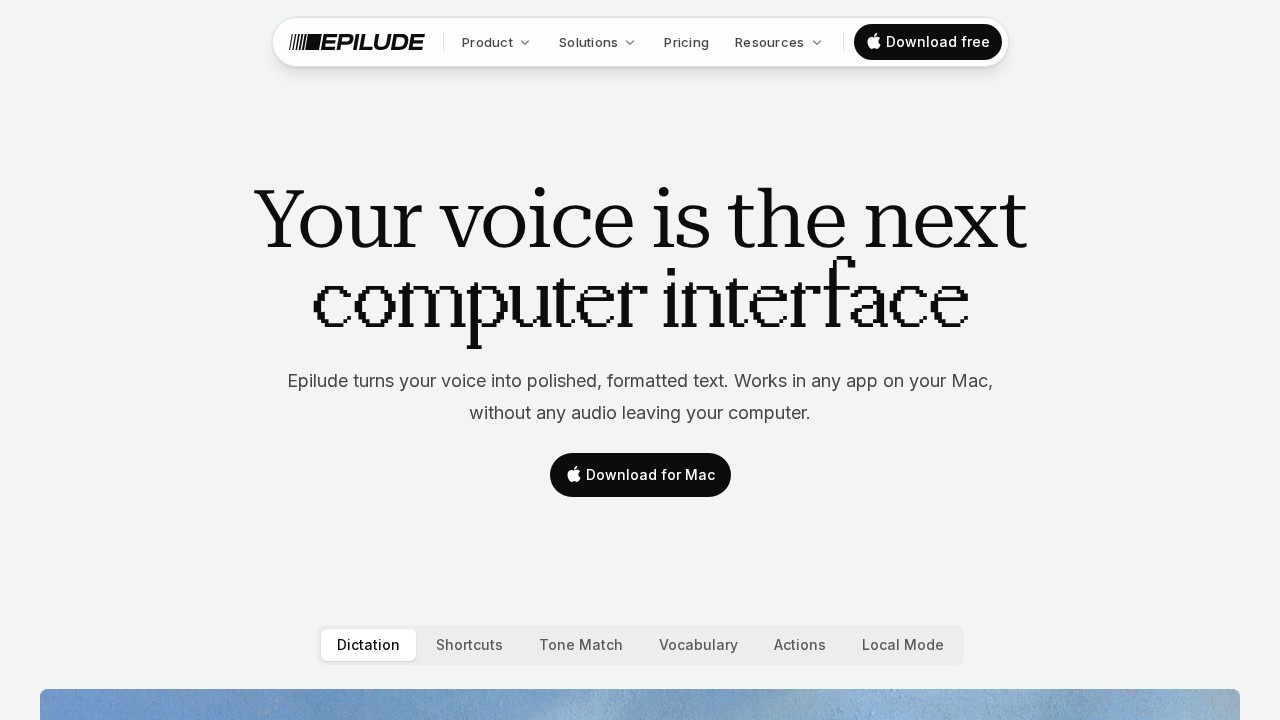
Epilude by its developer is a voice productivity suite for Mac. Speak naturally after pressing a key, release, and see formatted text appear in any app. Includes dictation, text-to-speech, and more.
What is Epilude?
Epilude is a voice productivity suite for Mac that turns speech into polished, formatted text. It works in any app on your Mac, allowing you to dictate naturally after pressing a hotkey. The software cleans up filler words, fixes grammar, and formats your speech into clear text instantly. It offers both cloud-based and fully offline local modes, with no audio leaving your computer when using Local Mode.Application scenarios
Email drafting
Compose professional emails in Gmail or other clients by speaking naturally.
Messaging
Dictate casual messages in Slack or iMessage with auto-adjusted tone.
Document writing
Write in any editor or word processor by holding a hotkey and speaking.
Code comments
Insert formatted text into code editors without typing.
Standup updates
Quickly draft team standup notes or project updates in Linear.
Multilingual work
Speak in 30+ languages, with automatic detection and transcription.
Core Features
Hold, speak, release
Press your hotkey, talk naturally, and Epilude transcribes and formats text instantly.
Works in every app
Dictate into any Mac app where your cursor is placed, from email to code editors.
Local Mode
Run dictation fully on-device and offline with Epilude Model 4, keeping your voice and text private.
Tone Match
Automatically adjusts your tone based on the app—professional for email, casual for messages.
Vocabulary and shorthand learning
Learns your work-specific vocabulary, tone, and shortcuts so messages feel written, not dictated.
30+ language support
Automatically detects and transcribes in over 30 languages, allowing natural switching.
Instant AI editing
Removes filler words, fixes grammar, and adds formatting before text appears on the page.
Privacy controls
Encrypted in transit and at rest; Local Mode ensures your data never leaves your Mac.
Target users
Epilude is designed for professionals who type frequently on a Mac. The website highlights leaders, lawyers, content creators, developers, salespeople, students, and customer support teams as key beneficiaries. Anyone who needs to write faster—especially while multitasking or in meetings—will find it useful.How to use Epilude?
Download the Epilude app for Mac from the official website. After installation, press your configured hotkey (e.g., hold ⌥) in any app, speak naturally, and release the key to see polished text appear at your cursor. You can enable Local Mode in settings for offline, private dictation. No sign-up or account is required for local use.Effect review
Epilude delivers on its promise of turning speech into clean, formatted text without the awkwardness of traditional dictation. The automatic removal of filler words and grammar fixes makes the output feel like typed prose, not spoken rambling. Its ability to adapt tone per app is a standout feature for busy professionals switching between email and chat. For Mac users who value privacy, the fully offline Local Mode is a significant advantage. While the website doesn't cite specific user reviews or awards, the feature set suggests a polished, practical tool for anyone looking to write faster with their voice.Frequently Asked Questions
What is Epilude?
How does Epilude work?
What are the main features of Epilude?
Is Epilude compatible with all Mac apps?
Does Epilude require an internet connection?
Can I use Epilude for text-to-speech?
Epilude - AI Tool Detail
Epilude by its developer is a voice productivity suite for Mac. Speak naturally after pressing a key, release, and see formatted text appear in any app. Includes dictation, text-to-speech, and more.
Category:AI voice assistant
Visit Link:https://www.epilude.com/
Tags:voice dictation、text-to-speech、Mac productivity、AI assistant