Raycast
Raycast, by its developers, is an extendable launcher that integrates a collection of powerful productivity tools, enabling quick access to actions, file management, and workflow automation for develo
What is Raycast?
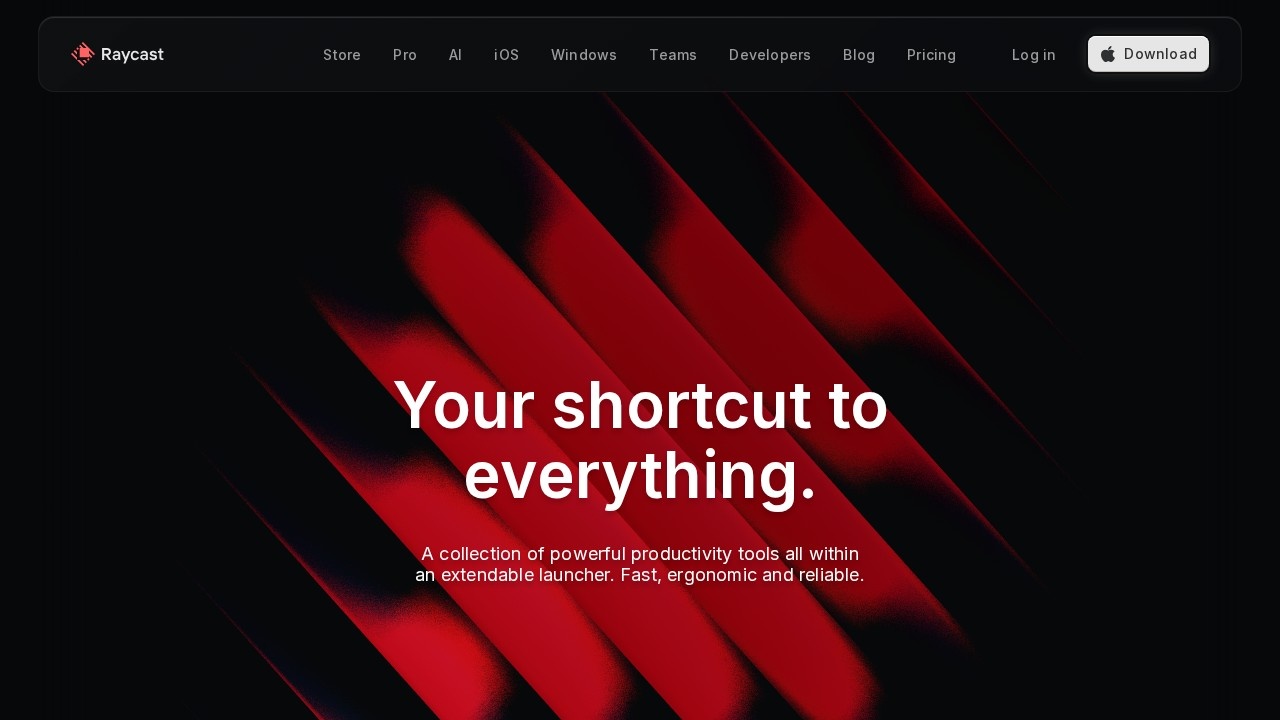
Raycast is an extendable launcher for macOS (with a Windows beta) that bundles a collection of powerful productivity tools into a single, keyboard-first interface. It replaces the need to open separate apps for common tasks by letting you search, launch, and control tools directly from your keyboard. Users rely on it to speed up workflows, manage files, and automate repetitive chores without ever leaving their keyboard.
Application scenarios
Software development
Create, search, and modify JIRA issues or Linear tasks without opening the app.
Design and writing
Use Google Translate, compress images with TinyPNG, or trigger CleanShot X screen captures instantly.
Music and media
Search Spotify for music and podcasts, browse your library, and control playback from the launcher.
Communication
Set Slack presence, read unread messages, search chats, and see upcoming Zoom calls.
Productivity and organization
Start timers and stopwatches, control Pomodoro intervals, and manage Todoist tasks.
Note-taking and knowledge management
Search and create Notion pages, capture information in Obsidian, and pin notes to the menu bar.
Web browsing
Navigate open tabs, search bookmarks, and browse history in Google Chrome or Arc.
Core Features
Quick AI
Ask any question and get answers powered by AI combined with the web—always available for coding help, email writing, or general queries.
AI Commands
Create custom AI-driven automation commands to eliminate repetitive chores and streamline your workflow.
Extension Store
Browse thousands of extensions to integrate favorite tools like Linear, Spotify, Google Translate, 1Password, JIRA, Slack, Zoom, and more.
Keyboard-first design
All actions are optimized for keyboard shortcuts, keeping your hands on the keys and your focus on the task.
Fast performance
Designed to think in milliseconds, with a 99.8% crash-free rate for reliability.
Native macOS integration
Built for pure performance on macOS 13+, with native feel and responsiveness.
File management
Compress images via TinyPNG directly from Finder, and manage files without opening separate apps.
Pomodoro timer
Control pomodoro intervals and see the current interval in the menu bar for time management.
Target users
Raycast is built for seriously productive professionals, including software engineers, designers, writers, and students. It’s used by notable figures like Guillermo Rauch (CEO, Vercel), Marques Brownlee (MKBHD creator), Koen Bok (Founder, Framer), Adam Wathan (Creator, Tailwind CSS), and Wes Bos (Co-host, Syntax FM). Anyone who spends significant time on a Mac and wants to reduce context switching will benefit.
How to use Raycast?
- Download and install: Visit raycast.com and download the macOS app (or Windows beta). Alternatively, install via Homebrew on macOS.
- Launch: Press your configured keyboard shortcut (e.g.,
⌘Space) to open the launcher. - Search and act: Type a command or app name—Raycast instantly shows results. Press
Enterto execute. - Install extensions: Browse the store to add extensions for tools like Linear, Spotify, or Notion.
- Use AI: Type a question or command to use Quick AI, or create custom AI Commands for automation.
Pricing and free trial
The website text does not mention any pricing or free trial information. Pricing details are not available from the provided content.
Effect review
Raycast delivers on its promise of a fast, keyboard-first launcher that integrates deeply with both macOS and popular third-party tools. The 99.8% crash-free rate and millisecond-level performance suggest a polished, reliable experience. The extension store and AI features add significant flexibility, letting users automate tasks and access AI assistance without leaving their workflow. For professionals who already live in the keyboard and want to eliminate app-switching friction, Raycast feels like a natural upgrade to the macOS launcher concept.
Frequently Asked Questions
What is Raycast?
Is Raycast free?
Can I extend Raycast with custom scripts?
What platforms does Raycast support?
How does Raycast improve developer workflow?
Does Raycast include AI features?
Raycast - AI Tool Detail
Raycast, by its developers, is an extendable launcher that integrates a collection of powerful productivity tools, enabling quick access to actions, file management, and workflow automation for develo
Category:Automation
Visit Link:https://raycast.com/
Tags:productivity、launcher、workflow automation、developer tools、file management