
tablo
A tiny floating cat companion by an indie developer that monitors Claude Code and OpenAI Codex agents from your screen corner, featuring live context meters and permission approvals.
What is tablo?
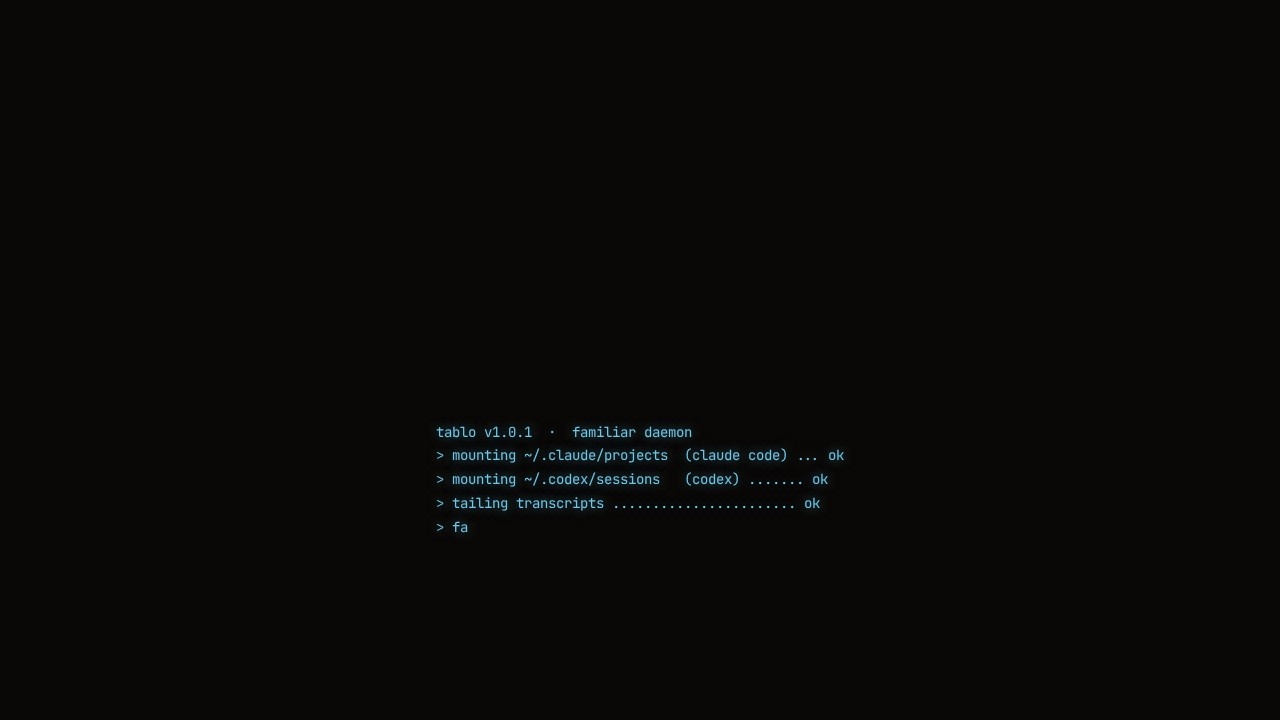
tablo is a tiny floating cat widget that sits in your screen corner and monitors your coding agents—specifically Claude Code and OpenAI Codex. It provides a single dashboard where you can see every agent's activity at a glance, including live context window usage, permission requests, and session status. The cat reacts with different animations (sleeping, running, playing, shocked) based on what your agents are doing, making it a fun but functional tool for developers who run multiple AI coding sessions simultaneously.
Application scenarios
Multi-agent monitoring
Keep track of several Claude Code and Codex sessions running in different terminal windows or projects at once.
Context window management
Get live percentage updates and threshold warnings when an agent's context window exceeds 60%, helping you avoid hitting limits mid-task.
Permission gating
Approve or deny tool calls (like `rm -rf ./dist`) directly from the widget with a single tap, without switching back to the terminal.
Notification-driven workflow
Receive a ping the moment an agent needs input or an approval, so you never miss a waiting session.
Quick session jumping
Use the experimental "jump to session" feature to land directly into the relevant terminal session from the widget.
Dashboard overview
View per-session live activity previews, including recent user prompts and agent responses, all in one compact interface.
Core Features
Live context monitoring
See per-session context usage as a percentage with a color-coded bar (e.g., 38%, 72%) and a threshold warning when it exceeds 60%.
Approve/Deny permissions
Gate tool calls behind a tap—choose "Approve" or "Deny" directly from the widget when an agent requests to run a command.
Session dashboard
A per-session live activity preview that shows the agent's current state (working, waiting), source (Claude or Codex), mode (normal, plan, auto), and recent actions.
Quiet by default
Sits in your menu bar and follows you across spaces, staying out of the way until an agent needs attention.
Notification pings
Get alerted the instant an agent requires input or an approval, with a visual indicator of how many sessions are waiting.
Jump to session (experimental)
Click the "jump →" button to land directly into the specific terminal session where the agent is running.
Filter and sort
Filter sessions by state (waiting, working) or source (Claude, Codex), and see a count of active, waiting, and total projects.
Cat animations
The widget changes its appearance (sleeping, running, playing, shocked) to reflect agent activity, adding a playful visual cue.
Target users
tablo is built for developers and engineers who run multiple Claude Code or OpenAI Codex agents across different projects and need a centralized way to monitor their activity. It's especially useful for those working in terminal-heavy workflows who want to avoid constantly switching windows to check on agent status, approve permissions, or manage context window limits.
How to use tablo?
Install tablo with a single command in your terminal. For macOS, Linux, or Windows, run: curl -fsSL https://raw.githubusercontent.com/aristocrat71/tablo/main/install.sh | bash. This downloads the widget from GitHub Releases and strips the quarantine flag so Gatekeeper never prompts on macOS. Once installed, the cat widget appears in your menu bar and automatically detects your Claude Code and Codex sessions. Use the widget to view live context, approve/deny permissions, jump to sessions, and filter by state or source—all from your screen corner.
Pricing and free trial
The website text does not mention any pricing, subscription tiers, or free trial information. The install command is freely available, and the live demo uses fixed values to convey the UI/UX without requiring payment or sign-up.
Effect review
tablo delivers exactly what it promises: a playful but practical companion for developers juggling multiple AI coding agents. The live context monitoring and permission gating are genuinely useful for avoiding context window overflows and accidental destructive commands. The cat animations add a lighthearted touch without being distracting, and the quiet menu-bar presence means it stays out of the way until needed. While the "jump to session" feature is marked as experimental, the overall feature set is well-thought-out for a niche but growing use case. For anyone running Claude Code or Codex agents regularly, tablo turns a scattered monitoring workflow into a single, glanceable widget.
Frequently Asked Questions
What is tablo?
How does tablo monitor AI agents?
Is tablo free?
Which AI agents does tablo support?
How do I install tablo?
Can I customize the tablo cat?
tablo - AI Tool Detail
A tiny floating cat companion by an indie developer that monitors Claude Code and OpenAI Codex agents from your screen corner, featuring live context meters and permission approvals.
Category:Agents
Visit Link:https://tablo-cat.netlify.app/
Tags:AI companion、coding assistant monitor、developer tool、Claude Code、OpenAI Codex