
AgentWatch
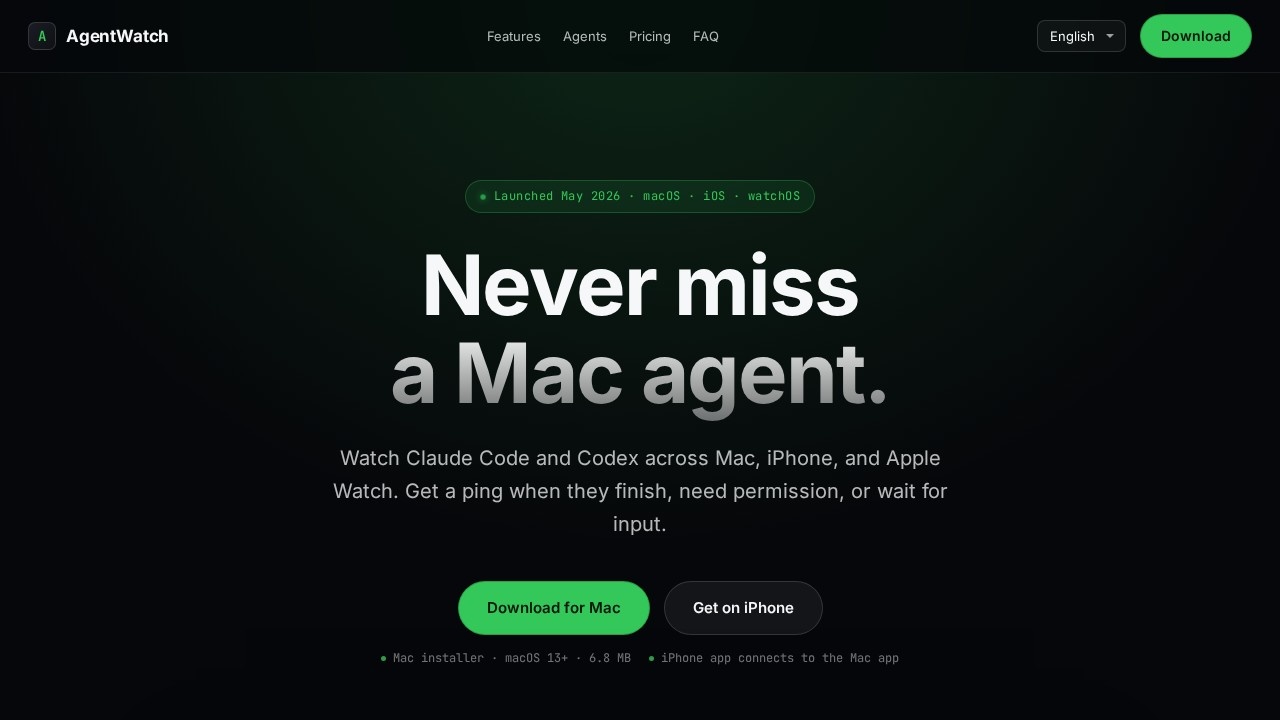
AgentWatch by jocoding.io lets you monitor Claude Code and Codex agents from your Mac, iPhone, and Apple Watch, sending instant alerts when an agent finishes or requires permission.
What is AgentWatch?
AgentWatch by jocoding.io is a companion app that lets you monitor and interact with AI coding agents like Claude Code and Codex directly from your Mac, iPhone, and Apple Watch. It provides real-time notifications when an agent finishes a task, requires permission, or waits for input. The app integrates a Dynamic Island widget on macOS, push alerts across all devices, and allows remote approval and prompt sending from your phone or watch. It’s designed to keep you in the loop without constantly checking your terminal.Application scenarios
Remote agent management
Approve or deny agent requests (e.g., Bash execution, file edits) from your Apple Watch while away from your Mac.
On-the-go monitoring
Check active sessions and receive completion alerts on your iPhone when you’re not at your desk.
Uninterrupted workflows
Send prompts to a running agent from your iPhone, even during meetings or walks, and see responses in real time.
Multi-agent oversight
View all Claude Code and Codex sessions in one Dynamic Island widget, without opening multiple terminal windows.
Quick response to permissions
Instantly approve or reject agent permission requests from your wrist, keeping the workflow moving.
Core Features
Dynamic Island widget
A compact menu bar widget that stays quietly by the notch and expands smoothly when an agent needs permission or finishes a task, without cluttering your workspace.
Apple Watch permission approval
Approve or deny agent requests (like Bash execution or file editing) directly from your Apple Watch, so you can handle approvals during meetings or walks.
Remote prompt sending
Send prompts to a running agent from your iPhone while the agent continues on your Mac, with responses delivered back to your phone in real time.
Instant notifications
Receive immediate alerts on Mac, iPhone, and Apple Watch when an agent finishes a task or requests permission, with one tap to jump to the session.
Multi-device pairing
The iPhone app pairs with the Mac app to enable session monitoring, remote approval, and Live Activity on Apple Watch.
Agent session overview
See all active Claude Code and Codex sessions in a single view, including which agents are running, waiting for approval, or have just completed tasks.
Minimal terminal distraction
Keep your editor and terminal open while monitoring agent status from the menu bar or phone.
Target users
AgentWatch is built for developers and power users who run AI coding agents like Claude Code or Codex on macOS and need to stay productive while away from their desk. It’s ideal for remote workers, freelancers, or anyone who frequently steps away from their Mac but wants to maintain control over agent tasks, permissions, and progress.How to use AgentWatch?
- Download the Mac app from the official site (macOS 13+ required, 6.8 MB file).
- Install the app by moving it to your Applications folder like any standard macOS app.
- Download the iPhone app from the App Store and pair it with the Mac app.
- Start monitoring: The Mac app will display agent sessions in the Dynamic Island widget, and you can receive notifications on all devices. For remote features, use the iPhone app to send prompts or the Apple Watch to approve permissions.
Pricing and free trial
AgentWatch offers a free tier and a paid subscription:- Free ($0): Unlimited monitoring of Claude Code and Codex, menu bar Dynamic Island UI (macOS), push notifications, 5 free remote tasks, and access to iPhone & Apple Watch apps.
- AgentWatch Plus ($4.99/month): Includes all free features plus unlimited remote tasks, iPhone chat and prompt sending, and Apple Watch permission approval.
The free tier provides lifetime monitoring and push alerts, with remote commands limited to the first 5 uses. You can start free and upgrade when needed.
Effect review
AgentWatch effectively bridges the gap between running AI agents on a Mac and staying mobile. The Dynamic Island widget is a clever, non-intrusive way to monitor sessions without switching windows, and the Apple Watch approval feature genuinely saves time during permission-heavy workflows. The free tier is generous for basic monitoring, but the $4.99/month Plus plan is required for unlimited remote commands—a fair trade-off for power users who frequently send prompts from their phone. The app currently supports Claude Code and Codex, with Gemini, Cursor, and Windsurf listed as “coming soon,” so its utility will grow as more agents are added. For developers who live in terminal-based AI tools, AgentWatch delivers a polished, multi-device experience that reduces friction and keeps you in control.Frequently Asked Questions
What is AgentWatch?
Which devices does AgentWatch support?
What kind of alerts does AgentWatch send?
Which AI agents can I monitor with AgentWatch?
Is AgentWatch free to use?
AgentWatch - AI Tool Detail
AgentWatch by jocoding.io lets you monitor Claude Code and Codex agents from your Mac, iPhone, and Apple Watch, sending instant alerts when an agent finishes or requires permission.
Category:Agents
Visit Link:https://agentwatch.jocoding.io/
Tags:AI agent monitoring、Claude Code、Codex、real-time alerts、Apple Watch