
Spellar
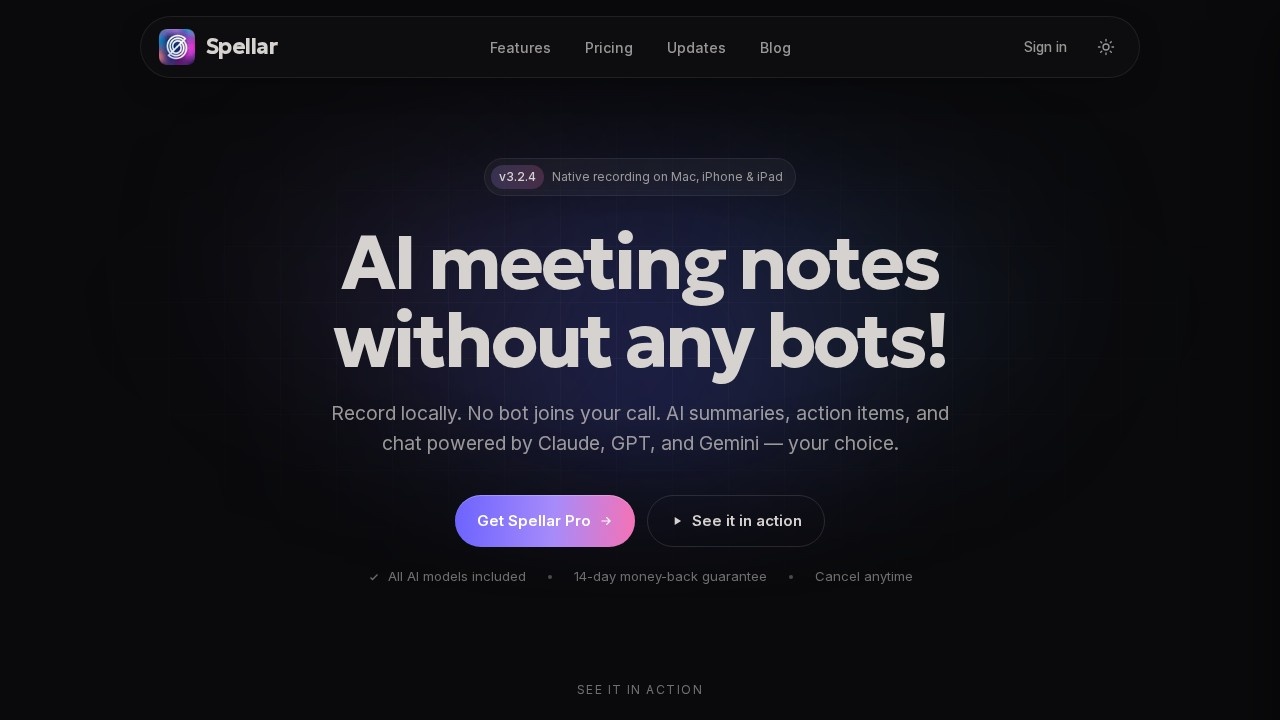
Spellar AI is a bot-free meeting assistant by Spellar for Mac, iPhone, iPad, and Web. It offers smart summaries, an AI copilot, support for 100+ languages, and over 18 integrations including Notion, J
What is Spellar?
Spellar AI is a meeting assistant designed for Mac, iPhone, iPad, and Web that operates without the need for a dedicated bot. Unlike many meeting tools that require you to invite a bot to your calendar or join meetings as a participant, Spellar works in the background, capturing and processing meeting data from your existing workflows. It positions itself as a smart, low-friction solution for professionals who want meeting summaries, real-time assistance, and cross-platform integration without adding another bot to their calendar invites.
Application scenarios
Spellar is built for environments where meetings are frequent and information overload is a real problem. Common use cases include:
- Remote and hybrid teams that need consistent meeting notes across different time zones and platforms.
- Client-facing roles where you need to quickly recall action items or decisions from past calls.
- Project management where meeting outputs need to flow directly into tools like Notion or other project trackers.
- Multilingual teams or international clients, given its support for over 100 languages.
- Personal productivity for individuals who want to offload note-taking and focus on conversation.
The key differentiator here is the "bot-free" approach—meaning you don’t have to remember to add Spellar to every meeting invite. It works with your existing calendar and meeting apps, which reduces friction for both you and your participants.
Main features
Based on the available description, Spellar offers the following core capabilities:
Smart summaries
Automatically generates concise meeting summaries, capturing key points, decisions, and action items without manual transcription.
AI copilot
Provides real-time assistance during meetings—think on-the-fly suggestions, context-aware prompts, or quick answers based on the conversation.
100+ language support
Transcribes and summarizes meetings in a wide range of languages, making it suitable for global teams.
18+ integrations
Connects with popular tools like Notion, and likely others in the productivity and project management space. This allows meeting data to be automatically pushed to your existing workflows.
Cross-platform availability
Works on Mac, iPhone, iPad, and Web, meaning you can access it from your desktop or on the go. The bot-free nature is a standout feature—it implies Spellar can pull meeting data from your calendar or meeting platform without needing to be explicitly invited, which is a common pain point with other assistants.
Target users
Spellar is aimed at professionals who attend multiple meetings daily and need to keep track of information without spending extra time on admin. Specific user groups include:
- Managers and team leads who need to distribute meeting notes to their teams quickly.
- Consultants and freelancers who work with multiple clients and need organized records.
- Sales and customer success teams that rely on accurate call notes for follow-ups.
- Non-native English speakers working in multilingual environments—the 100+ language support is a clear draw here.
- Remote workers who use a mix of devices (Mac, iPhone, iPad) and want a seamless experience across them.
How to use Spellar?
Getting started with Spellar is straightforward, given its bot-free design. Here’s a general workflow:
- Sign up on the Spellar website or download the app for your device (Mac, iPhone, iPad, or use the Web version).
- Connect your calendar (Google Calendar, Outlook, etc.) so Spellar knows when your meetings are scheduled.
- Authorize integrations with tools like Notion or others in the 18+ list to automatically push meeting summaries where you need them.
- Attend your meetings as usual—Spellar runs in the background, capturing audio and generating summaries without you having to invite a bot.
- Access your summaries post-meeting via the Spellar dashboard or directly in your integrated tools. The AI copilot can also be used during meetings for real-time help.
Because there’s no bot to invite, the setup is minimal. You just need to grant permissions once, and Spellar handles the rest. The cross-platform support means you can review or search past meetings from any of your devices.
Frequently Asked Questions
What is Spellar AI?
How does Spellar work without a bot?
What platforms does Spellar support?
Does Spellar support multiple languages?
What integrations does Spellar offer?
Is Spellar free to use?
Spellar - AI Tool Detail
Spellar AI is a bot-free meeting assistant by Spellar for Mac, iPhone, iPad, and Web. It offers smart summaries, an AI copilot, support for 100+ languages, and over 18 integrations including Notion, J
Category:Personal Assistant
Visit Link:https://www.spellar.ai/
Tags:AI meeting assistant、meeting summary tool、AI copilot、multilingual support、productivity integration