
Fellow
Fellow's AI meeting assistant by Fellow.app transcribes, summarizes, and extracts key insights from your meetings with high accuracy, helping teams stay aligned and productive.
What is Fellow?
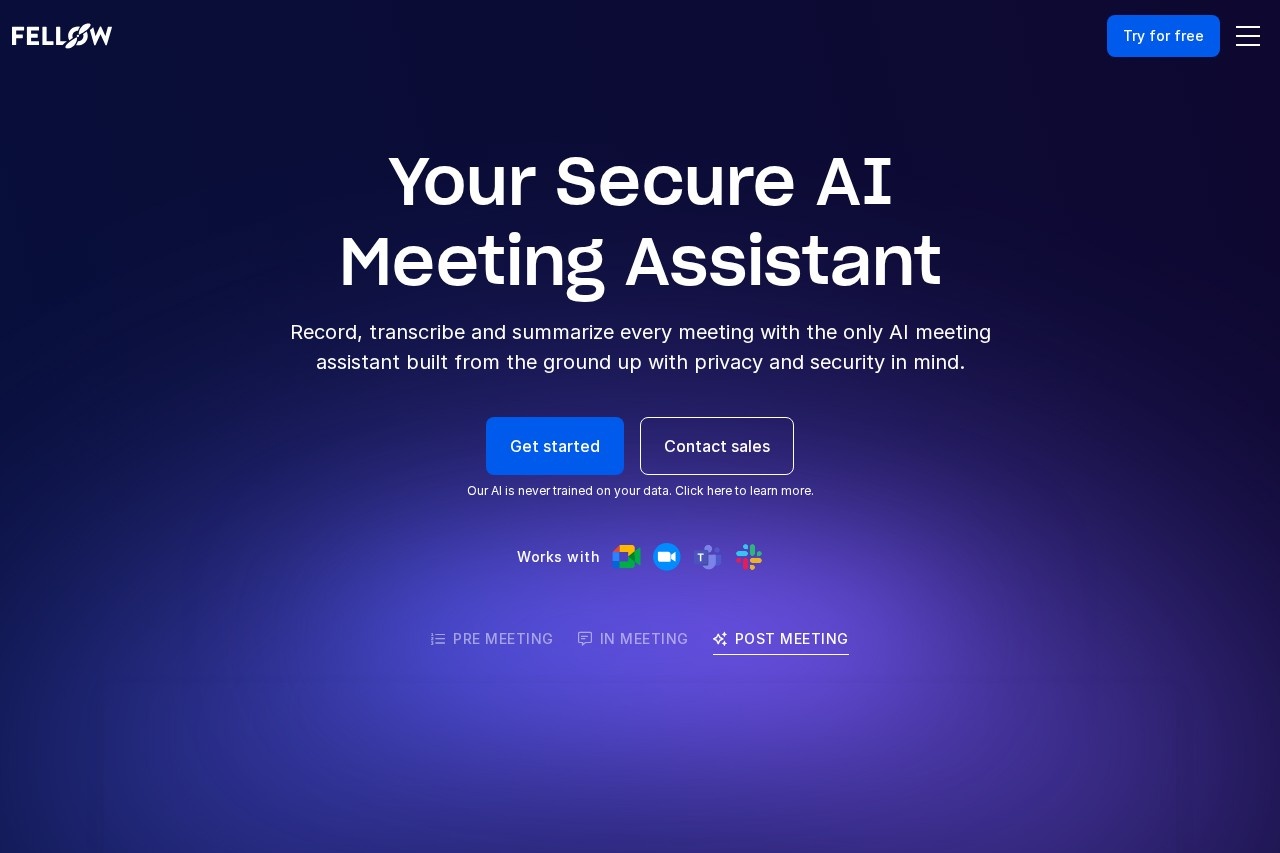
Fellow is a secure AI meeting assistant. It records, transcribes, and summarizes meetings across platforms like Zoom, Google Meet, Microsoft Teams, and Slack huddles. The tool centralizes recordings and notes while automating follow-ups and CRM updates. Teams use it to capture discussions, extract action items, and maintain alignment without compromising privacy.Application scenarios
Team Meetings
Automatically capturing notes and action items for internal discussions.
Customer Success
Generating actionable notes and follow-up workflows for client interactions.
Sales Pipeline Management
Automating CRM updates and email follow-ups after sales calls.
Marketing Coordination
Creating fast, accurate meeting notes for time-sensitive project planning.
Engineering Stand-ups
Accurately transcribing technical discussions for development teams.
Leadership Reviews
Providing secure and accurate meeting documentation for executive teams.
Pre-Meeting Preparation
Developing collaborative agendas and briefs before meetings begin.
Core Features
Secure AI Meeting Assistant
Record, transcribe, and summarize every meeting with built-in privacy controls.
AI Meeting Notes
Automatically capture notes and action items with high transcription accuracy.
AI Agent (AskFellow)
Get answers and insights from past meetings and instantly generate documents, emails, memos, or CRM updates.
Centralized Library
Keep all meeting recordings and summaries in one secure place with configurable sharing controls.
CRM Automation
Sync meeting insights directly to Salesforce and HubSpot, with suggested field updates.
Pre-Meeting Prep
Create collaborative agendas and pre-meeting briefs to ensure participants are prepared.
Cross-Platform Integration
Works with Zoom, Google Meet, Microsoft Teams, and Slack huddles.
Role-Specific Workflows
Offers tailored functionality for Customer Success, Marketing, Engineering, Leadership, and Sales teams.
Target users
Fellow is built for professional teams that rely on meetings. It specifically benefits Customer Success teams, Marketing teams, Engineering teams, Leadership teams, and Sales teams. Any role that participates in frequent meetings, needs accurate records, or requires automated follow-up workflows will find utility in the platform.How to use Fellow?
You can start by visiting the official website and clicking "Get started" or contacting sales. The tool integrates with your existing video conferencing platforms (Zoom, Google Meet, Microsoft Teams, Slack). Once connected, it automatically records, transcribes, and summarizes meetings. Users can then access the centralized library, use the AI agent to ask questions, and automate workflows like CRM updates directly from the platform.Effect review
The website positions Fellow as a tool that transforms meetings into actionable, searchable outcomes. Its strong emphasis on privacy as a foundational feature addresses a key concern for business users. By automating note-taking, summarization, and CRM updates, it aims to free participants to focus on discussion rather than documentation. The specific tailoring for different team functions suggests a design focused on practical workflow integration over generic note-taking. The promise of high accuracy in transcription and automated insight extraction positions it as a productivity hub for meeting-centric organizations.Frequently Asked Questions
What is Fellow's AI meeting assistant?
How does Fellow's AI assistant transcribe meetings?
What types of insights does Fellow's AI extract from meetings?
Can Fellow's AI assistant integrate with other tools?
Is Fellow's AI meeting assistant secure?
How accurate is Fellow's AI transcription and summarization?
Fellow - AI Tool Detail
Fellow's AI meeting assistant by Fellow.app transcribes, summarizes, and extracts key insights from your meetings with high accuracy, helping teams stay aligned and productive.
Category:Meeting Minutes
Visit Link:https://fellow.app/
Tags:meeting assistant、transcription、meeting summaries、productivity、team collaboration