FiavaionDictate
FiavaionDictate by Fiavaion is a real-time speech-to-text tool for browsers. It features AI-powered correction, 80+ voice commands, local processing with zero dependencies, and private AI support via
What is FiavaionDictate?
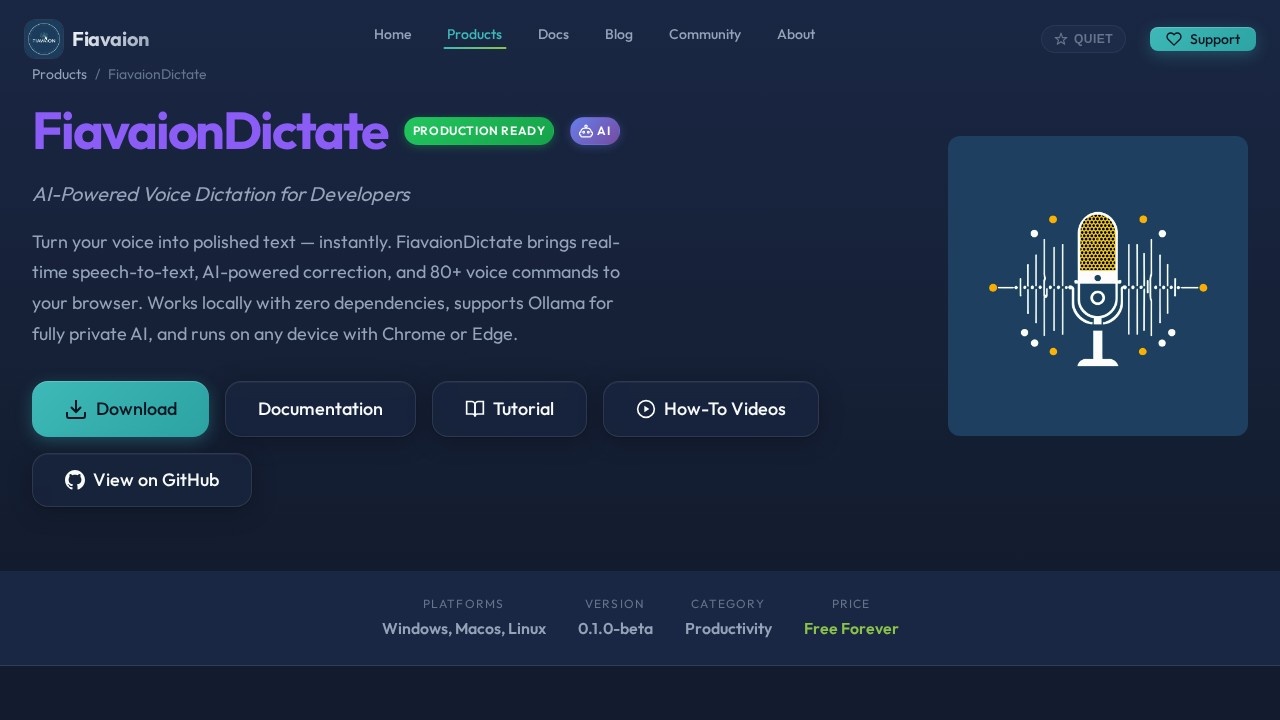
FiavaionDictate is a browser-based, real-time speech-to-text tool from Fiavaion that turns your voice into polished text instantly. It runs as a lightweight local server from a single Python file with zero dependencies beyond Python 3, and works on any device with Chrome or Edge. The tool transcribes speech in real time, sends the raw text through an AI correction pass, and shows every change as a diff so you stay in control. It's built for developers using Claude Code but works for any writing workflow.
Application scenarios
Developer documentation
Dictate code comments, API docs, or technical notes hands-free.
Long-form writing
Compose articles, reports, or creative content with AI-assisted polishing.
Meeting notes
Record and clean up meeting summaries with voice commands for formatting.
Code comment blocks
Use macro recording to automate repetitive comment structures.
Status updates
Quickly dictate and format status reports or team updates.
Accessibility
Write without typing—useful for users with mobility or repetitive strain issues.
Core Features
Real-time speech-to-text
Built on the Web Speech API, it transcribes with confidence feedback—words are color-coded so you can spot low-confidence areas at a glance.
80+ voice commands
Control punctuation, formatting, editing, and session management entirely by voice—no mouse required.
AI correction with four modes
Choose between Ollama (local, 100% private, free), Google Gemini (cloud, free tier), Anthropic Claude (cloud, paid), or OpenAI GPT (cloud, paid) for text polishing.
Diff sidebar
The two-pane interface shows raw dictation on the left and AI-corrected version on the right, with every change displayed as a diff you can accept, reject, or ignore via voice command.
Macro recorder
Record sequences of voice commands and replay them instantly with a single phrase—ideal for repetitive workflows like starting meeting notes or formatting code blocks.
Session management
Save, load, and manage dictation sessions to keep your work organized.
Private AI support
All API keys are encrypted with AES-GCM and stored only in your browser's localStorage—never sent to Fiavaion.
Cross-platform
Works on Windows, macOS, and Linux via Chrome or Edge.
Target users
Developers who want to dictate code comments, technical writers composing documentation, and anyone who prefers speaking over typing for writing tasks. It's especially useful for Claude Code users and those who need private, local AI processing with Ollama.
How to use FiavaionDictate?
- Download FiavaionDictate from the official site or GitHub.
- Run the single Python file locally (requires Python 3 only).
- Open Chrome or Edge and navigate to the local server address.
- Click the microphone button to start dictating.
- Use voice commands for punctuation, formatting, and editing.
- Review the diff sidebar to accept or reject AI corrections.
- Save sessions or export your polished text.
Pricing and free trial
The tool is listed as Free Forever—no pricing tiers or trial limitations are mentioned.
Effect review
FiavaionDictate delivers a practical, no-nonsense dictation experience that prioritizes control and privacy. The real-time transcription with confidence feedback gives you immediate visibility into accuracy, and the diff sidebar is a standout feature for anyone who wants to see exactly what the AI changed. The four AI correction modes—especially the local Ollama option—make it flexible for both privacy-conscious users and those who prefer cloud models. The 80+ voice commands and macro recorder reduce friction for power users, though the beta version (0.1.0-beta) suggests some rough edges may still exist. For a free tool that runs locally with zero dependencies, it's a solid choice for developers and writers who want voice-driven productivity without vendor lock-in.
Frequently Asked Questions
What is FiavaionDictate?
How does AI correction work in FiavaionDictate?
What voice commands are available?
Does FiavaionDictate work offline?
Is my speech data private?
Which browsers are supported?
FiavaionDictate - AI Tool Detail
FiavaionDictate by Fiavaion is a real-time speech-to-text tool for browsers. It features AI-powered correction, 80+ voice commands, local processing with zero dependencies, and private AI support via
Category:AI voice assistant
Visit Link:https://www.fiavaion.com/products/fiavaion-dictate/
Tags:speech-to-text、voice commands、AI correction、browser tool、local processing