
Notewarp
Notewarp by Notewarp is an AI-powered note-taking tool that records thoughts, uploads audio, or pastes text to generate clear notes, transcripts, summaries, and action items, with shareable exports fo
What is Notewarp?
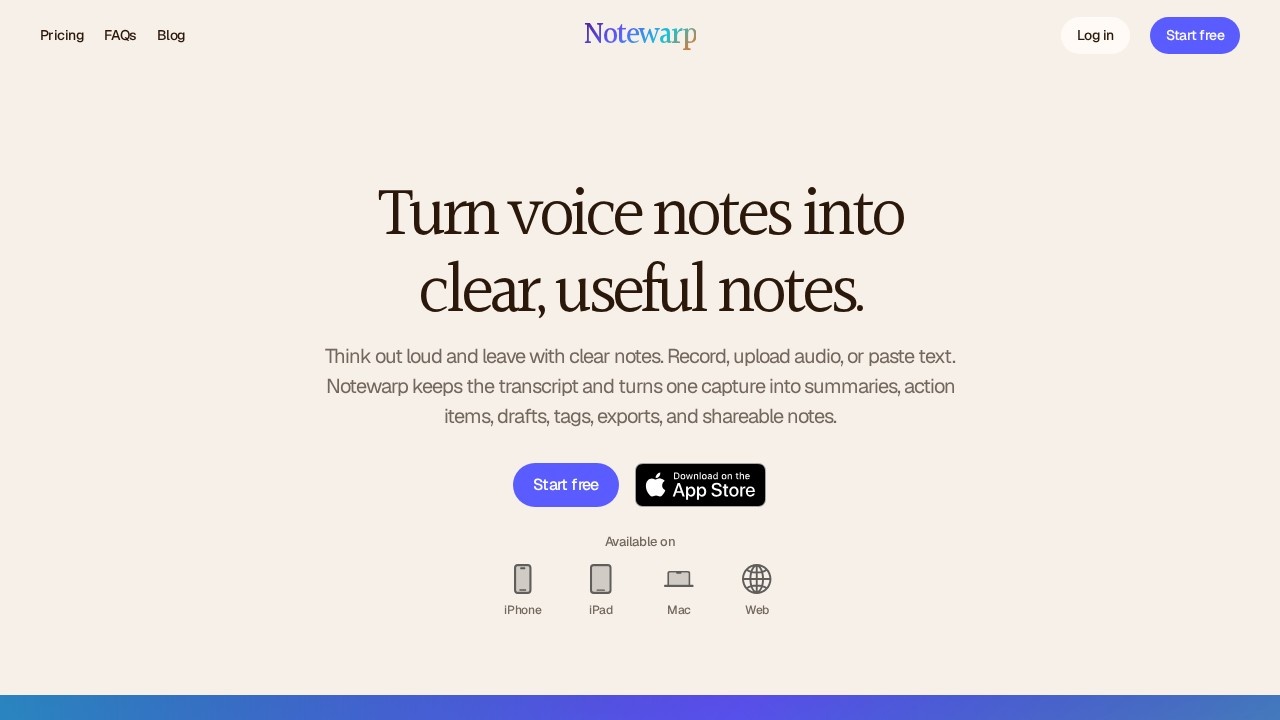
Notewarp is an AI-powered note-taking tool that turns rough voice notes, audio uploads, or pasted text into clean, structured notes. You capture the messy version first, and Notewarp keeps the original source while generating summaries, action items, drafts, tags, and shareable exports. The platform works across iPhone, iPad, Mac, and Web, so you can start on one device and pick up on another. It's built for people who think out loud and want useful output without manual cleanup.
Application scenarios
Voice memos
Record long-form audio in the moment and keep the original recording attached to the note.
Meeting follow-ups
Turn a rough voice note into a follow-up email or meeting recap with clear action items.
Content drafting
Reshape one capture into a blog post, executive brief, or clean note in your preferred style.
Study and research
Import files or links, scan text, and organize notes into color-coded folders by project or subject.
Project management
Keep travel plans, drafts, and ongoing projects organized while jumping through long notes with an automatic outline.
Team communication
Export notes as PDF, Word, plain text, HTML, or Markdown to share the version that fits the moment.
Core Features
Multi-format capture
Record audio, upload a file, import a link, scan text, or paste and write your own note.
Source preservation
Notewarp keeps the original recording or text attached to the cleaned note, so details stay searchable and verifiable.
AI note cleaning
The tool removes filler and ramble while preserving meaning and nuance from the original capture.
Writing styles
Choose a built-in style or save your own to reshape structure, tone, and detail level while keeping the original meaning intact.
Output formats
Turn one capture into a clean note, summary, executive brief, blog post, or a custom style you define.
Export options
Save or share notes as PDF, Word, plain text, HTML, or Markdown.
Color-coded folders
Organize notes into color-coded folders so projects, study, travel, and drafts stay easy to find.
Automatic outline
Jump between headings, lists, and key sections in long notes without endless scrolling.
Search and edit
Ask, search, edit, and export notes with the source kept close for reference.
Target users
Notewarp suits professionals, students, and creators who capture thoughts verbally and need structured output. Project managers can turn call notes into action plans. Students can organize study material into color-coded folders. Writers and marketers can reshape one idea into emails, blog posts, or briefs. Anyone who records voice memos and dreads manual cleanup will find the workflow useful.
How to use Notewarp?
Start by visiting the official site and signing up for the free tier. Capture a thought by recording audio, uploading a file, or pasting text. Notewarp cleans the note, removes filler, and preserves the source. Then pick a format—summary, email, action plan, or meeting recap—and edit, search, export, or share the result. The app is available on iPhone, iPad, Mac, and Web, so you can capture on the go and shape the note later.
Effect review
Notewarp addresses a real pain point: voice notes are messy, and manual cleanup eats time. The platform's strength is keeping the original source attached to the cleaned output, which means you never lose context. The writing style presets and export options give users flexibility without forcing a single workflow. The automatic outline is a practical touch for long notes, and the color-coded folders help with organization at scale. For a tool that starts with "capture now, shape it later," Notewarp delivers a straightforward path from rough audio to shareable, structured notes. The free tier makes it easy to test whether the AI cleaning quality matches your needs before committing.
Frequently Asked Questions
How does Notewarp generate notes from audio?
Can I paste text into Notewarp to get summaries?
What types of outputs does Notewarp produce?
Is Notewarp free to use?
Can I share my Notewarp notes with others?
Does Notewarp support multiple languages?
Notewarp - AI Tool Detail
Notewarp by Notewarp is an AI-powered note-taking tool that records thoughts, uploads audio, or pastes text to generate clear notes, transcripts, summaries, and action items, with shareable exports fo
Category:Meeting Minutes
Visit Link:https://notewarp.com/
Tags:AI note-taking、audio transcription、meeting summaries、action items、voice notes