
Mem
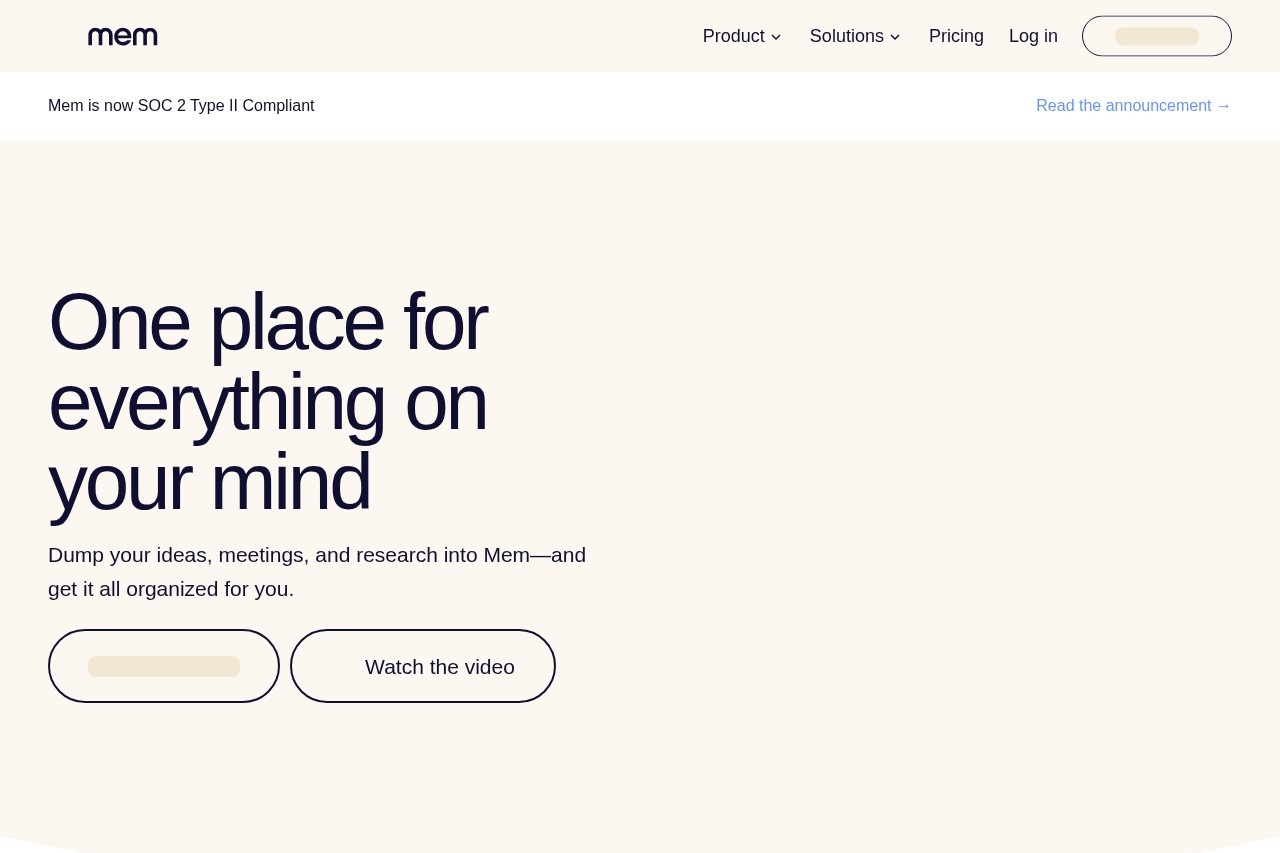
Mem is an AI-powered workspace that organizes team knowledge, automates note-taking, and surfaces relevant information to streamline collaboration and boost productivity.
What is Mem?
Mem is an AI-powered workspace designed to function as a thought partner. It serves as a central place for users to capture ideas, meetings, and research. The tool automatically organizes this information and surfaces relevant past notes to streamline collaboration and boost productivity. Users interact with it to offload mental clutter and get answers from their accumulated knowledge.Application scenarios
Personal knowledge management
Dumping ideas, brain dumps, and research into a single, organized system.
Meeting management
Recording, transcribing, and automatically taking notes during meetings.
Web research
Saving websites and online content quickly using a browser extension.
Mobile capture
Sending information to Mem via quick messages while on the go.
Content drafting and Q&A
Using saved notes as a basis for answering questions or drafting new content.
Team collaboration
Organizing team knowledge and surfacing relevant information to streamline group work.
Core Features
Voice-to-note capture
Turn spoken brain dumps into organized notes using your voice.
Automated meeting notes
Let Mem record, transcribe, and take notes for your meetings.
Web clipper
Save any website in a single click with the dedicated Mem Chrome Extension.
Mobile message capture
Shoot Mem a quick message with information you want to remember while on the go.
AI-powered organization
Ask Mem to automatically organize your notes into collections for you.
Heads Up context surfacing
Automatically see related timelines, notes, and collections without having to search for them.
Semantic search
Find information by describing it, even without specific keywords.
Chat with your notes
Ask Mem questions about your saved content and use it to help draft new material.
SOC 2 Compliance
The platform is SOC 2 Type II compliant, indicating a focus on security and data protection.
Target users
Mem benefits individuals and teams looking to reduce cognitive load and improve information retrieval. It is particularly useful for professionals who attend frequent meetings, conduct research, and need a reliable system to capture and later utilize scattered ideas and data. Teams aiming to centralize collective knowledge and streamline collaboration will find its automated organization and context-surfacing features valuable.How to use Mem?
You can start by downloading the Mem application for Mac or using the web platform. The primary workflow involves capturing information through various methods: speaking, during meetings, via a Chrome extension, or by sending messages. Once information is in Mem, the AI organizes it and surfaces related context automatically. You can then ask Mem questions about your notes or use it to help draft content. For detailed setup, visit the official website.Effect Review
Mem positions itself as a system that moves beyond manual organization to proactive knowledge management. By automating the capture and recall of information, it directly targets the productivity drain of "not forgetting." The feature set implies a significant reduction in the time users spend sorting and searching for notes, allowing them to focus on utilizing their accumulated knowledge. The ability to find information through descriptive language and to chat with your own notes suggests a shift from static storage to an interactive thought partnership. For teams and individuals drowning in digital clutter, Mem offers a structured, AI-driven approach to making captured information genuinely actionable.Frequently Asked Questions
What is Mem?
How does Mem automate note-taking?
Can Mem help with team collaboration?
What platforms does Mem support?
Is Mem secure for sensitive information?
How does Mem surface relevant information?
Mem - AI Tool Detail
Mem is an AI-powered workspace that organizes team knowledge, automates note-taking, and surfaces relevant information to streamline collaboration and boost productivity.
Category:Knowledge Base
Visit Link:https://mem.ai/
Tags:AI workspace、team collaboration、knowledge management、note-taking automation、productivity tool