LedgerEasy
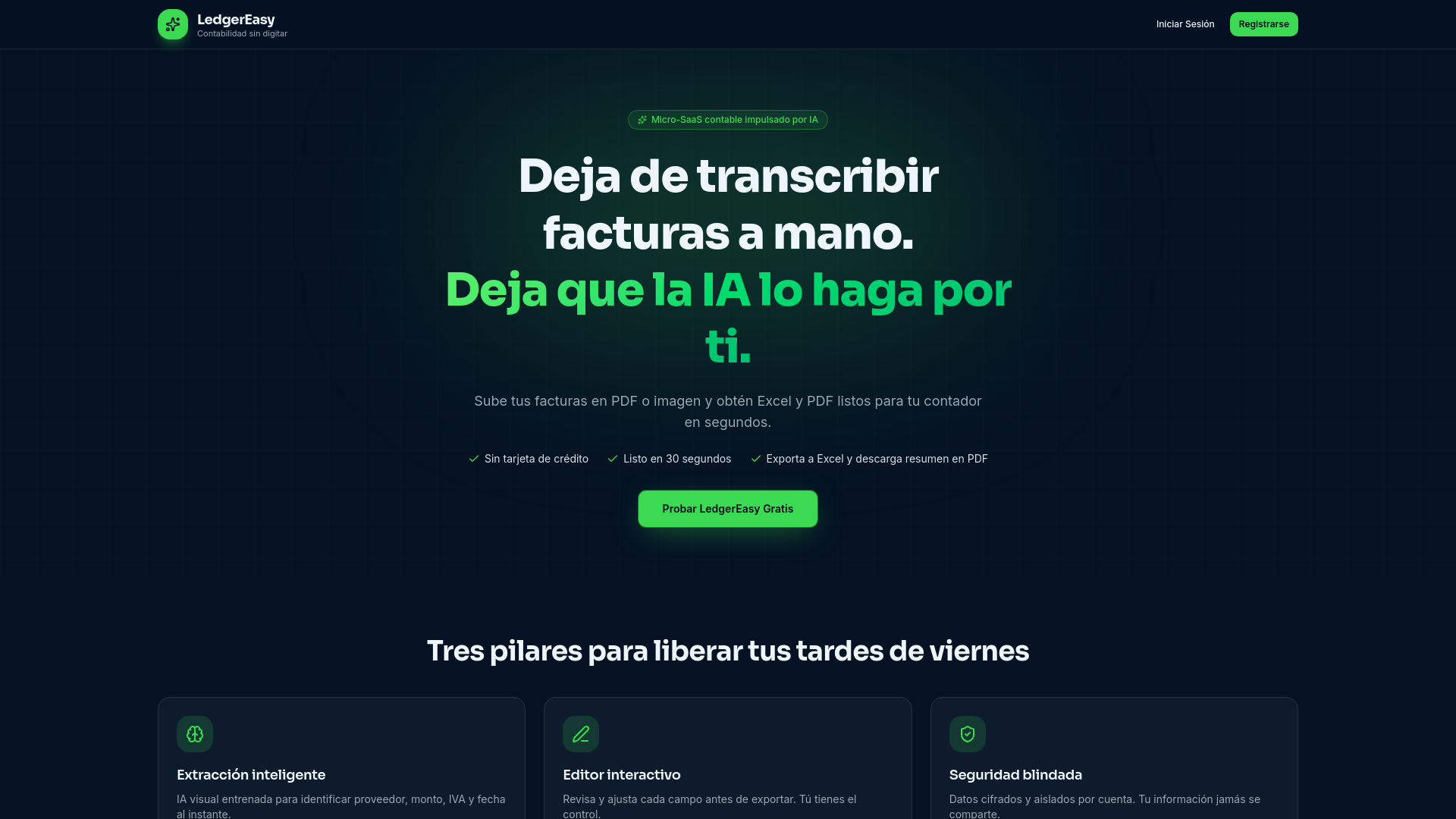
LedgerEasy is an AI-powered tool by the LedgerEasy team that automates invoice data extraction for accounting, eliminating manual transcription and exporting directly to Excel and PDF.
What is LedgerEasy?
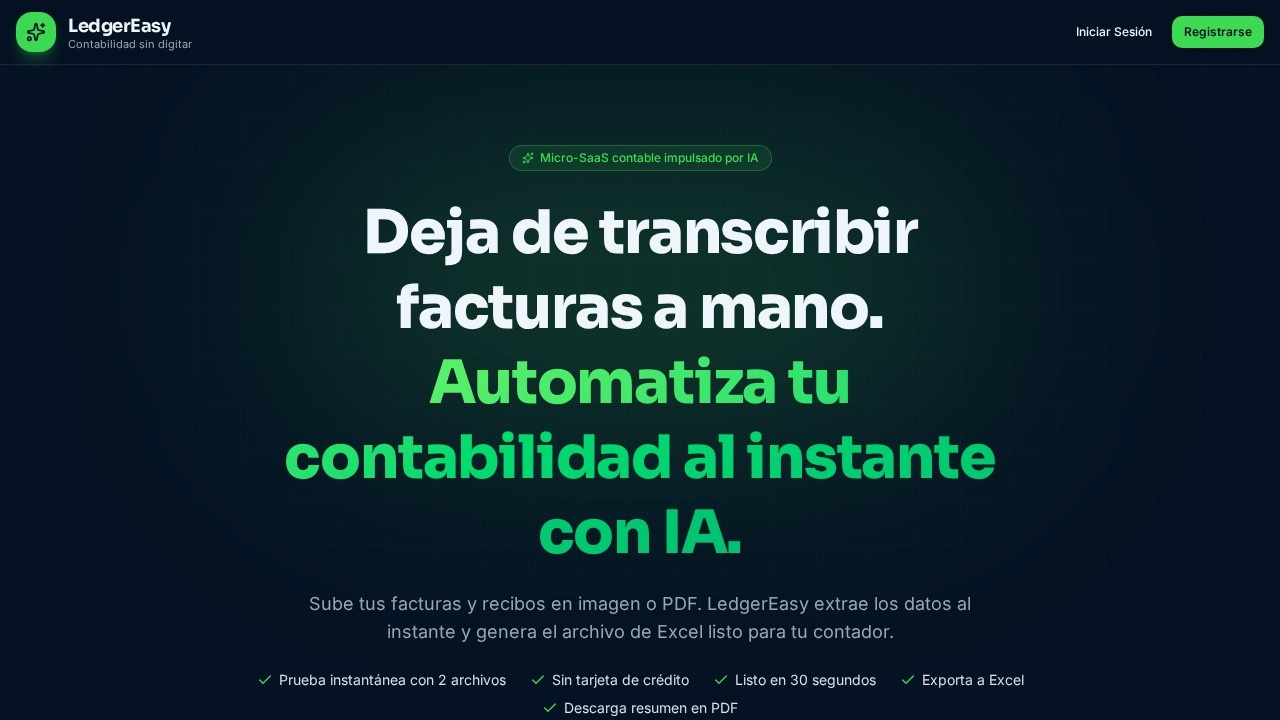
LedgerEasy is an AI-powered micro-SaaS tool that automates invoice data extraction for accounting. Instead of manually transcribing invoices and receipts, users upload images or PDFs, and the AI instantly extracts key fields like vendors, amounts, VAT, and dates. The tool then generates a structured Excel file ready for an accountant, and also offers a PDF summary download. It promises a 30-second turnaround and a free instant test with two files, no credit card required.Application scenarios
Small business accounting
Quickly digitize and organize supplier invoices for monthly bookkeeping.
Freelancer expense tracking
Convert receipt photos into structured data for tax filing.
Accounting firm batch processing
Process up to 500 invoices per month for multiple clients.
Monthly financial reporting
Generate PDF summaries of invoice data for review or sharing.
Quick data correction
Use the interactive editor to fix any extraction errors before exporting.
Cross-platform export
Download Excel files for direct import into accounting software.
Core Features
Intelligent AI extraction
Automatically recognizes vendors, amounts, VAT, and dates from uploaded invoice images or PDFs—no manual data entry required.
Interactive full editor
Review and edit any extracted field with a single click before exporting; the AI proposes, but you keep full control.
Bank-level security
Financial documents are encrypted and strictly isolated per account; your information remains private and is never shared.
Excel export
Generate a structured .xlsx file ready for your accountant or accounting software.
PDF summary download
Export a PDF summary of your invoice data for record-keeping or sharing.
Filters by month and category
On the Professional plan, filter your exported data by month and category for better organization.
Premium export without watermark
The Professional plan removes watermarks from Excel and PDF exports.
Extra invoice packs
Purchase additional 100-invoice packs ($9 one-time) if you run out of quota on a paid plan—no need to change your subscription.
Target users
Small business owners, freelancers, accountants, and bookkeepers who need to automate invoice data entry. The tool is designed for anyone tired of manually transcribing invoices and wants a fast, secure way to generate Excel files for their accounting workflow.How to use LedgerEasy?
- Visit the LedgerEasy website and start a free trial (no credit card required).
- Upload your invoice or receipt as an image or PDF file.
- The AI extracts vendor, amount, VAT, and date fields within seconds.
- Review and edit any field using the interactive editor.
- Export the data as a structured Excel file or download a PDF summary.
Pricing and free trial
LedgerEasy offers a free instant test with two files (no credit card required). Paid plans are:- Plan Básico: $24/month – up to 100 invoices/month, structured Excel export (.xlsx), monthly PDF summary, email support.
- Plan Profesional: $59/month – up to 500 invoices/month, Excel + PDF premium export without watermark, filters by month and category, priority support.
- Paquete Extra de Facturas: $9 one-time payment – additional 100-invoice pack for users who have exhausted their quota, added immediately without changing the current plan.
Effect review
LedgerEasy delivers exactly what it promises: fast, accurate invoice data extraction with a clean export workflow. The interactive editor gives users the final say, which is critical for accounting accuracy. The free two-file test lets you verify quality before committing, and the tiered pricing scales reasonably from solo freelancers to small firms. While the tool lacks integrations with specific accounting software (like QuickBooks or Xero), the Excel export is a universal workaround. For anyone tired of manual transcription, LedgerEasy is a practical, no-nonsense solution.Frequently Asked Questions
What file formats does LedgerEasy support for invoice upload?
How accurate is the AI data extraction?
Can I export extracted data to Excel and PDF?
Is LedgerEasy secure for sensitive financial data?
Does LedgerEasy support multiple currencies?
LedgerEasy - AI Tool Detail
LedgerEasy is an AI-powered tool by the LedgerEasy team that automates invoice data extraction for accounting, eliminating manual transcription and exporting directly to Excel and PDF.
Category:Automation
Visit Link:https://getledgereasy.com/
Tags:AI invoice data extraction、accounting automation、Excel export、PDF export、bookkeeping tool