
Invoice &
Invoice & by Jaklens is a free offline Windows app for tracking invoices and expenses. It uses local AI to read PDFs without cloud, subscription, or account—download and start in 60 seconds.
What is Invoice &?
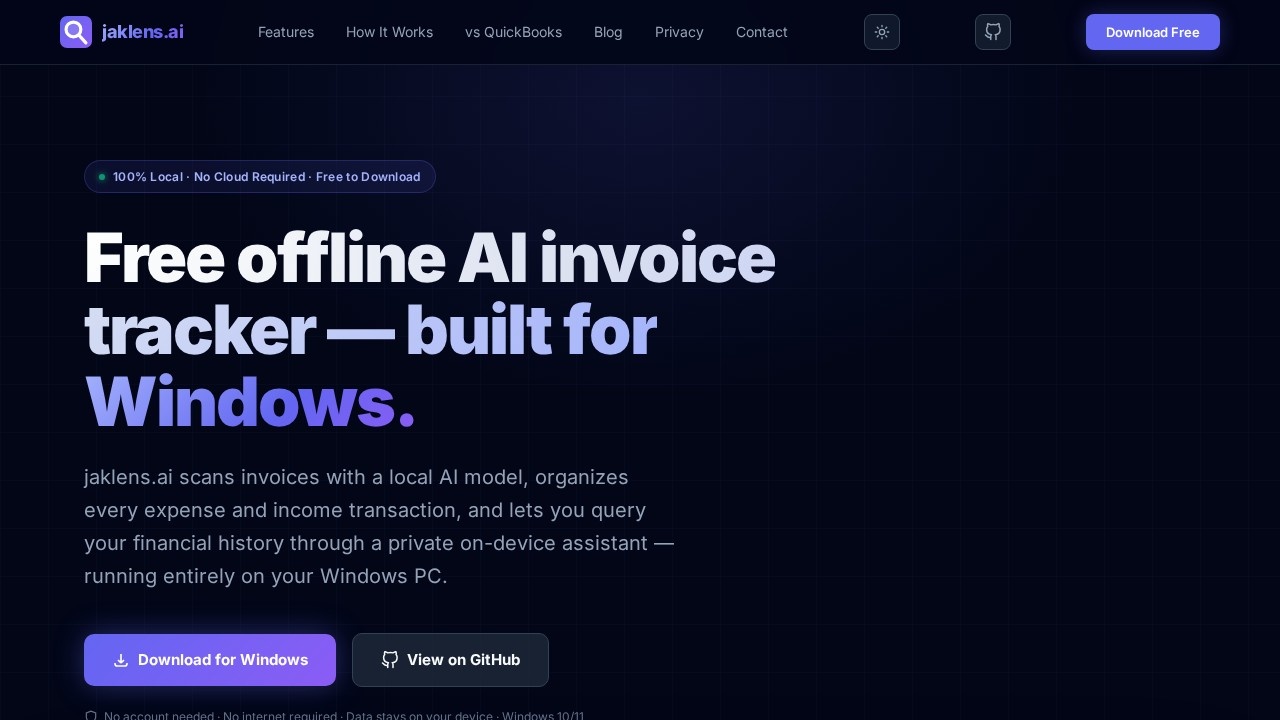
Invoice & by Jaklens is a free offline Windows app for tracking invoices and expenses. It uses a local AI model (Qwen2.5) to scan PDF or image invoices and extract key details like vendor names, line items, and tax amounts—all without an internet connection or cloud dependency. Users can manually enter invoices, track expenses and income, and query their financial history through a private on-device AI assistant. Everything runs entirely on your Windows PC, with no account, subscription, or data leaving your device.Application scenarios
Small business invoicing
Track and approve invoices from vendors like AWS, with automatic OCR extraction of line items and totals.
Freelance expense management
Manually log income and expenses, categorize by type (e.g., Rent, Technology), and view running totals.
Financial querying
Ask the AI assistant natural-language questions like "What's my net balance this month?" and get instant answers.
Audit compliance
Use the mandatory approval workflow with timestamped audit trails to review and approve invoices.
Multi-currency accounting
Handle invoices and transactions in different currencies with separate ledgers for expenses and income.
Data privacy-focused finance
Process sensitive financial documents locally without uploading to any third-party cloud service.
Core Features
AI Invoice OCR
Upload PDF or image invoices and let the local Qwen2.5 model automatically extract vendor names, invoice numbers, line items, dates, and tax amounts.
Manual Invoice Entry
Fill in invoice details manually—vendor, line items, dates, tax, currency—when no file is available, and it enters the workflow as a fully structured invoice.
Expense & Income Tracker
Manage separate ledgers for expenses and income with category management, search, filtering by status and date, and running totals across your full history.
Multi-currency support
Handle transactions in different currencies within the same ledger system.
Invoice Approval Workflow
Review AI-extracted fields, correct errors, then approve or reject with a mandatory reason; every action is logged in a timestamped audit trail.
Invoice ↔ Transaction Linking
Approved invoices link bidirectionally to tracker entries, preventing duplicate entries and allowing instant navigation between invoices and transactions.
Excel Export
Export any filtered view of invoices or transactions to a formatted Excel workbook, including a dedicated line items sheet, with a native save dialog and no third-party upload.
AI Financial Assistant
Ask natural-language questions about your finances; the context-aware chat assistant reads your live database at the start of each conversation and runs locally via llama.cpp.
Target users
Invoice & is built for small businesses, freelancers, and finance teams who want AI-powered invoice and expense tracking without handing their data to a third party. It's ideal for Windows users who need a fast, private, offline solution for managing invoices, expenses, and income.How to use Invoice &?
Download the app for Windows 10/11 from the official website or GitHub. No account or internet connection is required. Once installed, you can upload PDF or image invoices for AI OCR extraction, manually enter invoice details, or use the AI Financial Assistant to query your financial history. The app runs entirely offline on your device.Pricing and free trial
Invoice & is free to download and use. No subscription or account is needed.Effect review
Invoice & delivers exactly what it promises: a fully offline, AI-powered invoice tracker that runs locally on Windows. The local Qwen2.5 model handles OCR extraction with high confidence (e.g., 98% on a sample AWS invoice), and the approval workflow with audit trails adds real value for compliance-conscious users. The AI Financial Assistant provides instant, context-aware answers to financial queries, making it more than just a passive tracker. For freelancers and small businesses who want to avoid cloud dependency, this is a practical, no-nonsense tool that works out of the box.Frequently Asked Questions
How does Invoice & read PDFs without the cloud?
Is Invoice & completely free to use?
How fast can I start using it?
Can I use it on Mac or Linux?
Does it require an internet connection?
What kind of PDFs can it read?
Invoice & - AI Tool Detail
Invoice & by Jaklens is a free offline Windows app for tracking invoices and expenses. It uses local AI to read PDFs without cloud, subscription, or account—download and start in 60 seconds.
Category:Document processing
Visit Link:https://jaklens.com/
Tags:invoice tracking、offline AI、expense management、PDF invoice reader、local AI