
QoderWork
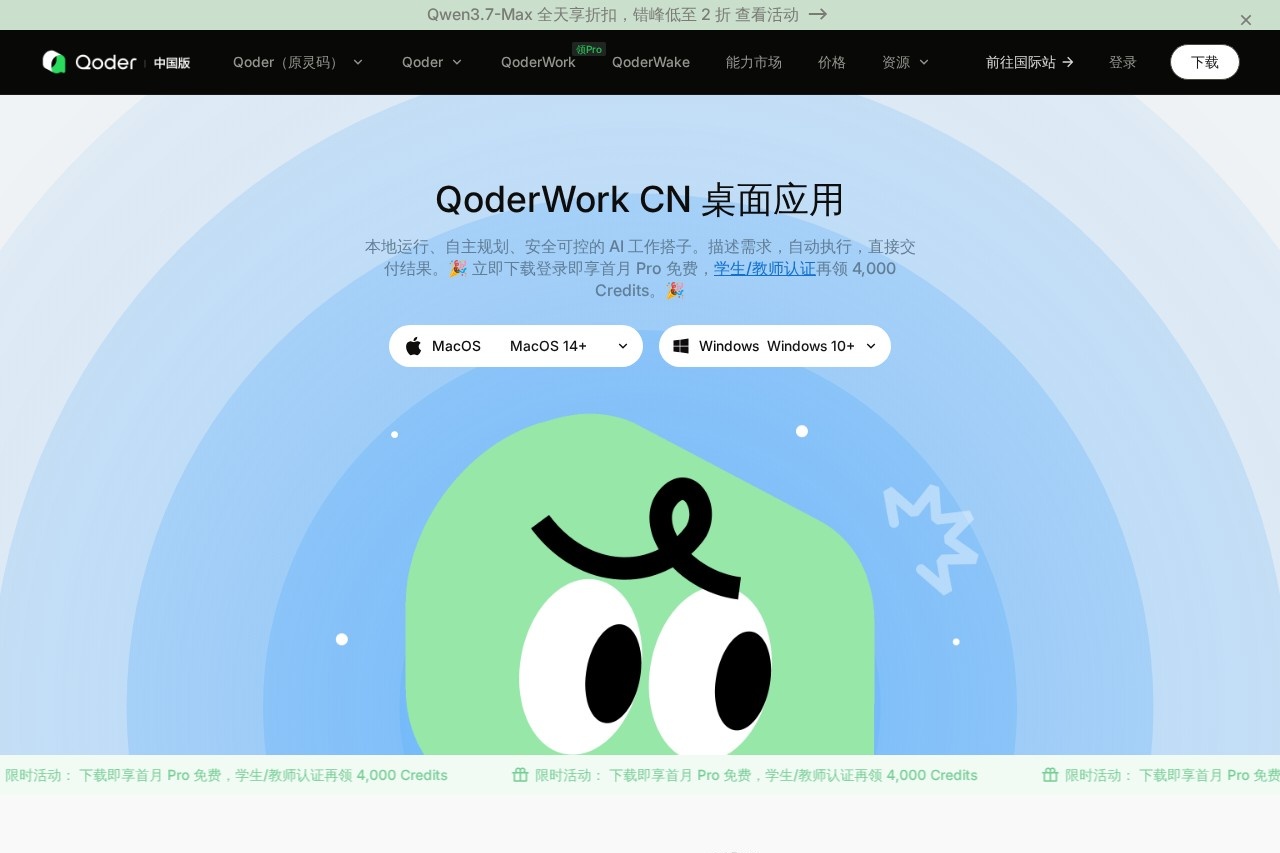
AI desktop assistant by Qoder for planning, executing, and delivering tasks locally. It autonomously manages workflows based on user instructions, keeping data on-device for full control and privacy.
What is QoderWork?
QoderWork is a desktop AI assistant that runs locally on your machine, autonomously planning and executing tasks based on your natural language instructions. It handles file organization, data processing, and document generation directly in your chosen workspace folder, keeping all data on-device for full privacy and control. The tool is designed as a daily productivity partner—you describe what you need, and it delivers finished results without manual intervention.Application scenarios
Reddit user feedback analysis
Automatically browse Reddit communities, scrape competitor posts and comments, extract user pain points and unmet needs, and output a structured insight report—reducing manual work from 1–2 days to 11 minutes.
Teaching algorithm animation
Visualize gradient descent steps for educational videos by having QoderWork analyze algorithm logic and call Animation Skills to generate HD demonstrations—cutting production from 2–3 days to 5 minutes.
Deep sales data analysis
Read Excel files directly, perform multi-dimensional analysis, and generate visual charts and analysis reports—compressing a 1.5-day task (pivot tables, charts, insights) down to 8 minutes.
Blog image generation
Have the tool read your article content, understand the theme, and automatically generate matching illustrations for export—replacing 30–60 minutes of stock photo hunting with a single step.
Core Features
Natural language task interaction
Describe your goal in plain language, select a folder as your workspace, and the task monitor shows real-time status and progress.
Built-in browser automation
Navigate websites, collect data, and fill forms autonomously—no extra tools needed for repetitive web tasks.
Multi-format professional output
Directly export to Word, Excel, PPT, and PDF, with built-in AI generation for images, infographics, and posters.
Local file access
Run entirely on your machine, accessing authorized folders directly without uploads or downloads—results save automatically and files never leave your device.
Autonomous planning and skill expansion
Automatically break down tasks and execute them step-by-step, with built-in mainstream MCP support and custom Skills for continuous extensibility.
Safe, transparent, and controllable
Only access authorized folders; deleted files can be restored at any time. Full visualization with real-time traceability of all operations.
Skill marketplace
Includes pre-built Skills for PPT, data analysis, and document conversion, and lets you package workflows as reusable Skills for your team.
Target users
Professionals and teams who handle repetitive data tasks, content creation, or research workflows—such as data analysts, educators, marketers, content writers, and product managers. Anyone who wants to automate multi-step processes (web scraping, file processing, document generation) without coding or switching between multiple apps.How to use QoderWork?
Download the desktop app from the official website, sign in, and select a folder as your workspace. Describe your task in natural language (e.g., "Analyze this Excel sales data and generate a report"), and QoderWork autonomously plans and executes the steps. Monitor progress via the task monitor, and export the final result directly to Word, Excel, PPT, or PDF.Pricing and free trial
The website offers a free trial: download and log in to get the first month of Pro free. Additionally, students and teachers who verify their status receive 4,000 Credits. No further pricing tiers or subscription details are provided.Effect review
The featured use cases show dramatic time savings—Reddit analysis from 1–2 days to 11 minutes, teaching animations from 2–3 days to 5 minutes, and sales reports from 1.5 days to 8 minutes. These numbers suggest QoderWork genuinely automates heavy lifting for common office and research tasks, not just simple chatbot responses. The local-first approach with file-level access control is a strong differentiator for users concerned about data privacy. While the tool’s real-world reliability depends on how well it handles complex, multi-step instructions, the built-in browser automation and skill marketplace give it a practical edge over generic AI assistants. It’s a solid bet for anyone tired of manually stitching together separate tools for data scraping, analysis, and document creation.Frequently Asked Questions
What is QoderWork?
How does QoderWork ensure data privacy?
What kind of tasks can QoderWork handle?
Is QoderWork free to use?
Does QoderWork require an internet connection?
QoderWork - AI Tool Detail
AI desktop assistant by Qoder for planning, executing, and delivering tasks locally. It autonomously manages workflows based on user instructions, keeping data on-device for full control and privacy.
Category:Personal Assistant
Visit Link:https://qoder.com.cn/referral?referral_code=eBq1r5PBvEAlTv3r34P01KBGHTj0ILlW
Tags:AI desktop assistant、local task automation、on-device AI、privacy-first workflow、autonomous task management