
What is DeskClaw?
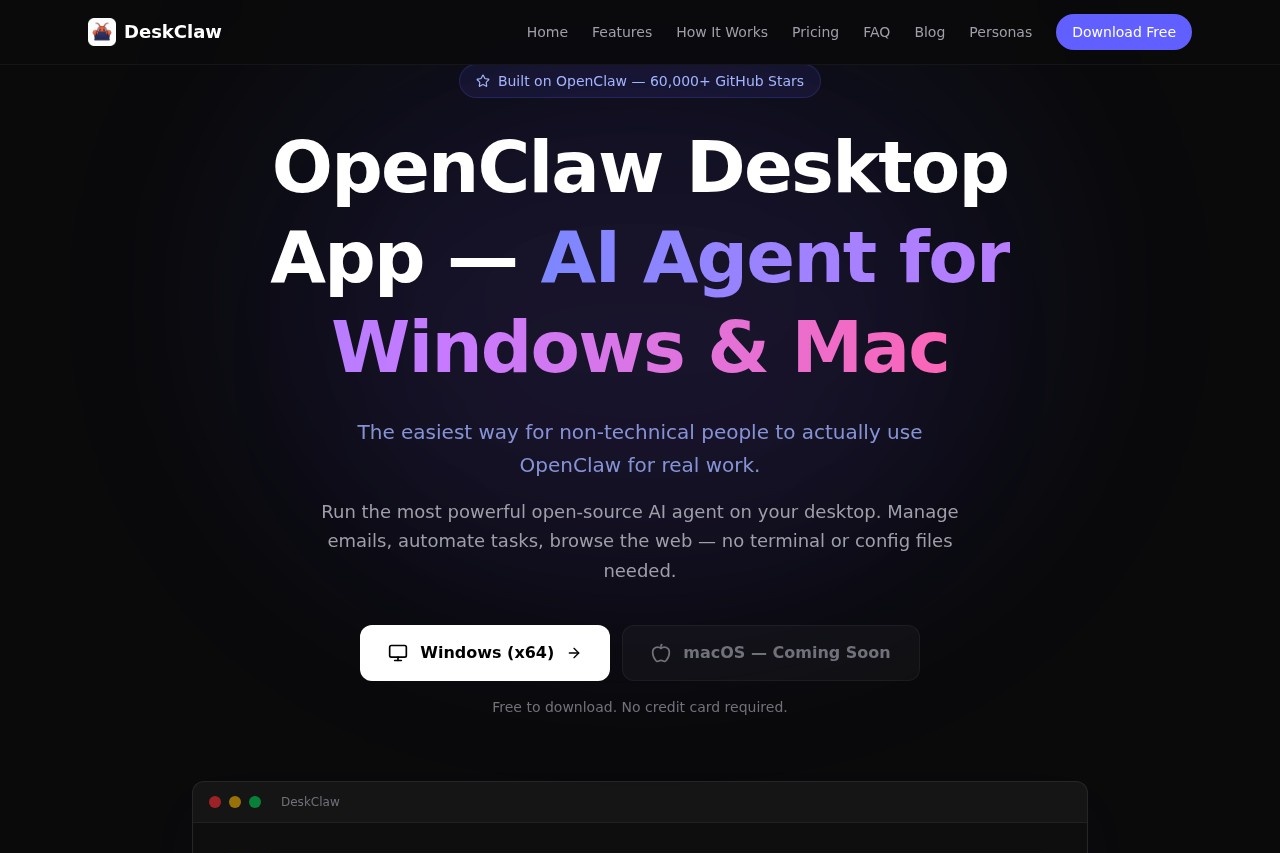
DeskClaw is a desktop application that runs the OpenClaw AI agent locally on Windows and macOS. It provides a simplified interface that requires no terminal commands or complex configuration files. Users can employ it to manage emails, automate tasks, browse the web, and control applications directly through chat.Application scenarios
Email management
Summarize important emails and triage your inbox.
Task automation
Automate repetitive computer-based tasks.
Real-time information gathering
Search the web for weather, news, documentation, or stock prices.
Customer support
Use a specialized persona to handle and draft responses to support tickets.
Code review
Employ an AI persona to flag bugs, security vulnerabilities, and performance issues in code.
App control
Manage applications like Spotify directly from the chat interface.
Remote tasking
Control your desktop AI agent via connected Telegram or WhatsApp from your phone.
Core Features
Local desktop agent
Run a powerful open-source AI agent directly on your Windows or Mac computer.
No-terminal installation
Install the application via a simple download and double-click, bypassing command-line setup.
Built-in AI models
Access top models like Claude, GPT, Gemini, and Qwen directly within the app without managing API keys.
Multi-session chat
Run several separate conversations in parallel within a single application window.
Messaging app integration
Connect your Telegram or WhatsApp account to send tasks to your desktop AI from your phone.
Real-time web search
The AI can perform live internet searches to provide up-to-date information.
Pre-installed skills
Use 10 ready-made skills out of the box, including Gmail management, Spotify control, and blog monitoring.
Usage dashboard
Monitor your consumption, associated costs, and top up credits via Stripe.
AI personas
Instantly apply one of 200+ pre-built personas for specific roles without any prompt engineering.
Streamlined onboarding
Get started with a three-step process: download, sign up with email for free credits, and begin chatting.
Target users
DeskClaw is built for non-technical users who want to leverage a powerful AI agent without dealing with development setups. It also benefits professionals like business users needing email and task automation, engineers looking for code review assistance, and support agents requiring customer ticket triage. Anyone seeking a local, automated assistant for desktop work is the primary audience.How to use DeskClaw?
The process is designed for simplicity. First, download and install the application for your operating system (Windows is available; macOS is listed as coming soon). Second, create an account using your email address; you receive free starting credits. Third, begin chatting with your AI assistant directly in the app to manage emails, automate tasks, or connect it to Telegram or WhatsApp for remote control.Effect review
DeskClaw positions itself as a significant simplification layer over the manual OpenClaw setup, eliminating barriers like terminal commands and configuration files. The inclusion of built-in models, pre-installed skills, and one-click personas suggests a strong focus on immediate utility and productivity for everyday desktop tasks. The ability to operate the agent locally and control it via popular messaging apps points to a flexible tool designed for integrated, real-world workflow automation. The promise of getting started in under five minutes underscores its commitment to an accessible user experience.Frequently Asked Questions
What is DeskClaw?
Do I need technical skills to use DeskClaw?
What operating systems does DeskClaw support?
Does DeskClaw require an internet connection to run AI agents?
Is DeskClaw free to use?
How do I get started with DeskClaw?
DeskClaw - AI Tool Detail
DeskClaw by OpenClaw AI is a desktop application that runs AI agents locally on Windows and macOS, requiring no terminal or complex configuration for an easy start.
Category:Agents
Visit Link:https://deskclaw.net/
Tags:desktop application、AI agents、local AI、Windows、macOS