
Grass
Grass by Code on Grass lets you dispatch a task, close your laptop, and pick it up when ready—automating background work for developers.
What is Grass?
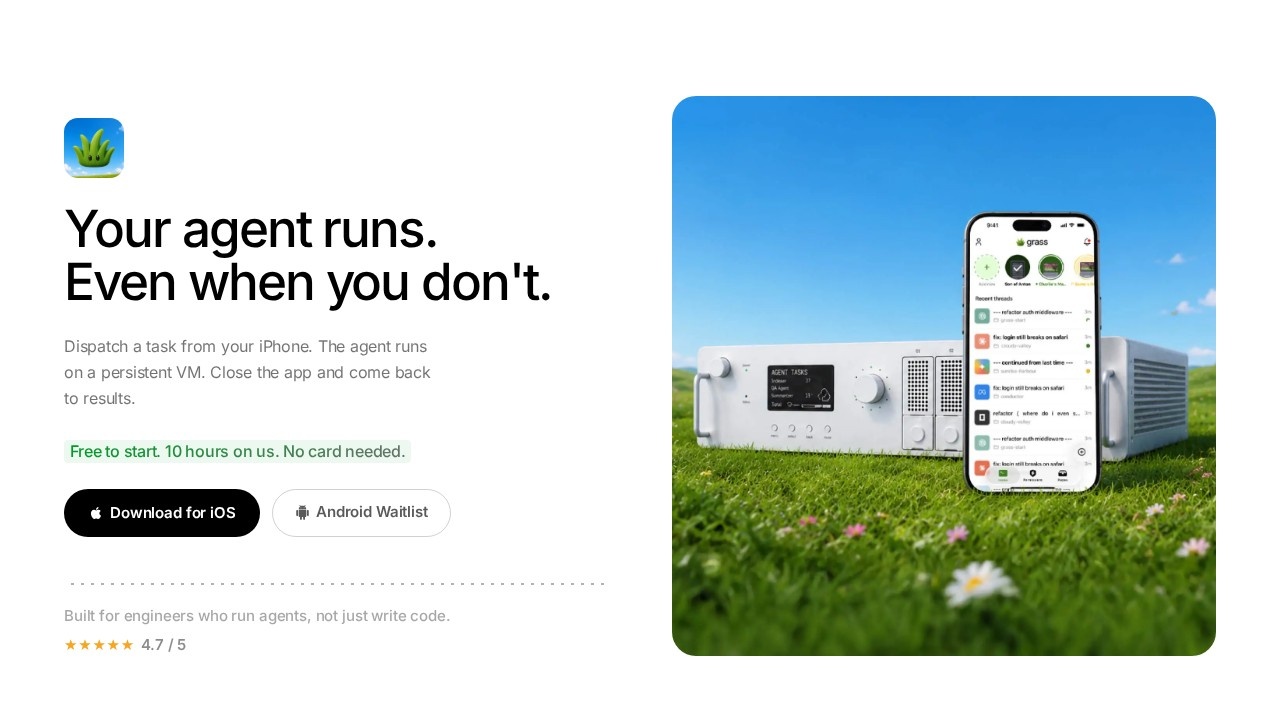
Grass is a mobile-first tool that lets you dispatch tasks to a persistent virtual machine (GrassVM) from your iPhone, close your laptop, and return to completed results. It solves the problem of agent sessions dying when your laptop sleeps, loses connection, or hits a permission wall. Built for engineers who run agents, not just write code, Grass keeps your agent running even when you're not at your desk. It works with Claude Code and Opencode, and sessions survive sleep with notifications in under two seconds—no SSH required.Application scenarios
Overnight builds
Fire a build task before bed, close your laptop, and wake up to finished results without babysitting the terminal.
Remote approvals
Approve or reject permission requests from your phone while away from your desk, even at 2am.
Multi-machine workflow
Switch between GrassVM, your Mac, and your server in one tap without losing context.
On-the-go debugging
Review diffs and redirect agents from anywhere, like a beach in Goa, while the agent keeps running.
Uninterrupted agent sessions
Keep sessions alive during meetings, WiFi drops, or laptop closures so the agent never stalls.
Mobile-first development
Start 68% of sessions on iPhone and run them to completion 3× more often than before.
Core Features
Persistent GrassVM
Your agent runs on a machine that doesn't sleep—close your laptop and the session stays alive until work is done.
Mobile permission approvals
Every permission request surfaces as a push notification on your phone; tap to approve or reject instantly.
Diff review on phone
View added, modified, deleted, and renamed files per-line, organized by repo and navigable—not a terminal wall of text.
Multi-machine switching
Switch between GrassVM, your Mac, and your server in one tap without losing session context.
Fast notifications
Notifications arrive in under two seconds, keeping you informed without SSH.
Claude Code and Opencode integration
Works seamlessly with popular agent tools so you can dispatch tasks from your iPhone.
Session survival
Sessions outlast your attention span—fire a task, close your laptop, walk away, and come back to results.
No SSH required
No need to SSH in to check if a session is still running; everything is managed through the app.
Target users
Senior engineers, developers, and technical leads who run long-duration agents, build overnight, or need to approve code changes while away from their desk. It's especially useful for remote workers, frequent travelers, and anyone who wants to stop babysitting terminals.How to use Grass?
Download the Grass app for iOS or Android (free to start). Dispatch a task from your iPhone, and the agent runs on GrassVM. Close the app and come back to results later. Permission requests appear as push notifications—tap to approve or reject. You can also switch between GrassVM, your Mac, and your server in one tap without losing context.Pricing and free trial
Free to start with 10 hours on us. No card needed. Download for iOS or Android.Effect review
Grass delivers on its promise of "your agent runs even when you don't," with a 4.7/5 star rating from users. Real-world feedback highlights that 68% of sessions are started on iPhone, and sessions run to completion 3× more often after using Grass. The ability to approve file writes from a beach in Goa and have a PR merged before finishing coffee is a genuine productivity win. For engineers tired of babysitting terminals and losing context to WiFi drops, Grass offers a practical, mobile-first solution that keeps agents alive and under your control.Frequently Asked Questions
What is Grass?
How does Grass automate background tasks?
What types of tasks can I dispatch with Grass?
Do I need to keep my laptop open for Grass to work?
Is Grass suitable for team collaboration?
Does Grass integrate with existing development tools?
Grass - AI Tool Detail
Grass by Code on Grass lets you dispatch a task, close your laptop, and pick it up when ready—automating background work for developers.
Category:Automation
Visit Link:https://codeongrass.com/
Tags:background automation、developer tool、task offloading、async computing、code on grass