
CodeMote
CodeMote by Caste lets you run terminal, AI coding agents, and git from iPhone or iPad, driving VS Code, Cursor, and Antigravity on your own machine without cloud copies.
What is CodeMote?
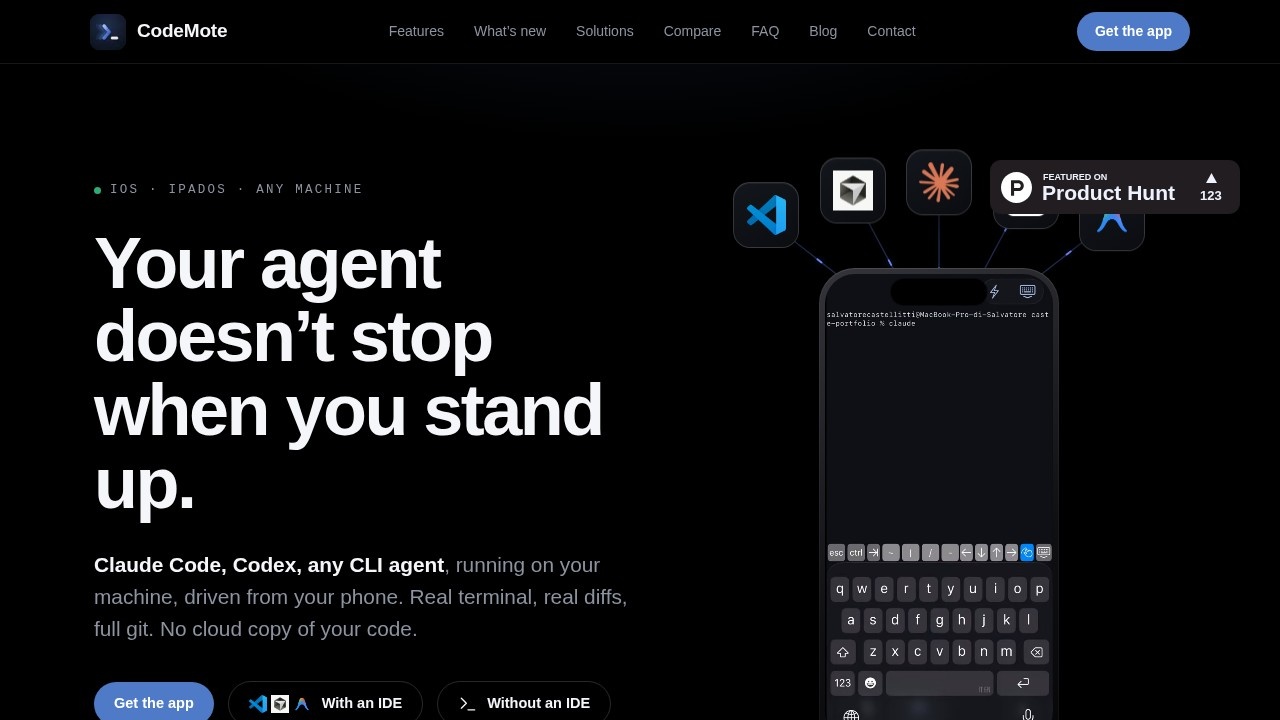
CodeMote by Caste is an iOS and iPadOS app that lets you run terminal, AI coding agents, and git from your iPhone or iPad, remotely driving your own machine. It connects to editors like VS Code, Cursor, and Antigravity on your computer, giving you full control over your development environment without sending your code to the cloud. The app streams a live terminal to your Lock Screen, so you can monitor agents, approve changes, and manage your workflow on the go. It’s a remote control for any CLI-based AI coding agent, offering real terminal access, real diffs, and full git functionality.Application scenarios
On-the-go coding
Start or monitor AI coding agents (Claude Code, Codex, any CLI agent) from your phone while away from your desk.
Lock Screen approvals
Glance at agent requests, approve or redirect actions, and put the phone back in your pocket without opening the app.
Real-time dev server monitoring
Start a dev server, watch its output stream live, and leave it running in the background for hours.
Full git management
Stage, diff, commit, push, branch, and read your git history directly from your iPhone or iPad.
File editing and browsing
Open the full file tree on your machine, edit code, fix typos, tweak configs, and commit changes.
Headless or IDE-connected use
Connect to VS Code, Cursor, or Antigravity, or run without any editor at all.
Core Features
Lock Screen Live Activity
The terminal streams live on your Lock Screen, updating as the agent works; it flips to a waiting state and pings you when a decision is needed.
Real terminal and full CLI
Unlike chat-only apps, CodeMote gives you a real terminal with full command-line access to your machine.
Agent support
Run any CLI-based AI coding agent (Claude Code, Codex, Cursor) on your own computer, maintaining the same access it has at your desk.
Diff viewer
Review the actual diff an agent produced, open the file, and check changes in context before approving.
File browsing and editing
Browse and edit files directly on your machine via the app, with no cloud copy.
Full git flow
Stage, diff, commit, push, branch, and read history without needing a GitHub login or tokens stored on your device.
Dev server streaming
Start a dev server and watch its output live; background the app and come back later to find it still running.
No cloud copy
Your code never touches CodeMote’s servers; it runs entirely on your own machine.
Target users
CodeMote is built for developers and engineers who use AI coding agents (Claude Code, Codex, Cursor) and need to stay productive away from their desk. It’s ideal for remote workers, indie hackers, and anyone who wants to monitor, approve, or manage coding tasks from an iPhone or iPad without being tied to a laptop.How to use CodeMote?
Install the CodeMote app from the iOS App Store on your iPhone or iPad. Ensure your computer has VS Code, Cursor, or Antigravity running (or no editor at all). The app connects to your machine via a tunneled connection, allowing you to start agents, review diffs, manage git, and browse files from your mobile device. For detailed setup instructions, refer to the official website at https://codemote.caste.work/.Effect review
CodeMote delivers a practical solution for developers who want to stay productive while mobile, offering real terminal access, git control, and file editing without relying on cloud copies. The Lock Screen Live Activity feature is a standout—it lets you monitor agents and approve changes with minimal friction. Compared to chat-only agent apps, CodeMote provides deeper control over your development environment, including full diff review and dev server streaming. For anyone using CLI-based AI agents, this app effectively extends your desk to your pocket.Frequently Asked Questions
What is CodeMote?
Do I need a subscription to use CodeMote?
How does CodeMote connect to my machine?
Can I run AI coding agents with CodeMote?
Does CodeMote store my code in the cloud?
What IDEs are compatible with CodeMote?
CodeMote - AI Tool Detail
CodeMote by Caste lets you run terminal, AI coding agents, and git from iPhone or iPad, driving VS Code, Cursor, and Antigravity on your own machine without cloud copies.
Category:Programming Assistant
Visit Link:https://codemote.caste.work/
Tags:mobile AI coding、terminal on iPhone、VS Code remote