
Glance
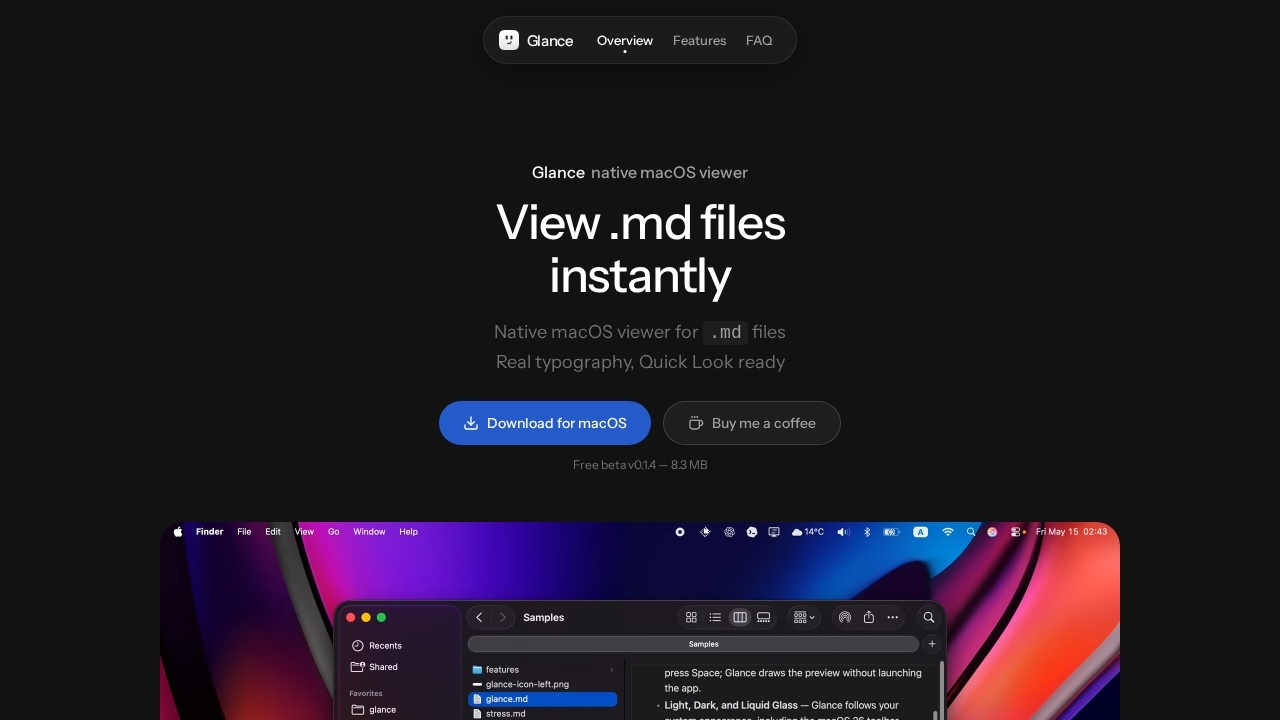
Native macOS viewer by Glance for .md files, offering real typography and Quick Look support with no editor chrome.
What is Glance?
Glance is a native macOS viewer for .md files that renders Markdown with real typography and Quick Look support. It loads instantly, runs entirely offline, and requires no accounts or telemetry. Users open Markdown files directly in Finder by tapping the space bar—no editor chrome, no distractions. It’s designed for quickly skimming AI-generated Markdown output without opening a full editor.
Application scenarios
Reviewing AI agent output
Skim through mountains of `.md` files generated by AI agents instantly.
Quick file previews
Tap space in Finder to render Markdown pages without launching a separate app.
Offline document reading
View `.md` files on a Mac with no network calls, accounts, or tracking.
Minimalist note-taking workflow
Write in your editor, read in Glance—no editing distractions.
Sharing Markdown documents
Use Quick Look to preview `.md` files shared by colleagues or collaborators.
Reading local documentation
Open `.md` or `.markdown` files for project docs, READMEs, or notes.
Core Features
Quick Look integration
Press space in Finder to instantly render Markdown pages with proper formatting.
Real typography
Displays Markdown with clean, generous typography—no raw source text.
Local-first design
Runs entirely on your Mac—no accounts, no telemetry, no network calls except optional update checks.
Smart zoom
Pinch to zoom around your pointer for precise control.
Tiny binary
Only 8.3 MB in size, offline only, and lightweight on system resources.
Format support
Opens any `.md` or `.markdown` file; related text types render as Markdown too.
Clean toolbar
Minimal interface with no editor chrome—just the rendered page.
Universal binary
Works on macOS 14 (Sonoma) and later, both Apple Silicon and Intel.
Target users
Glance is built for developers, writers, and AI power users who work with Markdown files daily. It’s ideal for anyone who needs a fast, distraction-free viewer for .md output—especially those reviewing AI-generated content, documentation, or notes. Casual Mac users who want a better Quick Look experience for Markdown files will also benefit.
How to use Glance?
- Download the DMG from the official website.
- Drop Glance into
/Applications. - Open the app once so macOS picks up Quick Look integration.
- In Finder, select any
.mdor.markdownfile and press the space bar to instantly view the rendered page. - Use pinch-to-zoom for detailed inspection.
Pricing and free trial
Glance is completely free. The website states: "Everything Glance does today is free, forever. No trial, no paywall, no catch." The current version (beta v0.1.4) is offered as a free download with no subscription or hidden costs.
Effect review
Glance delivers exactly what it promises: a native, lightweight Markdown viewer for macOS that integrates seamlessly with Quick Look. The 8.3 MB binary and offline-first design make it practically instant to load and use. While it lacks editing capabilities (by design), the clean typography and smart zoom features make it a superior alternative to Preview or TextEdit for Markdown files. For users who frequently handle .md output from AI tools or documentation workflows, Glance removes friction without adding bloat. The free, no-strings-attached pricing is a welcome bonus for a tool this focused.
Frequently Asked Questions
What is Glance?
What file types does Glance support?
Does Glance support Quick Look?
Is Glance free to use?
How does Glance differ from other Markdown editors?
Glance - AI Tool Detail
Native macOS viewer by Glance for .md files, offering real typography and Quick Look support with no editor chrome.
Category:Document processing
Visit Link:https://glance.md/
Tags:macOS、markdown viewer、quick look、typography、file preview