Markdown to Word Converter
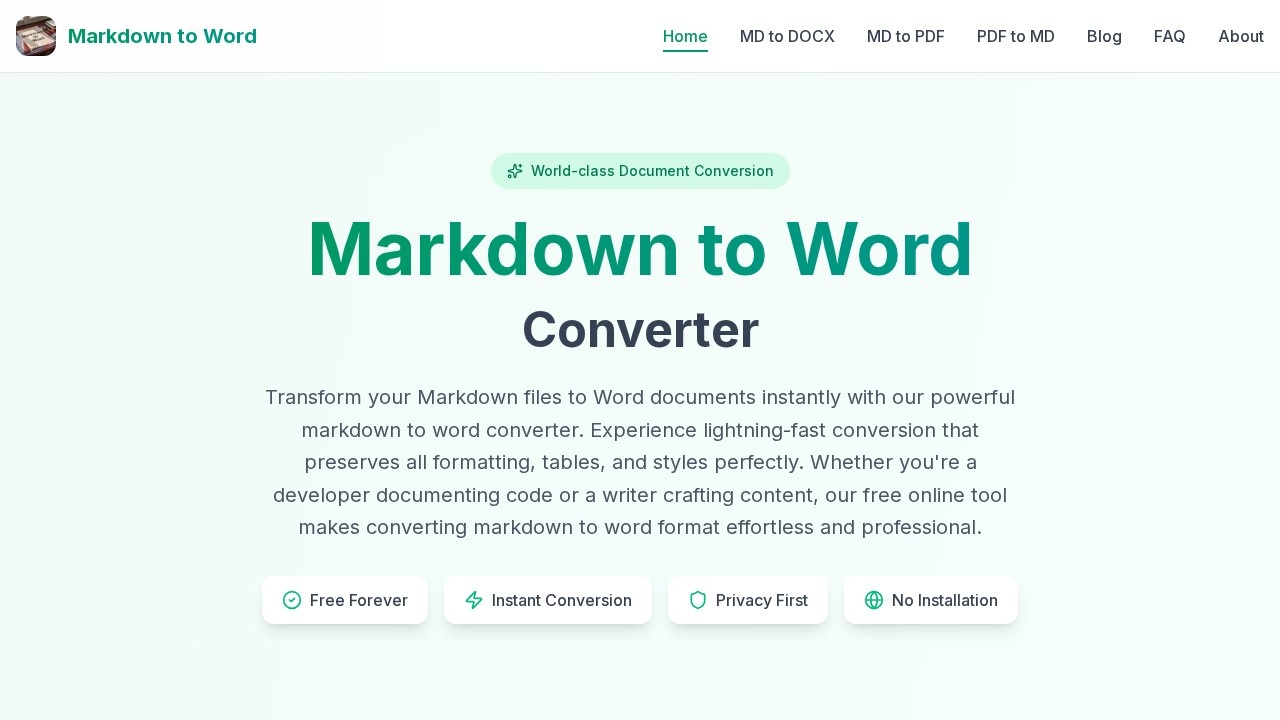
A free online tool by Markdown-to-Word for instant Markdown to DOCX conversion. It preserves formatting, requires no signup, and transforms files in seconds for quick document creation.
What is Markdown to Word Converter?
Markdown to Word Converter is a free online tool that instantly transforms Markdown files into Word (DOCX or legacy DOC) documents. It preserves all formatting, including headers, lists, links, tables, and code blocks, without requiring any software installation or signup. Users upload or paste Markdown content, preview the result in real time, then download a professional Word file. The tool processes everything directly in the browser, ensuring files never leave your device.Application scenarios
Technical documentation
Convert GitHub READMEs and technical docs into polished Word reports for stakeholder presentations.
Academic papers
Turn research notes into journal-ready Word documents with proper citations and formatting.
Business reports
Transform Markdown reports into client-ready Word documents that maintain professional styling.
Content writing
Share Markdown drafts with editors and collaborators in the familiar Word format for easier review.
Code documentation
Developers can quickly produce formatted Word files from code documentation and comments.
Core Features
Instant conversion
Processes even complex documents in milliseconds, delivering perfect Word files every time.
Format preservation
Keeps all headers, lists, links, tables, code blocks, and nested structures intact in the output.
100% private
All conversion happens in your browser; files never touch external servers.
Multiple input methods
Paste Markdown text, upload an .md file, or drag-and-drop directly into the converter.
Real-time preview
Watch your document transform live before downloading, letting you perfect every detail.
Output format options
Choose between modern .DOCX or legacy .DOC format for compatibility.
No file limits
Upload and convert as many files as needed without restrictions.
Batch processing support
Convert multiple Markdown files at once (mentioned on the site).
Cross-platform compatibility
Works on Windows, Mac, Linux, iPhone, and Android without any installation.
Target users
This tool is designed for developers, technical writers, content creators, academics, and business professionals who need to convert Markdown files into polished Word documents quickly. It's especially useful for anyone working with GitHub READMEs, research notes, or client reports who wants to avoid formatting headaches.How to use Markdown to Word Converter?
- Input your Markdown: Paste Markdown text, upload an .md file, or drag-and-drop content into the converter.
- Preview & customize: Watch the live preview update as you edit your Markdown, showing exactly how the Word document will appear.
- Download Word file: Click the convert button and download your finished .DOCX or .DOC file—no signup required.
Pricing and free trial
The tool is described as "Free Forever" on the website. No paid tiers or trial limitations are mentioned.Effect review
Markdown to Word Converter delivers exactly what it promises: fast, private, and formatting-accurate conversion without any friction. The real-time preview is a standout feature, letting users catch formatting issues before downloading. For developers and writers who frequently need to share Markdown content in Word format, this tool eliminates the usual hassle of broken tables or lost code blocks. While the site doesn't include user testimonials or awards, the straightforward feature set suggests reliable performance for everyday document conversion needs.Frequently Asked Questions
What is the Markdown to Word Converter?
Do I need to sign up to use it?
Is the conversion free?
How long does the conversion take?
Does it preserve Markdown formatting?
Markdown to Word Converter - AI Tool Detail
A free online tool by Markdown-to-Word for instant Markdown to DOCX conversion. It preserves formatting, requires no signup, and transforms files in seconds for quick document creation.
Category:Uncategorized
Visit Link:https://markdown-to-word.com/
Tags:markdown-to-docx、free online converter、no-signup tool、document formatting、instant conversion