
Evoto
Evoto AI by Evoto is an all-in-one photo editing tool for photographers, streamlining RAW processing, color grading, and portrait retouching in a seamless workflow.
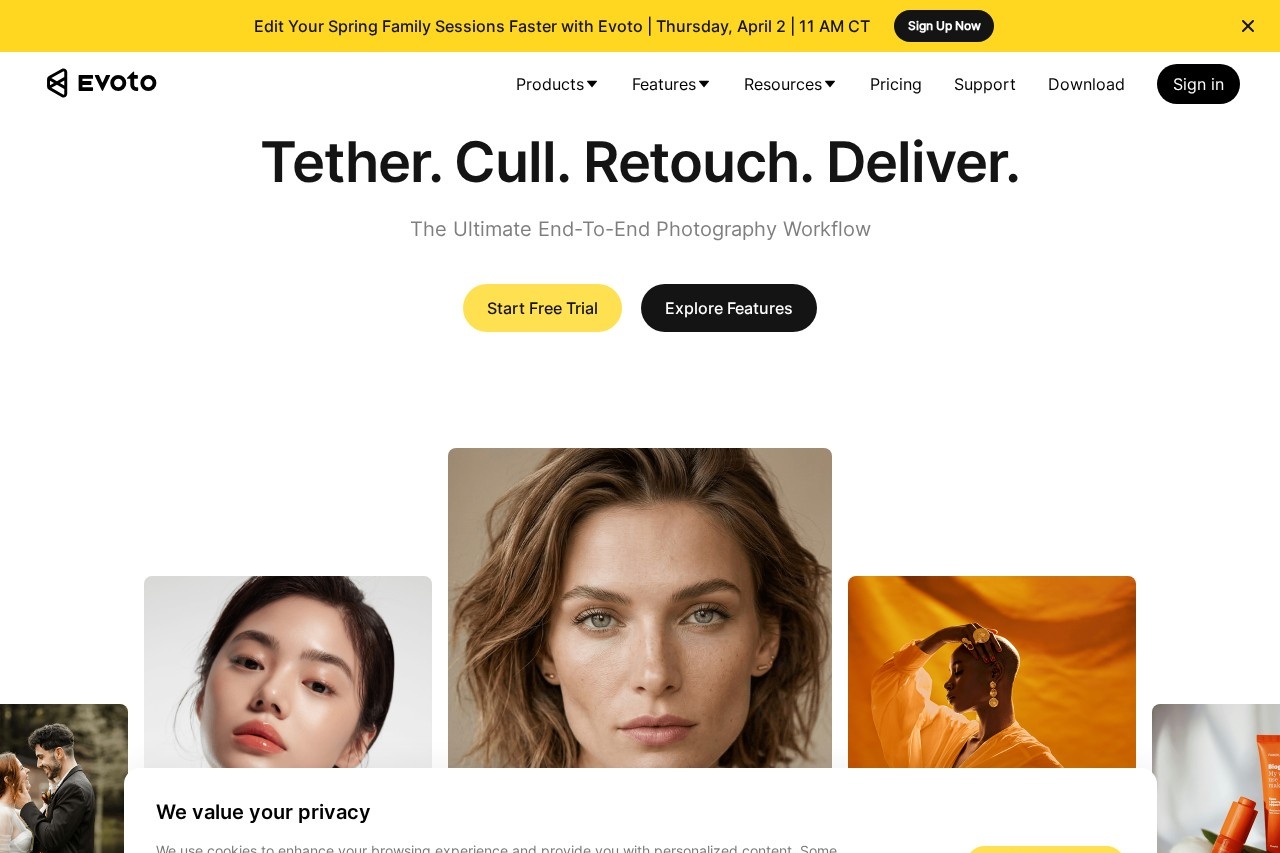
What is Evoto?
Evoto AI is an all-in-one photo editing tool built for professional photographers. It streamlines the entire photography workflow from initial culling to final delivery. The platform combines RAW processing, color grading, and AI-powered portrait retouching into a single application. It is designed to handle high-volume shoots while maintaining a consistent, efficient editing process.Application scenarios
Wedding photography
Keep color consistent and batch-edit an entire wedding day's photos with less manual work.
Headshots & Portraits
Apply precise, natural retouching to individual faces for professional results.
Event photography
Manage and edit large volumes of images from events efficiently.
Newborn & Maternity photography
Use specialized tools tailored for these intimate portrait sessions.
Beauty & Fashion photography
Achieve studio-grade retouching and color grading.
On-the-go editing
Work from anywhere using the mobile, iPad, or online browser versions.
Video retouching
Perform professional-grade, AI-powered edits on video content.
Core Features
Photo Culling
Find the strongest shots quickly to spend less time sorting through images.
Color Grading
Adjust and maintain consistent color across a batch of photos.
Portrait Retouching
Apply precise, natural retouching per face to smooth skin and remove blemishes while preserving real texture.
Background Adjustments
Modify and edit the backgrounds in photographs.
Batch Processing
Apply edits once and sync them across a full set of images in seconds.
Gallery Sharing
Deliver final proofs and edited photos to clients through shared galleries.
Cross-Platform Sync
Work seamlessly across Evoto Desktop, Mobile, iPad, and Online versions with projects always in sync.
Per-Face AI Retouching
Use AI that targets individual faces rather than applying a global filter for more natural results.
End-to-End Workflow
Bring culling, retouching, batch processing, and delivery into a single, integrated workflow.
Evoto Instant
A workflow designed to shoot, cull, edit, and proof photos rapidly in an instant.
Target users
Evoto is built for professional photographers, studios, and creative teams. It specifically benefits those handling high-volume shoots such as wedding, event, portrait, newborn, maternity, and fashion photographers. The tool is designed for creators who need to automate tedious editing tasks to save time and reduce burnout.How to use Evoto?
You can start by beginning a free trial directly from the Evoto website. The platform offers multiple entry points: you can download the all-in-one desktop software, use the mobile or iPad apps for on-the-go editing, or access quick edits through the browser-based online version. The workflow typically involves importing photos, using AI-assisted tools to cull, retouch, and color grade, then applying those edits in batch before finally delivering through the integrated gallery sharing. For specific steps, refer to the official website and its learning resources.Pricing and free trial
The website prominently promotes a "Start Free Trial" option, indicating that a free trial period is available. No specific pricing plans, tiers, or subscription details are provided in the given text.Effect review
The website positions Evoto as a tool that delivers measurable impact through AI-powered workflows, citing internal testing and customer feedback. It claims to offer significant speed improvements for high-volume editing, helping photographers automate the technical work between shoot and delivery. The focus on per-face retouching aims to provide natural, precise results rather than a uniform filter. For the professional photographer, this feature set implies a tangible reduction in manual, repetitive tasks, potentially freeing up substantial time to focus on creative direction and client interaction.Frequently Asked Questions
What is Evoto AI?
Is Evoto AI suitable for beginners?
What file formats does Evoto AI support?
Does Evoto AI require an internet connection?
Can Evoto AI be used for batch editing?
Is there a free trial available for Evoto AI?
Evoto - AI Tool Detail
Evoto AI by Evoto is an all-in-one photo editing tool for photographers, streamlining RAW processing, color grading, and portrait retouching in a seamless workflow.
Category:Image editing
Visit Link:https://evoto.ai/
Tags:photo editing、AI photo editor、RAW processing、portrait retouching、color grading