Vox
A voice-controlled GitHub Copilot CLI extension by aasis21. Speak commands into a reactive listening orb, and hear the agent’s voice reply—enabling hands-free coding on Windows, macOS, and Linux.
What is Vox?
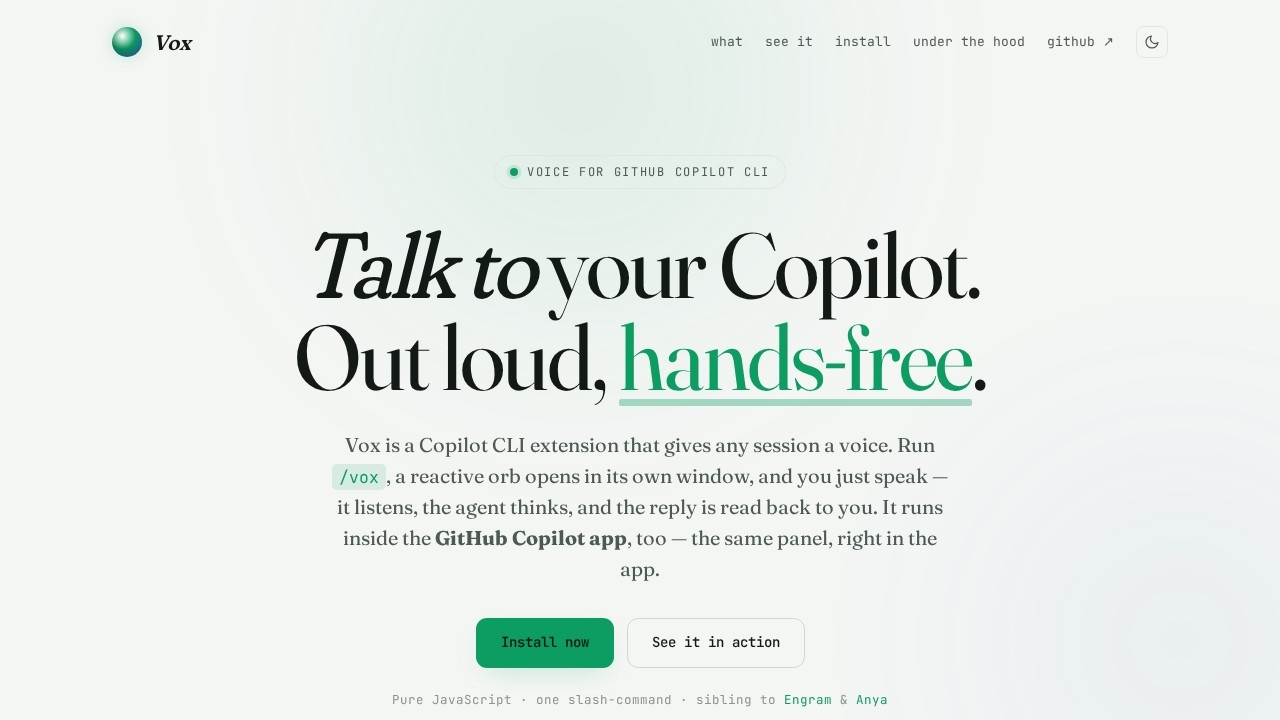
Vox is a voice-controlled extension for GitHub Copilot CLI that lets you speak commands instead of typing them. When you run/vox, a reactive orb opens in its own window—it listens to your voice, sends your speech to the Copilot agent, and reads the reply back aloud. It works inside the GitHub Copilot app as well, using the same panel. Built with pure JavaScript and no telemetry, Vox runs on Windows, macOS, and Linux with a single command install.Application scenarios
Hands-free coding
Developers can dictate commands and hear responses while keeping their eyes on their work.
Accessibility
Users with mobility or typing difficulties can interact with Copilot using only their voice.
Multitasking
Programmers can code while performing other tasks, like taking notes or reviewing documentation.
Quick prototyping
Speak ideas directly into the CLI without breaking flow to type.
Pair programming sessions
Teams can verbally interact with Copilot during collaborative coding sessions.
Learning and onboarding
New users can speak commands to explore Copilot features without memorizing syntax.
Core Features
Voice input
Speak your turn directly into the active Copilot session—no typing or copy-paste required.
Voice output
Every reply from the agent is synthesized and read aloud, so your eyes stay on the work.
Reactive orb
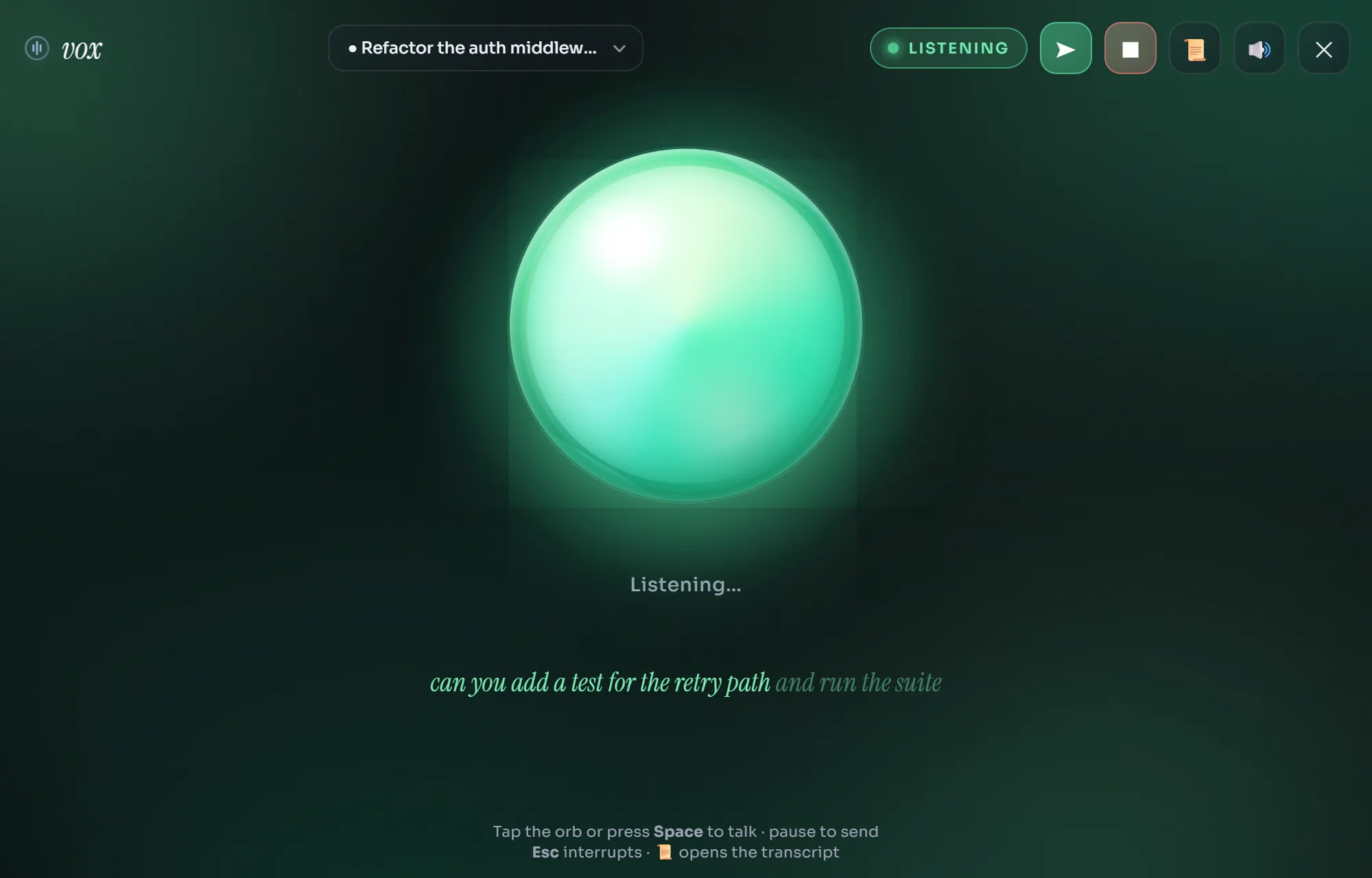
A single living orb shows four states—at rest (periwinkle, slowly swirling), listening (green, pulsing with mic level), thinking (amber), and speaking (blue)—each with its own color and motion.
Hands-free flow
Grant the mic once, and Vox opens straight into listening; speak, pause, and it sends the command automatically.
Interrupt to talk
Barge in anytime by tapping the orb, pressing Esc, or hitting Interrupt to cut the agent off and drop back into listening.
Speaks typed replies too
If you prefer to type, Vox still reads the assistant's reply aloud in the panel.
Transcript on demand
Open the 📜 panel to read the full back-and-forth, scroll history, or clear it without losing your place.
Follows your sessions
Multiple sessions can be live at once; the dropdown lists each one, and running `/vox` elsewhere auto-switches the window to it.
Standalone window
Opens as a chrome-less app window (not a browser tab) on any OS—pure JavaScript, one-line install on Windows, macOS, and Linux.
Target users
Vox is built for developers who use GitHub Copilot CLI and want a hands-free, voice-driven coding experience. It's especially useful for programmers with accessibility needs, multitaskers, and anyone who prefers speaking over typing commands. The tool also benefits teams working in pair programming or collaborative environments where verbal interaction with AI is more natural.How to use Vox?
- Install Vox with a single command: on Windows (PowerShell) run
irm https://raw.githubusercontent.com/aasis21/vox/main/install.ps1 | iex; on macOS/Linux (bash) runcurl -fsSL https://raw.githubusercontent.com/aasis21/vox/main/install.sh | bash. - Start a GitHub Copilot session in your terminal.
- Run
/voxto open the reactive orb in its own window. - Grant microphone access once—Vox opens straight into listening mode.
- Speak your command; pause to send it automatically. The orb changes color (green for listening, amber for thinking, blue for speaking).
- Hear the agent's reply read aloud. To interrupt, tap the orb, press Esc, or hit Interrupt.
- Optionally, open the 📜 panel to view or clear the transcript.
Effect review
Vox delivers exactly what it promises: a seamless voice interface for GitHub Copilot CLI. The reactive orb provides clear visual feedback for each state, and the hands-free flow—speak, pause, auto-send—feels natural. The ability to interrupt the agent mid-reply and the transcript panel add practical control. Since it's pure JavaScript with no telemetry and a one-line install, setup is trivial. For developers who already rely on Copilot, Vox removes friction and makes coding truly hands-free—though its usefulness depends on your comfort with speaking commands aloud in your workspace.Frequently Asked Questions
What is Vox?
Which platforms does Vox support?
How do I install Vox?
Is Vox free to use?
What is the 'listening orb'?
Can I use Vox offline?
Vox - AI Tool Detail
A voice-controlled GitHub Copilot CLI extension by aasis21. Speak commands into a reactive listening orb, and hear the agent’s voice reply—enabling hands-free coding on Windows, macOS, and Linux.
Category:AI voice assistant
Visit Link:https://aasis21.github.io/vox/
Tags:voice coding、hands-free development、github copilot extension、ai coding assistant、developer productivity