
Vibeocus
Vibeocus is a local-first command center by its developer for AI work, integrating projects, tasks, docs, secrets, Git context, and visual annotations to streamline workflows.
What is Vibeocus?
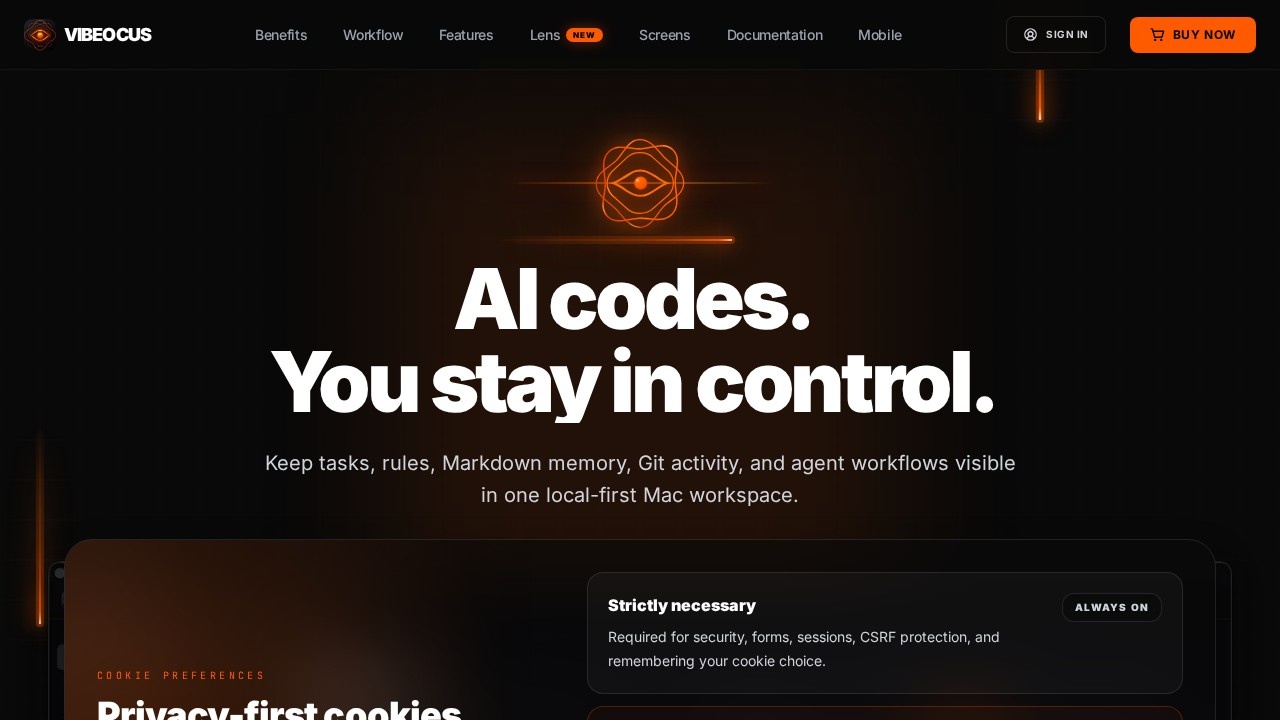
Vibeocus is a local-first command center for AI coding workflows, designed to keep projects, tasks, documents, secrets, Git context, and visual annotations connected in one Mac workspace. It runs entirely on your machine by default, syncing through your own iCloud rather than external servers. The tool integrates with any MCP-compatible coding agent—like Codex, Claude Code, Cursor, Gemini, OpenCode, DeepSeek, Kimi, or Qwen—so agents can read rules, create tasks, and map ideas directly. Users rely on it to centralize project context, eliminate scattered folders, and maintain full control over their AI-assisted development loop.
Application scenarios
AI-assisted coding
Keep tasks, rules, Markdown memory, and Git activity visible in one place while working with coding agents like Claude Code or Cursor.
Project management for AI workflows
Let agents create tasks with priorities, dates, and status directly from implementation steps, fixes, or follow-up work.
Documentation and knowledge management
Store and search a full Markdown memory layer (Vault) connected to project paths, powered by SQLite.
Version control and Git context
Review diffs, activity logs, and manage branches inside the project workspace without leaving the app.
Secret and credential management
Securely store passwords, server keys, tokens, and credentials via Apple Keychain or iCloud Keychain, controlling which secrets agents can access.
Visual planning and diagramming
Sketch flows, screens, logic, and project structure using Freeform boards, or let agents create diagrams through MCP.
Context graph exploration
Browse how tasks, notes, docs, Vault items, files, and commits connect in a visual relations graph.
Core Features
Local-first by default
All project data stays on your Mac, with optional sync through your own iCloud—not external servers.
Connected project context
Link tasks, notes, documents, Vault items, files, and commits so nothing gets lost in scattered folders.
Agent-ready workflow
AI agents can create tasks through MCP and work with the right project rules, docs, and context.
Omnichannel Tasks
Agents turn implementation steps, fixes, and follow-up work into tasks with priorities, dates, and status.
Local-First Vault
A full Markdown memory layer for docs, connected to project vault paths, powered by SQLite, and searchable across your workspace.
Native Git Control
Diffs, activity logs, and branch management are always available inside your project workspace for fast, context-aware work.
Secret Manager
Secure storage for all secrets via Apple Keychain or optional iCloud Keychain, with granular control over what is exposed to MCP.
Freeform Boards
Sketch flows, screens, logic, and project structure manually, or let agents build diagrams from project context through MCP.
Relations Graph
Browse your project context as a connected graph showing how tasks, notes, docs, Vault items, files, and commits relate.
Target users
Vibeocus is built for developers and AI power users who work with coding agents—especially those using MCP-compatible tools like Claude Code, Cursor, Gemini, or Codex. It suits individuals or small teams who want a local-first workspace to manage project context, tasks, documentation, secrets, and Git activity without relying on cloud servers. Ideal for anyone tired of copy-pasting project context into chat and needing a centralized command center for AI-assisted development.
How to use Vibeocus?
- Enable MCP: Turn on the local Vibeocus MCP server and choose what project data your agent can access.
- Install the Vibeocus Skill: Add the prebuilt skill so your agent knows how to read rules, inspect context, and create tasks inside Vibeocus.
- Write rules & start working: Define how the project should be built, what to avoid, and what decisions to follow—then let your agent work with the right context.
- Use the dashboard to view workspace and project metrics, manage tasks, store docs, track Git activity, and map ideas—all from one local-first app.
Effect review
Vibeocus delivers a genuinely useful local-first approach for AI coding workflows, solving the real problem of context fragmentation. The combination of task management, Git control, secret storage, and visual mapping in one app is practical for developers who want to stay in control of their project data. The MCP integration is a standout—letting agents read rules and create tasks without manual copy-pasting streamlines the build loop. While the feature set is comprehensive, the tool is clearly optimized for Mac users and MCP-compatible agents, which may limit its appeal for Windows or Linux developers. Overall, it’s a well-thought-out command center for anyone serious about AI-assisted development.
Frequently Asked Questions
What is Vibeocus?
Is Vibeocus free to use?
What does 'local-first' mean in Vibeocus?
Can Vibeocus manage Git repositories?
Does Vibeocus support visual annotations?
Who is Vibeocus for?
Vibeocus - AI Tool Detail
Vibeocus is a local-first command center by its developer for AI work, integrating projects, tasks, docs, secrets, Git context, and visual annotations to streamline workflows.
Category:Personal Assistant
Visit Link:https://vibeocus.com/
Tags:local-first、AI workflow、project management、developer tools、productivity