
Video Effects SDK
Video Effects SDK by EffectsSDK.ai enhances video calls with stunning real-time effects, improving meeting effectiveness and comfort for customers.
What is Video Effects SDK?
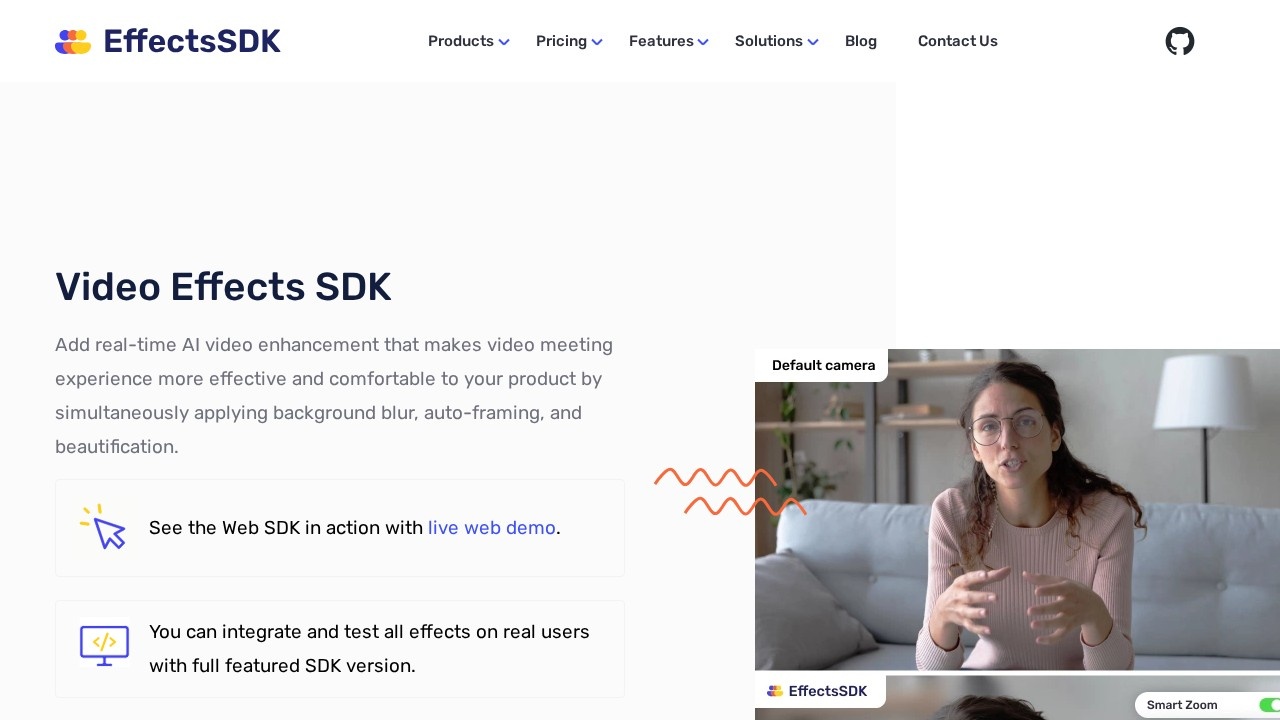
Video Effects SDK is a real-time AI video enhancement tool that integrates directly into your product to improve video meeting experiences. It allows developers to add features like background blur, auto-framing, and beautification simultaneously. The SDK is available across multiple platforms including Web, Windows, macOS, iOS, Android, and Linux. It processes AI effects locally in the browser or device, eliminating the need for high-end hardware or studio equipment.Application scenarios
Video conferencing apps
Enhance professional look and feel during calls with background blur, replacement, and color grading.
Remote work platforms
Improve meeting effectiveness and comfort by automatically framing faces and reducing background noise.
Live streaming or webinars
Add cinematic color grading and skin beautification for a polished, studio-quality appearance.
Customer support tools
Use AI denoise to clarify grainy webcam feeds in low-light environments.
Creative communication
Replace backgrounds with custom images or videos to add fun and creativity to conversations.
Enterprise collaboration
Integrate into corporate meeting software to ensure consistent, high-quality video across teams.
Core Features
Background blur
Automatically blurs the actual background in the webcam video stream, with runtime configuration for blur intensity.
Background replacement
Replace the background with any custom image or video during a live call.
AI Denoise
Removes digital noise from grainy webcams in low-light environments, producing clearer video.
Skin smoothness and beautification
Real-time face beautification that removes acne, eye bags, smooths skin, and adds soft lighting.
AI Color grading
Adjusts colors, exposure, contrast, and saturation temperature to give video a professional, cinematic look.
Intelligent camera framing (zooming)
Automatically follows the person in frame with a predefined zoom level, combining facial tracking and motion with digital zoom.
Cross-platform support
Available on Web, Windows, macOS, iOS, Android, and Linux.
GPU acceleration
Supports DirectX, OpenGL, Metal, and uses OpenVINO, WinML, CoreML for optimized performance on GPU.
Target users
This SDK is designed for developers and product teams building video communication apps, remote collaboration tools, or any platform that requires real-time video enhancement. It suits startups, small businesses, and mid-sized companies looking to add professional video effects without building AI models from scratch. Non-profit organizations can also benefit from free tier options.How to use Video Effects SDK?
The SDK offers a simple integration with fully documented APIs and code samples. Developers can start by requesting a free trial from the EffectsSDK.ai website. A live web demo is available to test effects directly in the browser. After integration, all effects can be applied simultaneously in real time during video calls.Pricing and free trial
Pricing includes a "Pay as you go" model for Web and Electron SDKs, where one license unit covers one app on one platform. Free tiers are available for product free plans and non-profit organizations. A "Flat fee pricing" option is also offered for mid-sized businesses. A free trial is available to test the full-featured SDK with real users.Effect review
The Video Effects SDK delivers a comprehensive set of real-time video enhancements that work without requiring high-end hardware. The combination of background blur, replacement, AI denoise, and beautification covers most common meeting needs. The inclusion of GPU acceleration and cross-platform support suggests strong performance across devices. While no user feedback or awards are mentioned in the provided text, the feature set appears practical and well-suited for improving video call quality in professional and creative contexts. The availability of free tiers and a pay-as-you-go model makes it accessible for testing and scaling.Frequently Asked Questions
What is Video Effects SDK?
What types of effects does it support?
Is it easy to integrate?
Does it work on all platforms?
Can I customize the effects?
Is there a free trial?
Video Effects SDK - AI Tool Detail
Video Effects SDK by EffectsSDK.ai enhances video calls with stunning real-time effects, improving meeting effectiveness and comfort for customers.
Category:Video editing
Visit Link:https://effectssdk.ai/
Tags:real-time video effects、video call enhancement、AI video SDK、meeting productivity、video conferencing tools