
DisVideoAI
DisVideoAI offers simple AI video and image creation tools with transparent credit-based pricing. Claim free credits to start producing content without hidden charges.
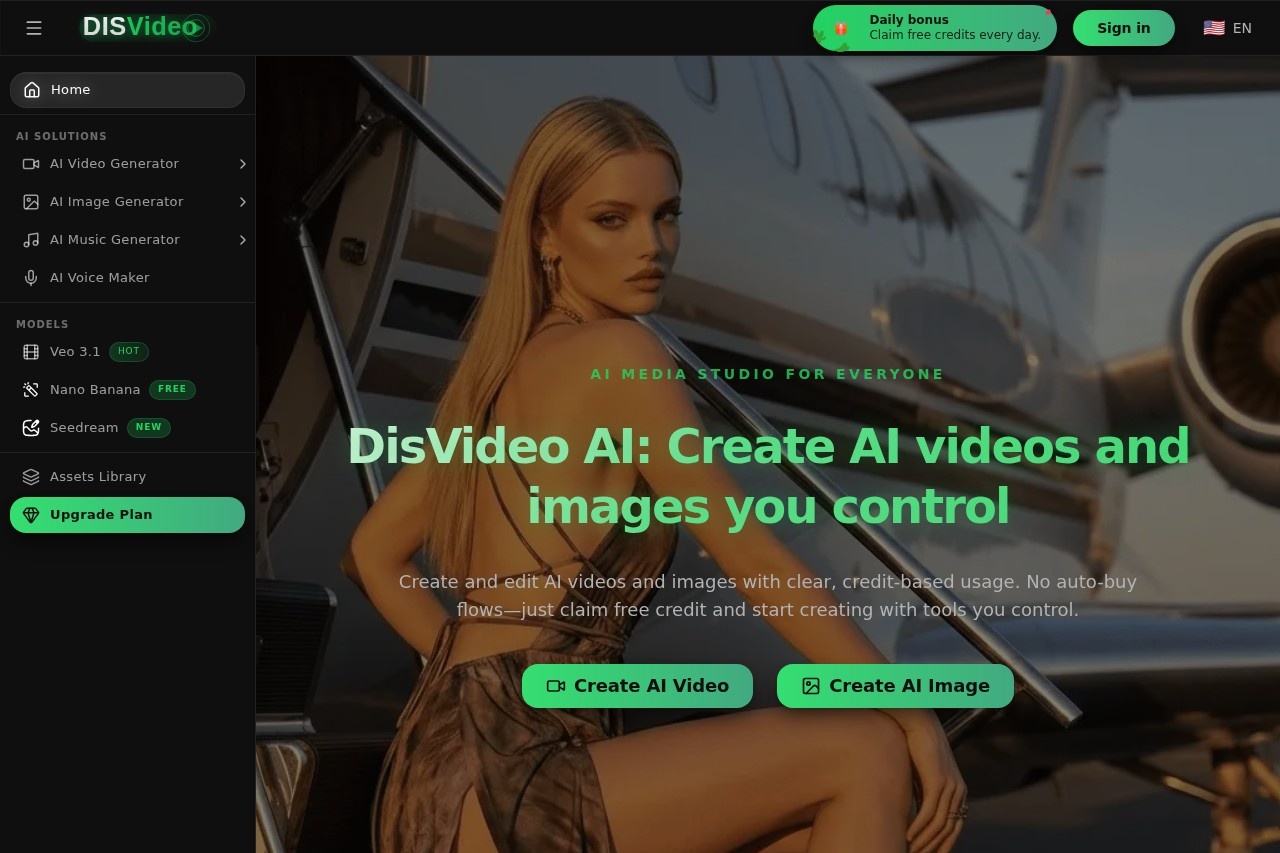
What is DisVideoAI?
DisVideoAI is an AI media studio for creating and editing videos and images. Users control the creation process with tools for generating content from text, editing assets, and automating tasks. The platform operates on a transparent, credit-based usage system and emphasizes user control by offering free credits to start and avoiding automatic purchase flows.Application scenarios
Marketing & Brand Content
Create consistent branded videos and images with controlled style elements.
Content Repurposing
Automate tasks like resizing videos or generating subtitles for different platforms.
Creative Exploration
Use free credits to generate image variations, upscale visuals, or remove backgrounds.
Team Collaboration
Plan, draft, and refine AI media projects with shared feedback and version tracking.
Performance-Driven Creation
Analyze which videos and images perform best to inform future content.
Asset Management
Keep an organized, trackable history of all prompts, edits, and project stages in one place.
Core Features
AI Video Generation
Turn text into videos with controls for scripts, scenes, and voiceovers.
AI Image Creation
Generate and edit images, including creating variations, upscaling, and background removal.
Smart Automation
Automate tasks such as resizing media, repurposing content, and adding subtitles.
Brand & Style Control
Set and lock in colors, fonts, tone, and style to maintain consistency across all content.
Easy Sharing & Feedback
Share assets via links, collect comments, and track edits collaboratively.
Performance Insights
Connect analytics to see which videos and images deliver the best results.
Complete Activity History
View prompts, edits, and watermarks for every asset and generate simple reports.
Collaborative Workflows
Assign versions, track feedback, and manage all stages of media creation within a unified workspace.
Target users
DisVideoAI is built for anyone seeking controlled AI media creation. It benefits marketing teams, content creators, and small businesses that need to produce consistent branded content. The tool is also suited for collaborative teams that require shared workspaces for planning and refining media, and for users who prioritize predictable spending and want to avoid automatic subscription charges.How to use DisVideoAI?
Visit the official website and claim the offered free credits to start. You can then use the AI Video Generation tool to create videos from text or the AI Image Creation tool to generate and edit images. The platform allows you to set brand styles, share links for feedback, and use smart automations for tasks like resizing. All usage consumes credits, which you manage without automatic purchases.Pricing and free trial
The website text does not list specific pricing plans or paid tier details. It clearly states that users can claim free credits to start creating, emphasizing a transparent, credit-based model with no auto-buy flows or hidden charges.Effect review
DisVideoAI positions itself as a practical solution for users wary of opaque subscriptions and automatic renewals common in creative software. Its core value lies in granting full control over spending and creative consistency, which is particularly useful for small teams and solo creators managing brand assets. The integration of basic analytics and collaborative feedback tools directly into the media workflow suggests a focus on streamlining production from creation to review. While the text doesn't cite external quality awards or user testimonials, the feature set is built around predictable, trackable creation, making it a straightforward option for foundational AI video and image generation.Frequently Asked Questions
What is DisVideoAI?
How much does DisVideoAI cost?
How do I get free credits?
What types of content can I create with DisVideoAI?
Is there a free trial available?
How transparent is the pricing?
DisVideoAI - AI Tool Detail
DisVideoAI offers simple AI video and image creation tools with transparent credit-based pricing. Claim free credits to start producing content without hidden charges.
Category:Video generation
Visit Link:https://disvideo.ai/
Tags:AI video generator、AI image creator、credit-based pricing、free credits、content creation