DemoFlow AI
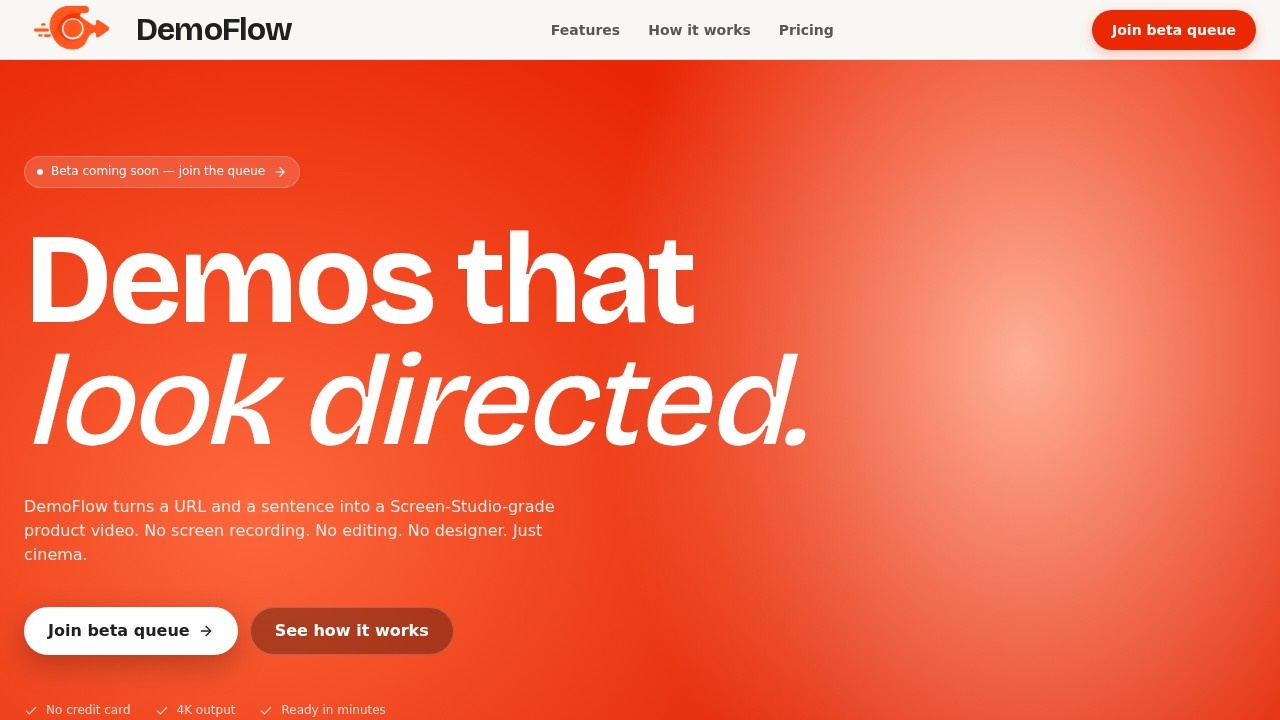
DemoFlow AI by its developers generates high-quality demo videos from a URL and natural language flow descriptions, streamlining the creation of Screen Studio-grade content.
What is DemoFlow AI?
DemoFlow AI is a tool that turns a URL and a plain-English sentence into a Screen-Studio-grade product video. It eliminates the need for screen recording, manual editing, or hiring a designer. The AI agent navigates websites, captures footage, and renders polished MP4 videos with cinematic motion. Outputs are ready in minutes and support up to 4K resolution.Application scenarios
Product demos
Create polished walkthroughs of your own product or a competitor's site without recording a single frame.
Landing page showcases
Generate cinematic videos of marketing pages to use on your website or social media.
Twitter/X launches
Produce quick, high-quality clips for launching features or updates.
YouTube tutorials
Build professional-looking tutorials that demonstrate workflows on JS-heavy SPAs or authenticated dashboards.
Sales pitches
Deliver demo videos that look like they were produced by a film crew for client presentations.
Internal training
Record step-by-step guides for team members using any web app.
Core Features
Plain-English scripting
Describe the demo in a single sentence, and the AI agent plans, navigates, scrolls, and clicks like a human reviewer.
Cinematic motion
Automatically adds smooth zooms, parallax pans, motion blur, and cursor easing for a professional look.
Works on any site
Supports public pages, JavaScript-heavy SPAs, and authenticated dashboards via cookie or Playwright storage state.
2–5 minute renders
Background queue with priority lanes for paid tiers; you get an email when the MP4 is ready.
Secrets stay yours
Auth payloads are encrypted at rest, used once, and discarded—no logging of credentials or session cookies.
Up to 4K output
Choose from laptop (1440×900), Full HD, QHD, or UHD resolution for different platforms.
No watermark on paid plans
Free tier includes a subtle DemoFlow watermark; Pro and Studio remove it.
Priority render queue
Pro and Studio plans get faster processing with priority lanes.
Target users
Founders shipping launch trailers every week, marketing teams producing launch reels at scale, and any professional who needs polished demo videos without hiring a crew. It’s ideal for product managers, growth marketers, and content creators who want to turn web interactions into cinematic MP4s quickly.How to use DemoFlow AI?
- Enter your URL: Paste the URL of any website you want to demo—your product, a competitor's site, or any web app.
- Describe the workflow: Write a detailed prompt explaining the actions you want shown, such as clicks, scrolls, hovers, and highlights.
- Let AI do its thing: The AI agent navigates the site, captures footage, and renders a polished video with cinematic motion and smooth cursor animations. You receive the final MP4 via email.
Pricing and free trial
- Hobby (Free): $0 forever, 3 lifetime videos, 1440×900 capture, subtle DemoFlow watermark, email delivery, community support.
- Pro ($19/month): 10 videos per month, up to 4K UHD, no watermark, priority render queue, cinematic motion blur, email + chat support.
- Studio ($49/month): 50 videos per month, up to 4K UHD, custom branding, team workspace (5 seats), API access, dedicated support.
- Enterprise: For 200+ videos per month, SSO, or custom SLA—contact sales.
Effect review
DemoFlow AI delivers exactly what it promises: a Screen-Studio-grade look without the manual work. The three-step workflow is straightforward, and the ability to handle authenticated dashboards and JS-heavy sites makes it practical for real-world use. Output quality is high, with cinematic motion and up to 4K resolution. For founders and small teams, the free tier offers a risk-free trial, while Pro and Studio plans provide the speed and polish needed for regular content production. The tool effectively replaces screen recording and editing software for demo creation.Frequently Asked Questions
How does DemoFlow AI work?
What kind of videos can DemoFlow AI create?
Do I need video editing skills to use DemoFlow AI?
Can I customize the generated video?
Is DemoFlow AI free to use?
DemoFlow AI - AI Tool Detail
DemoFlow AI by its developers generates high-quality demo videos from a URL and natural language flow descriptions, streamlining the creation of Screen Studio-grade content.
Category:Video generation
Visit Link:https://demoflow-sigma.vercel.app/
Tags:demo video generator、AI video creation、screen recording tool