scritty
scritty by its developer is a terminal emulator designed to capture all output from CLI agents, enabling easy review and debugging of command-line interactions.
What is scritty?
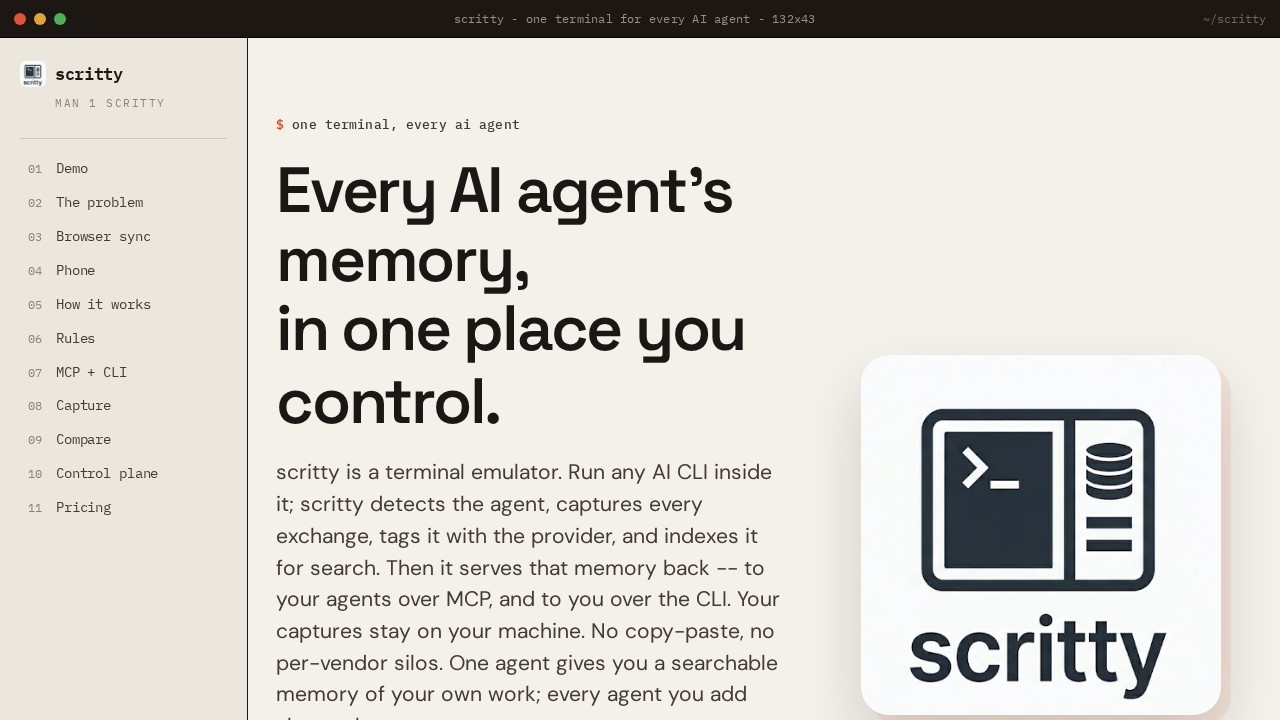
scritty is a terminal emulator designed to capture and centralize every exchange from AI command-line agents. Users run any AI CLI inside it, and scritty automatically detects the agent, captures each interaction, tags it with the provider, and indexes it for search. It serves that memory back to agents over MCP and to users via the CLI, keeping all captures stored locally on the user's machine. The result is a single, searchable memory corpus shared across multiple AI agents, eliminating the need for copy-paste or per-vendor silos.Application scenarios
Multi-agent development
Run Claude Code, OpenAI Codex CLI, GitHub Copilot CLI, Antigravity CLI, and Ollama on the same project, sharing memory across sessions.
Cross-device collaboration
Start a session on a desktop terminal, then continue it on a phone or browser—byte-for-byte in sync.
Offline AI work
Use local Ollama models with scritty’s PWA, enabling offline operation without an internet connection.
Team coordination
Federate memory into a control plane with per-tenant isolation and audited admin overrides for shared projects.
Debugging and review
Search past agent interactions from the terminal panel or CLI to recall decisions, like "What did we decide about auth two weeks ago?"
Browser-based access
Open a token-secured web server from the desktop terminal to view and drive the same session on any device on the network.
Core Features
Multi-agent detection
scritty automatically detects any AI CLI agent run inside it, capturing every exchange and tagging it with the provider.
Centralized memory indexing
All captured interactions are indexed for search, creating a shared corpus that every agent can query.
MCP and CLI memory access
Agents retrieve memory over MCP, while users search it directly via the CLI.
Local-only storage
All captures stay on the user’s machine—no data is sent to external servers.
Cross-device sync
The desktop terminal embeds a token-secured web server; open the URL in any browser on the same network for a byte-for-byte synchronized session.
Phone pairing
Start a session on the desktop and continue it on a phone, with real-time synchronization.
Offline PWA
Install scritty as a desktop PWA (Chrome/Edge "Install app") for standalone operation, including support for local Ollama models.
Control plane federation
Memory can be federated into a control plane with per-tenant isolation and audited admin overrides for multi-user environments.
Target users
scritty is built for developers and teams who work with multiple AI command-line agents—such as Claude Code, OpenAI Codex CLI, GitHub Copilot CLI, Antigravity CLI, and Ollama. It benefits individual developers who want a unified memory of their AI interactions, as well as teams that need shared context across agents, with features like per-tenant isolation and admin auditing for collaborative projects.How to use scritty?
Start by downloading and installing scritty from the official site. Run any AI CLI agent inside the terminal emulator; scritty automatically detects the agent, captures every exchange, and indexes it for search. To access memory, search from the terminal panel or CLI, or let agents retrieve it over MCP. For cross-device use, open the token-secured web server URL in a browser on the same network, or pair a phone to continue the session. Offline users can install the PWA and run local Ollama models.Pricing and free trial
scritty offers a free tier to start using the tool immediately. No additional pricing details are provided in the available content.Effect review
scritty addresses a real pain point for developers juggling multiple AI agents: fragmented context. By capturing every exchange in a single, searchable corpus, it eliminates the need to re-explain decisions or manually paste context between tools. The cross-device sync and offline PWA support add practical flexibility, while the local-only storage ensures privacy. For teams, the control plane with per-tenant isolation and admin overrides suggests enterprise-grade collaboration features. Overall, scritty delivers on its promise of a unified memory layer for CLI-based AI workflows, making it a valuable addition to any developer's toolkit.Frequently Asked Questions
What is scritty?
How does scritty help with debugging?
Can I use scritty with any CLI agent?
Is scritty free to use?
Does scritty require installation?
scritty - AI Tool Detail
scritty by its developer is a terminal emulator designed to capture all output from CLI agents, enabling easy review and debugging of command-line interactions.
Category:Agents
Visit Link:https://scritty.dev/
Tags:terminal emulator、CLI debugging、command capture、AI agent logging、developer tools