
Claude Code
An AI-powered coding assistant by Anthropic, designed to help developers write, debug, and refactor code directly within their workflow.
What is Claude?
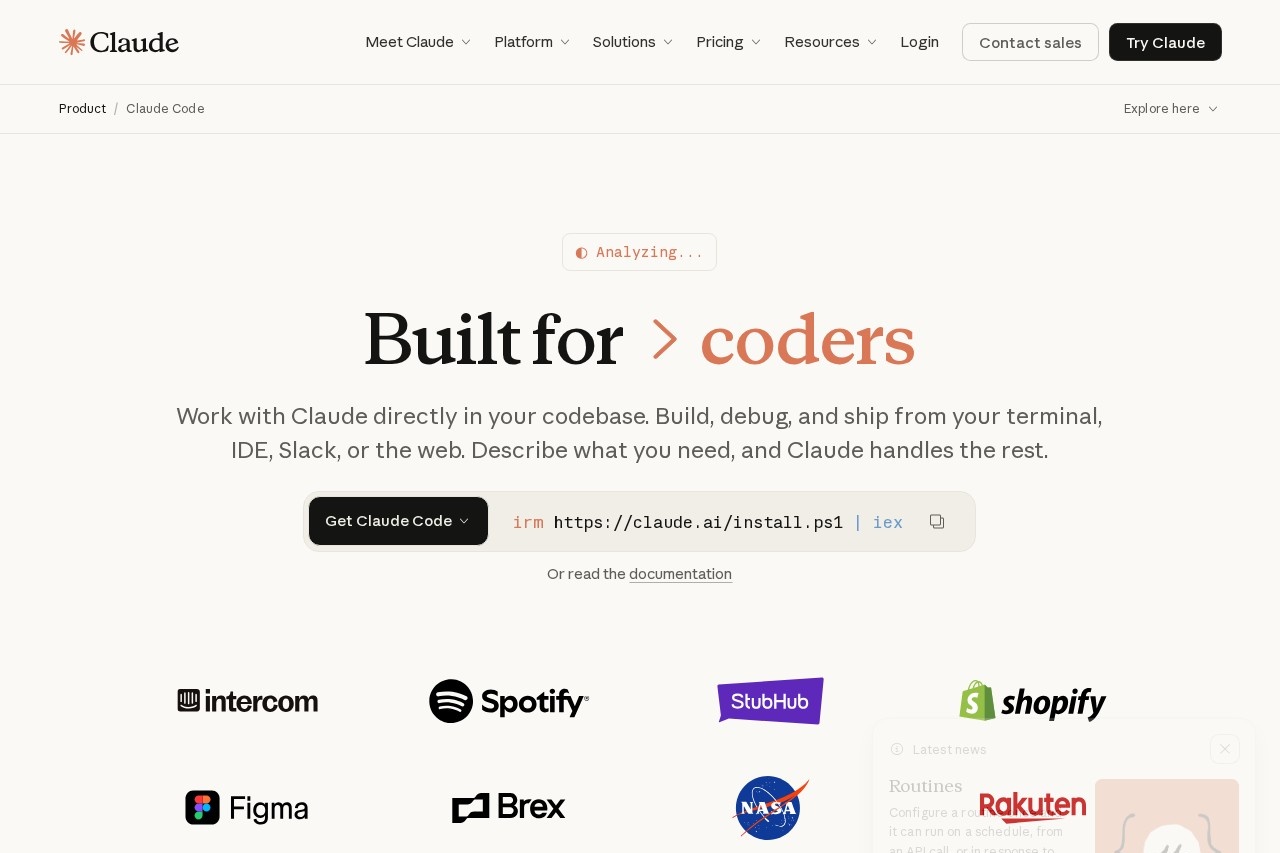
Claude is an AI-powered coding assistant developed by Anthropic, designed to help developers build, debug, and ship code directly within their workflow. It works across multiple environments—terminal, IDE, Slack, desktop app, and the web—allowing users to describe what they need and let Claude handle the rest. The tool integrates deeply with your codebase, exploring context, answering questions, and making changes using your existing CLI tools.Application scenarios
Terminal-based development
Run Claude directly in your terminal to explore codebase context, answer questions, and make changes using all your CLI tools.
IDE integration
Use Claude within VS Code, JetBrains IDEs, or VS Code forks like Cursor and Windsurf to see changes as visual diffs.
Desktop app management
Run multiple parallel tasks, review visual diffs, preview servers, and monitor PR status from the desktop application.
Slack collaboration
Work with Claude directly in Slack for team-based coding assistance.
Web and iOS access
Use Claude on the web or iOS devices for on-the-go development support.
Data analysis and visualization
Process attached datasets (e.g., single-cell gene expression data) to create heatmaps and identify enriched pathways or gene sets.
Core Features
Multi-environment support
Use Claude across terminal, desktop app, IDE, Slack, web, and iOS—no single workflow lock-in.
Codebase context awareness
Claude explores your entire codebase, understands context, and answers questions or makes changes based on that understanding.
CLI tool integration
The assistant can use all your existing command-line tools, making it a natural extension of your development environment.
Visual diff preview
In IDE and desktop modes, see Claude's changes as visual diffs for easy review and approval.
Parallel task management
The desktop app lets you manage multiple tasks simultaneously, with PR status monitoring built in.
Prompt-driven workflow
Describe what you need in natural language, and Claude handles the implementation—from debugging to shipping.
Installation flexibility
Get Claude Code via a simple curl or PowerShell command, or read the documentation for setup guidance.
Target users
Claude is built for developers who need an AI assistant that works where they already do—whether that's in the terminal, an IDE like VS Code or JetBrains, Slack, or on the web. It's particularly useful for software engineers, data scientists, and DevOps professionals who want to accelerate coding tasks, debug issues, and manage complex workflows without switching tools.How to use Claude?
To get started with Claude Code, run the installation command in your terminal:curl -fsSL https://claude.ai/install.sh | bash (Linux/macOS) or irm https://claude.ai/install.ps1 | iex (Windows). Alternatively, download the desktop app from the official site. Once installed, you can use Claude in your terminal, IDE (VS Code, JetBrains), Slack, or web interface—simply describe what you need, and Claude will explore your codebase and execute the task.Effect review
Claude delivers a genuinely useful, multi-surface coding assistant that feels native to each environment—terminal, IDE, Slack, or desktop. The ability to manage parallel tasks, preview visual diffs, and monitor PR status from one desktop app sets it apart from simpler AI coding tools. For developers already comfortable with CLI tools and IDEs, Claude's context-aware codebase exploration and prompt-driven workflow can significantly reduce friction in debugging and shipping code. While the website doesn't include user testimonials or performance benchmarks, the feature set suggests a mature, production-ready tool for serious development work.Frequently Asked Questions
What programming languages does Claude support?
Can Claude help debug existing code?
Is Claude free to use?
Does Claude integrate with IDEs?
Can Claude refactor large codebases?
Claude Code - AI Tool Detail
An AI-powered coding assistant by Anthropic, designed to help developers write, debug, and refactor code directly within their workflow.
Category:Programming Assistant
Visit Link:https://code.claude.com/
Tags:AI coding assistant、code debugging、code refactoring、developer tool、Anthropic