
Resize AI
Resize AI by Aiai.com is an all-in-one AI video toolkit for compressing, resizing, and converting video formats online—fast, secure, and free with no watermark.
What is Resize AI?
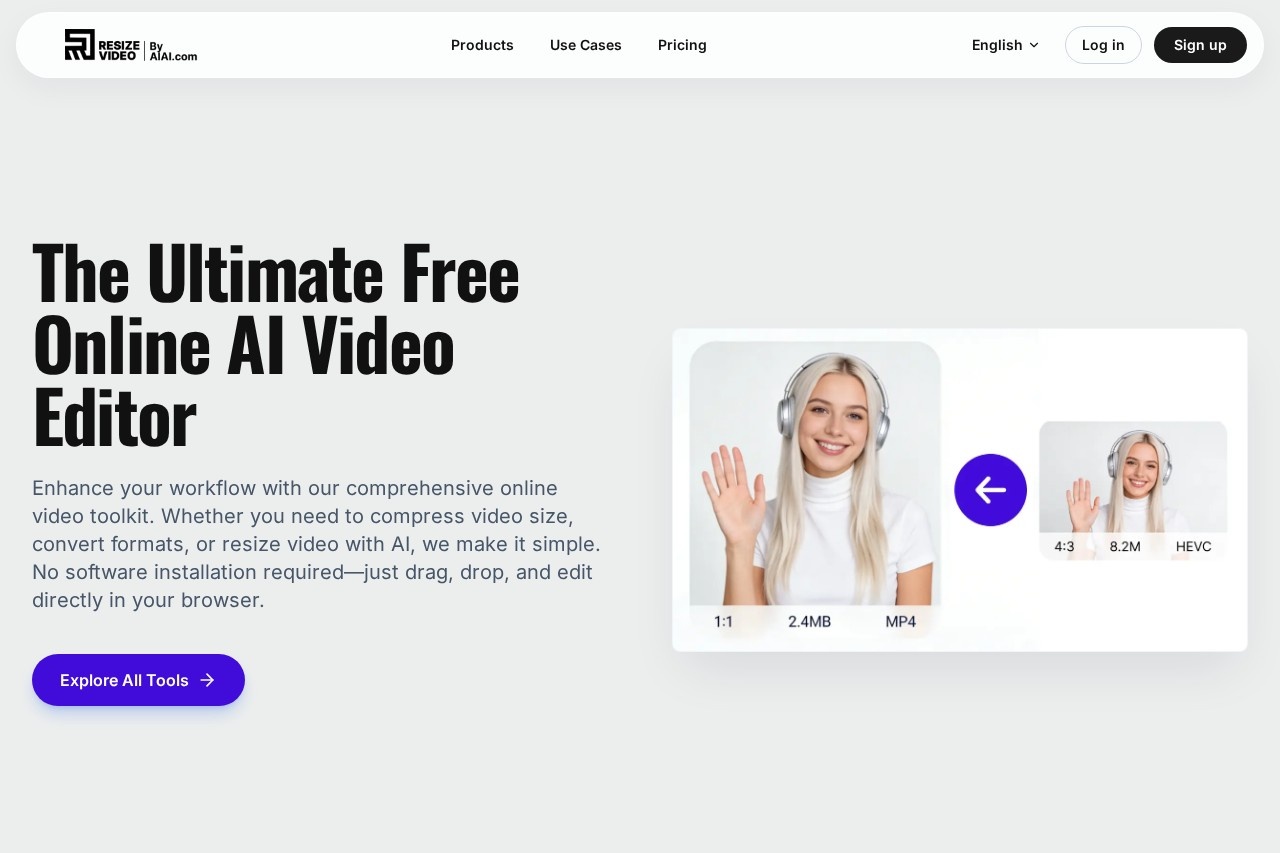
Resize AI is a free, web-based AI video toolkit. Users employ it to compress, resize, and convert video formats directly in their browser. The tool uses generative AI to intelligently expand videos and change aspect ratios. It requires no software installation and processes files quickly without adding a watermark.Application scenarios
Social media content creation
Resizing videos and changing aspect ratios for platforms like Instagram, TikTok, and YouTube Shorts.
File sharing and communication
Compressing video file sizes for easier sharing via Email or WhatsApp.
Format compatibility
Converting video files to universal formats like MP4 or GIFs to solve playback errors on various devices.
Digital marketing and advertising
Optimizing video ads for social media platforms and web use.
Client work and content production
Sending large video proofs to clients by reducing file size while maintaining quality.
Storage management
Efficiently reducing video file size to save on storage space.
Core Features
AI Video Expander
Change a video's aspect ratio using generative AI to fill backgrounds naturally, avoiding black bars or cropped footage.
Smart Video Compression
Reduce video file size for storage or sharing while maintaining HD quality.
Universal Video Converter
Convert videos between numerous formats including MP4, MOV, AVI, and WEBM.
GIF creation
Turn video clips into GIFs for use on social media.
Browser-based editing
Perform all video editing tasks directly in your web browser without downloading software.
Cross-platform compatibility
The tool works on major browsers like Chrome and Safari, and on operating systems including Windows and Mac.
Automatic file deletion
User-uploaded files are deleted automatically after processing to ensure privacy.
No-watermark output
Processed videos are available for download without any branded watermark.
Target users
This toolkit is built for content creators, social media managers, digital marketers, and agency professionals. It's ideal for anyone who needs to quickly optimize video content for different platforms and sharing methods without using complex desktop software.How to use Resize AI?
The process is designed to be simple. First, upload a video file (supported formats include MP4, MOV, WEBM, or AVI) to the website. Second, select your desired output parameters, such as target size, aspect ratio, or format, and let the AI process the video. Finally, preview the result and download the processed file immediately.Effect review
The platform emphasizes speed, simplicity, and quality retention, particularly for common video optimization tasks. User testimonials highlighted on the site praise the extensive format support and the convenience of a fully browser-based tool that requires no software installation. For creators and marketers regularly adapting content for different channels, the AI-powered aspect ratio expansion and compression features appear to directly address key workflow pain points. The promise of automatic file deletion also adds a layer of practical data privacy that users value.Frequently Asked Questions
What is Resize AI?
Is Resize AI free to use?
What video formats does Resize AI support?
How does Resize AI ensure security?
Can I compress videos without losing quality?
Does Resize AI add watermarks to videos?
Resize AI - AI Tool Detail
Resize AI by Aiai.com is an all-in-one AI video toolkit for compressing, resizing, and converting video formats online—fast, secure, and free with no watermark.
Category:Video editing
Visit Link:https://resize.aiai.com/
Tags:video compression、video resizing、format conversion、online video editor、free AI tools