
NothingHere
NothingHere by solee0524 is a macOS utility that instantly hides all windows, mutes sound, and opens a cover document for quick privacy with a single key press.
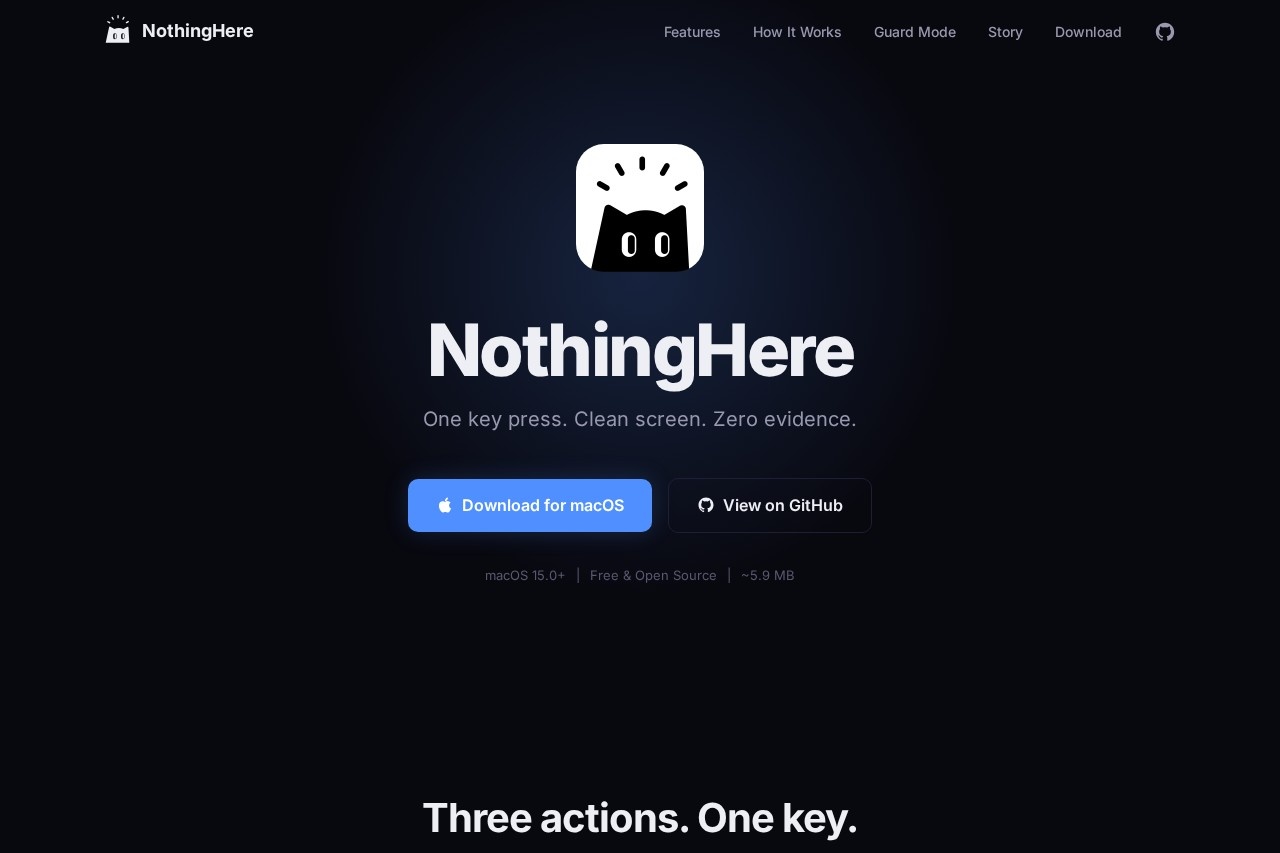
NothingHere: Your Instant macOS Privacy Shield
Overview
In today's digital workspace, privacy isn't just a luxury—it's a necessity. NothingHere emerges as an elegantly simple yet powerfully effective macOS utility designed to protect your screen and audio privacy with unprecedented speed. Developed by solee0524, this innovative tool transforms your Mac into a fortress of discretion at the touch of a single key. Whether you're working in an open office, taking a video call from home, or simply need to step away from your desk, NothingHere provides an instant "privacy mode" that hides all active windows, mutes system sound, and displays a neutral cover document—all simultaneously. It's the digital equivalent of closing a book when someone walks into the room, ensuring that sensitive information, confidential documents, or personal communications remain exactly that: personal.
Key Features
NothingHere distinguishes itself through a carefully curated set of features that prioritize both functionality and user experience:
One-Key Activation
Execute the complete privacy sequence with a single customizable keyboard shortcut—no menus, no confirmations, just instant action
Comprehensive Window Management
Instantly minimizes or hides all open application windows across multiple desktops and spaces
Automatic Audio Muting
Silences all system sounds, including media playback, notifications, and application audio
Smart Cover Document
Opens a pre-configured, neutral document (such as a blank text file or spreadsheet) to replace your previous screen content
Customizable Privacy Settings
Adjust which elements activate during privacy mode to match your specific workflow needs
Quick Restoration
Return to your previous workspace with minimal disruption once privacy is no longer required
Lightweight Operation
Runs efficiently in the background with negligible system resource consumption
Privacy-First Design
The tool itself collects no data and requires no internet connection to function
Use Cases
NothingHere addresses real-world privacy challenges across diverse scenarios:
Open Office Environments
Quickly conceal sensitive financial data, strategic documents, or personal communications when colleagues approach your workstation
Remote Work & Video Calls
Instantly hide non-relevant applications during screen sharing sessions or when your webcam might capture your screen
Educational Settings
Students can protect their work during exams or when receiving assistance from instructors
Creative Professionals
Safeguard unfinished designs, confidential client projects, or proprietary creative work during impromptu reviews
Personal Privacy
Maintain discretion when family members or visitors enter your home office space
Technical Highlights
Built specifically for macOS, NothingHere leverages native system APIs to ensure compatibility and reliability. The utility operates at the system level, allowing it to interact with window management, audio controls, and document applications seamlessly. Its lightweight architecture means it integrates smoothly with your existing workflow without causing system slowdowns or conflicts with other applications. The tool's configuration is stored locally, ensuring that your privacy settings remain private.
Advantages
NothingHere offers several compelling benefits over manual privacy methods or more complex solutions:
- Unmatched Speed: Achieve complete privacy in under a second versus the 10-15 seconds typically required to manually close windows and mute audio
- Reduced Human Error: Eliminate the risk of forgetting to hide a particular window or mute sensitive audio
- Professional Presentation: The cover document maintains a productive appearance rather than presenting a blank or cluttered screen
- Minimal Learning Curve: The single-key operation requires virtually no training or adaptation period
- Non-Disruptive Workflow: Quickly resume exactly where you left off without losing your place in documents or applications
Who Should Use It
NothingHere serves a broad spectrum of macOS users who value their digital privacy:
- Professionals handling confidential information in finance, legal, healthcare, or corporate sectors
- Remote workers who participate in frequent video conferences and screen sharing sessions
- Students and researchers working on unpublished projects or sensitive academic material
- Creative professionals protecting intellectual property and client work
- Anyone who shares their physical workspace and wants to maintain digital boundaries
In an era where digital and physical spaces increasingly intersect, NothingHere provides that crucial moment of privacy when you need it most. It's not just about hiding information—it's about controlling your digital environment with confidence and ease.Explore NothingHere further at the official website: https://solee0524.github.io/NothingHere
NothingHere - AI Tool Detail
NothingHere by solee0524 is a macOS utility that instantly hides all windows, mutes sound, and opens a cover document for quick privacy with a single key press.
Category:Automation
Visit Link:https://solee0524.github.io/NothingHere
Tags:macOS utility、privacy tool、window management、productivity、system enhancement