
LockIn MCP
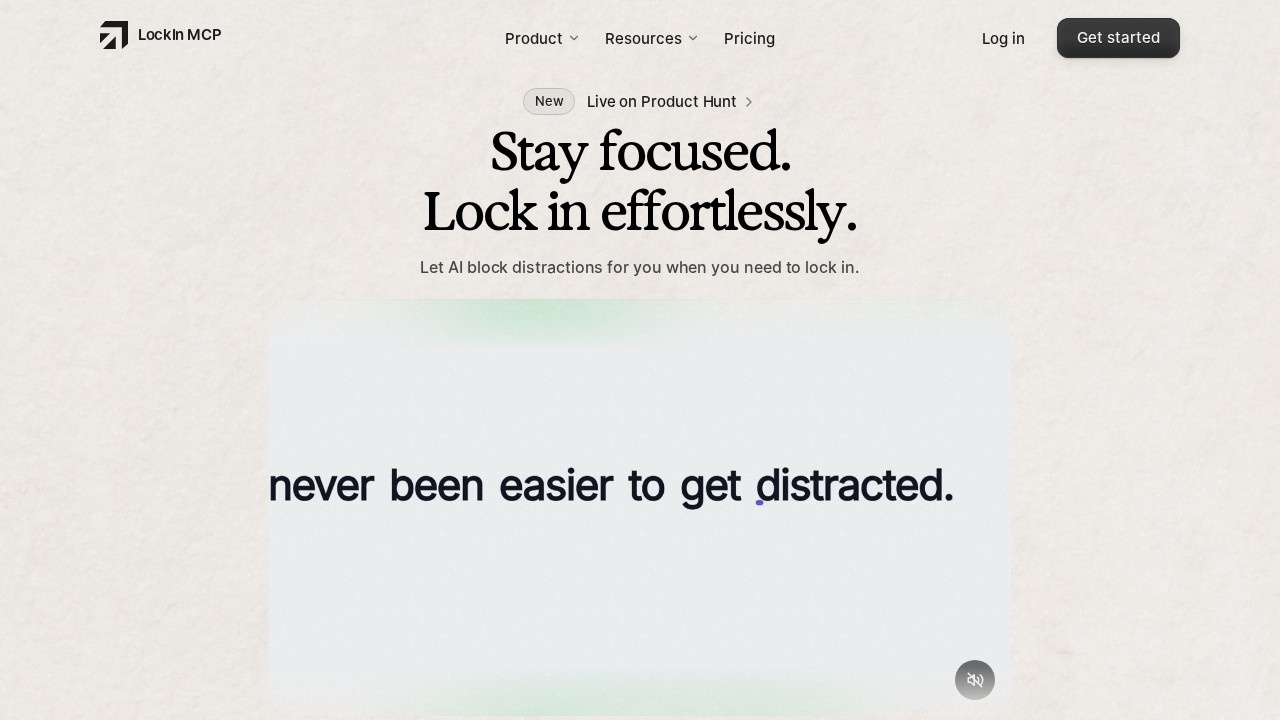
LockIn MCP by an independent developer is an AI-powered distraction blocker for macOS, Linux, and Windows. It offers system-level focus control with a lifetime license, helping you block interruptions
What is LockIn MCP?
LockIn MCP is a cross-platform distraction blocker that uses AI to enforce focus at the system level. It works with macOS, Linux, and Windows by editing your hosts file to block distracting sites like YouTube, Reddit, and X.com. The tool integrates with AI assistants such as Claude, ChatGPT, Perplexity, and Gemini via the Model Context Protocol (MCP). Users can ask their AI to block sites, start focus sessions, or temporarily unblock sites with accountability.Application scenarios
Deep work sessions
Block social media and video sites system-wide while you code, write, or study.
AI-assisted productivity
Ask Claude or ChatGPT to activate a focus session and enforce site blocks without leaving your workflow.
Remote team accountability
Use temp-unblock features with expiry timers to allow brief breaks that automatically re-block.
Multi-device focus
The hosts file edits persist across restarts, so blocks stay active even after rebooting.
Distraction-free learning
Block YouTube and Reddit during online courses or research sessions.
Cross-platform work
Use the same blocking setup on macOS, Linux, or Windows machines.
Core Features
System-level domain blocking
LockIn edits your /etc/hosts file to block sites like YouTube, Reddit, and X.com — no browser extension required.
AI assistant integration
Connect to Claude, ChatGPT, Perplexity, Gemini, and other MCP-compatible tools to control blocking via natural language.
Temp-unblock with expiry
Unblock a site for a set time; the block automatically reinstates when the timer expires, and syncs on wake.
Focus session commands
Start a focus window directly through your AI assistant, with system-level enforcement.
Background daemon
A lightweight cross-platform service runs quietly, keeping blocks synced and temp-unblock timers active.
One-command installer
Run `npx -y lockin-mcp install` to verify your license, pick sites to block, and connect MCP in minutes.
Persistent blocks
Edits remain in the hosts file after restart, and the background service maintains MCP connectivity and timer accuracy.
Stable relay URL for remote MCP
Enables remote access to MCP tools for teams or multi-device setups.
Target users
LockIn MCP is built for knowledge workers, developers, students, and remote professionals who struggle with digital distractions. It's particularly useful for anyone who already uses AI tools like Claude or ChatGPT and wants to delegate focus enforcement to an assistant. The system-level approach also appeals to users who find browser extensions too easy to bypass.How to use LockIn MCP?
Installation is a single terminal command:npx -y lockin-mcp install. After verifying your license, you select which sites to block. The daemon runs in the background, and you can then ask your connected AI assistant (Poke, Claude, ChatGPT, etc.) to block additional sites, start a focus session, or set a timed unblock. The official site provides a recommended "Poke focus recipe" for getting started quickly.Pricing and free trial
LockIn MCP offers a single lifetime license with no subscription. The standard price is $19.99, but it's currently available at 50% off for a lifetime price of $9.99. This one-time payment includes system-level domain blocking, the one-line installer, MCP server, compatibility with multiple AI tools, a stable relay URL for remote MCP, and the recommended Poke focus recipe.Effect review
LockIn MCP takes a refreshingly practical approach to focus tools by integrating directly with the AI assistants many users already rely on. The system-level hosts file method is more robust than browser extensions, and the lifetime pricing model is a welcome alternative to subscriptions. While the tool is relatively new and lacks extensive user reviews on the site, its feature set — particularly the temp-unblock with automatic expiry — suggests it's built for real-world productivity rather than gimmicks. For anyone frustrated by easily circumvented blockers, LockIn MCP offers a genuinely effective, AI-enforced solution.Frequently Asked Questions
What platforms does LockIn MCP support?
How does LockIn MCP block distractions?
Is there a subscription fee for LockIn MCP?
Who developed LockIn MCP?
Can I customize what gets blocked?
LockIn MCP - AI Tool Detail
LockIn MCP by an independent developer is an AI-powered distraction blocker for macOS, Linux, and Windows. It offers system-level focus control with a lifetime license, helping you block interruptions
Category:Personal Assistant
Visit Link:https://www.lockinmcp.com/
Tags:distraction blocker、focus tool、system-level control、cross-platform、lifetime license