
LaTeXConvert
LaTeXConvert is an online tool by an independent developer that instantly converts images and pictures into LaTeX code, enabling users to transform any visual formula into editable LaTeX format quickl
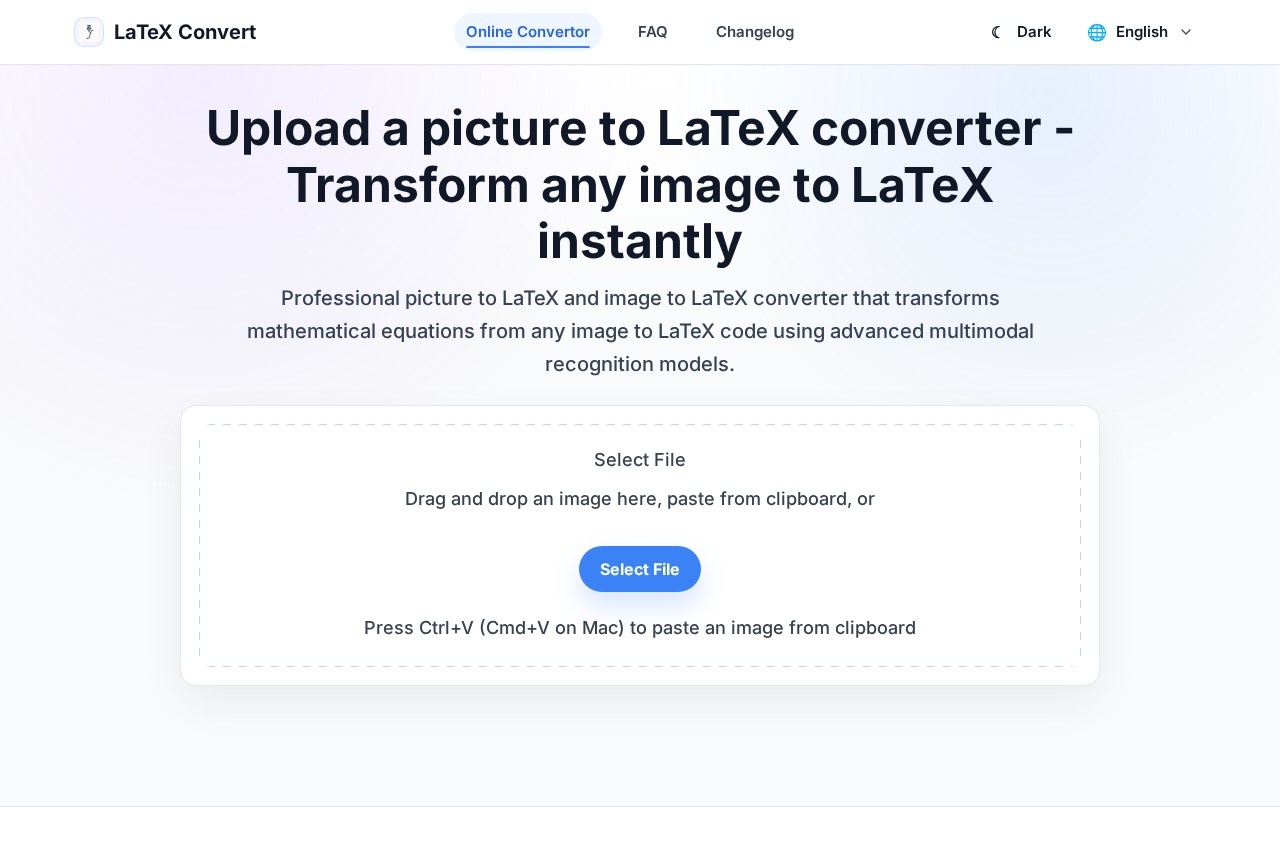
What is LaTeXConvert?
LaTeXConvert is an online tool that instantly converts images and pictures into LaTeX code. It reads math in a photo—from a book page, classroom note, worksheet, or phone snapshot—and transforms it into editable LaTeX text. This saves you from manually typing every symbol, especially for long or detailed formulas. The tool is designed for quick, no-setup conversion: upload a file, wait a short time, and get your LaTeX result.Application scenarios
Study notes
Convert handwritten or printed math formulas from textbooks into editable LaTeX for digital review sheets.
Classroom materials
Teachers reuse formulas written on a board or in printed handouts by turning them into LaTeX for slides and worksheets.
Homework files
Students move math from a notebook or worksheet into a digital document without retyping complex equations.
Blog posts and tutorials
Writers add math formatting to guides or tutorials by converting images of formulas into clean LaTeX code.
Quick capture
Snap a photo of an equation on a board or in a book and get editable LaTeX in minutes—no typing required.
Document cleanup
Reformat math from old notes or printed pages into a consistent, screen-ready LaTeX format.
Core Features
Image to LaTeX conversion
Upload a clear photo of a math formula, and the tool reads fractions, roots, letters, numbers, signs, and layout, then builds corresponding LaTeX code.
Side-by-side review
After conversion, you can see the original image, the rendered formula, and the LaTeX code all in one place for easy verification.
No setup required
Open the page, drop in a file, and wait a short time for the result—no complex installation or learning commands before you start.
Fast turnaround
The converter processes images quickly, helping you move from photo to editable math much faster than typing from scratch.
Clean image guidance
The tool works best with bright, sharp, straight images where the full formula (including powers, subscripts, brackets, and fraction lines) is fully in frame.
Symbol-check assistance
After conversion, the tool makes it easy to spot misread symbols (like a letter vs. a number, or a minus sign vs. a dash) by showing everything together.
Target users
This tool is for students who need to digitize math for study notes and review sheets, teachers who want to reuse printed or handwritten formulas in slides and class materials, and writers who include math formatting in blog posts, guides, and tutorials. Anyone who wants math to move from paper to screen in a clean, editable way will find it useful.How to use LaTeXConvert?
Open the LaTeXConvert website at https://latexconvert.com/. Upload a clear, bright, sharp image of your math formula. Wait a short time for the converter to process the image and generate the LaTeX code. Review the result by comparing the original image, the rendered formula, and the LaTeX code side by side. If needed, adjust the image quality (e.g., improve brightness or straighten the photo) and retry for better results.Effect review
LaTeXConvert delivers exactly what it promises: a fast, no-fuss way to turn math photos into editable LaTeX code. The side-by-side review feature is practical—it lets you catch symbol mix-ups like a letter mistaken for a number without extra steps. For students and teachers who deal with long or detailed formulas, this tool cuts down on manual typing time significantly. While the quality of conversion depends on image clarity (bright, sharp, straight photos work best), the tool’s simplicity and speed make it a reliable first step between a photo and a finished document. It’s a solid, focused utility for anyone who needs math to move from paper to screen quickly.Frequently Asked Questions
What file formats does LaTeXConvert support for image upload?
Is LaTeXConvert free to use?
How accurate is the conversion from image to LaTeX?
Can I use LaTeXConvert on mobile devices?
Does LaTeXConvert store my uploaded images?
LaTeXConvert - AI Tool Detail
LaTeXConvert is an online tool by an independent developer that instantly converts images and pictures into LaTeX code, enabling users to transform any visual formula into editable LaTeX format quickl
Category:Thesis Writing
Visit Link:https://latexconvert.com/
Tags:LaTeX conversion、image to LaTeX、formula OCR、math equation tool