
PicTranslate
PicTranslate is an AI-powered image translator and OCR tool for instantly extracting and translating text from photos, screenshots, menus, manga, and documents into over 40 languages.
What is PicTranslate?
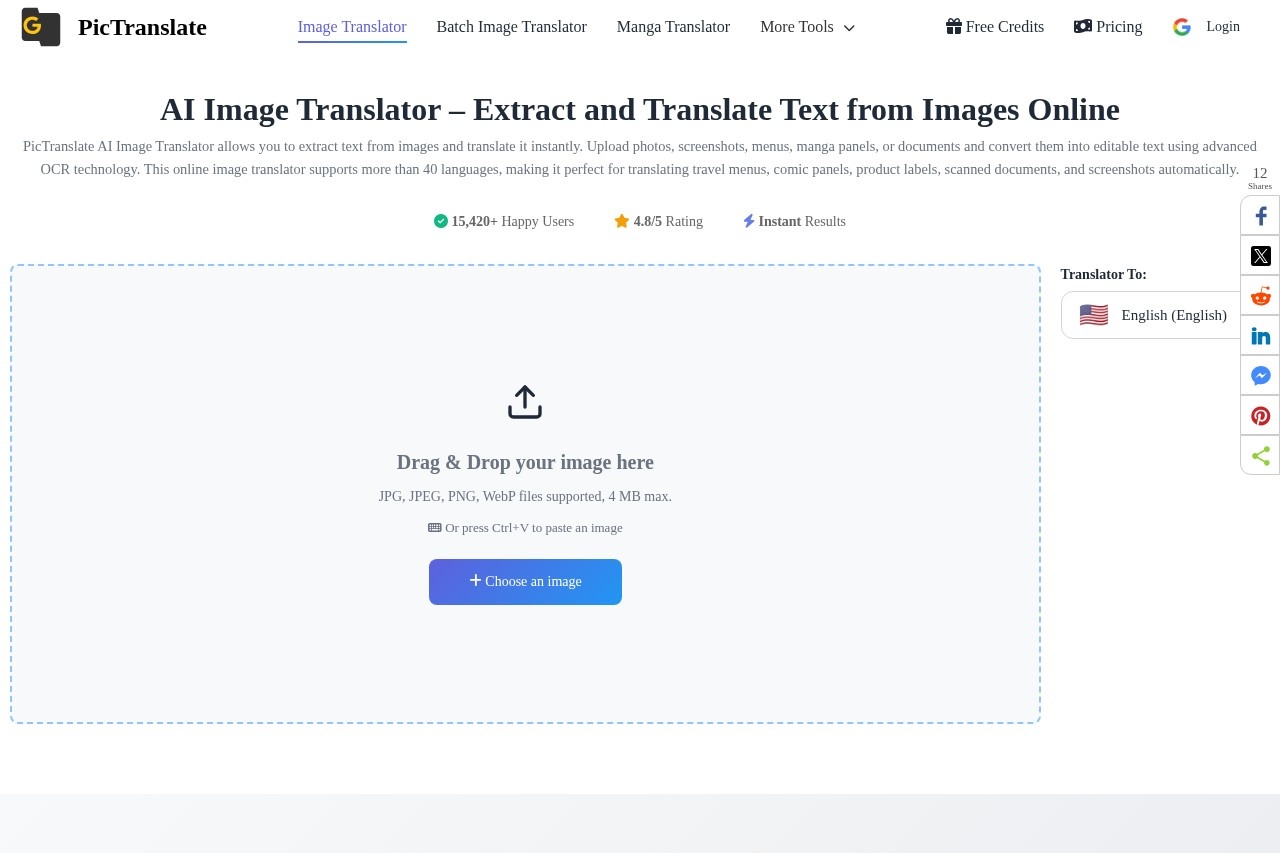
PicTranslate is an AI-powered image translator that extracts text from photos, screenshots, menus, manga panels, and documents using advanced OCR technology. It instantly converts extracted text into over 40 languages, including English, Chinese, Japanese, Korean, Spanish, French, and German. The tool supports JPG, JPEG, PNG, and WebP files up to 4 MB, and processes images entirely online with no software installation required.Application scenarios
Manga & Comic Translation
Translate speech bubbles and comic panels automatically, preserving original layout and context.
Menu Translation
Capture restaurant menus and instantly translate dishes, ideal for travel or dining experiences abroad.
Screenshot Translation
Extract text from website, app, or game screenshots for quick understanding or localization.
Document OCR
Convert scanned documents, PDFs, and reports into editable digital text efficiently.
Photo Text Extraction
Extract text from any photo, even with complex backgrounds, varying fonts, or multiple languages.
Product Label Translation
Translate labels on products, packages, or signs in real-world environments.
Core Features
Accurate Image OCR
Extract text from photos, screenshots, and scanned documents using advanced OCR technology that automatically detects characters and converts them into editable digital text.
Translate Images into 40+ Languages
Instantly translate extracted text into major languages including English, Chinese, Japanese, Korean, Spanish, French, and German.
Multiple Image Formats Supported
Upload JPG, PNG, or WebP images and convert them into editable text for menus, manga, documents, and screenshots.
Privacy Protected
All uploaded images are auto-deleted after 2 hours with zero data storage.
Verified Technology
Powered by Google Vision and Azure AI for reliable OCR performance.
24/7 Support
Expert team available via email anytime for assistance.
High Accuracy
Supports 47+ languages with 98% accuracy.
Instant Results
Process images and get translated text immediately after upload.
Target users
Travelers needing to translate menus, signs, and labels on the go. Manga and comic readers who want to understand foreign-language panels. Professionals handling scanned documents, PDFs, or reports requiring text extraction and translation. Developers and content creators working with multilingual screenshots or product images. Anyone who needs quick, accurate text extraction from photos without manual typing.How to use PicTranslate?
- Upload Your Image: Drag and drop a photo, screenshot, or scanned document containing text, or press Ctrl+V to paste an image directly.
- Choose Target Language: Select the language you want the text translated into from the dropdown menu (e.g., English).
- Download or Copy the Result: Copy the translated text or download the results after processing. The tool preserves formatting and accuracy.
Effect review
With over 15,420 happy users and a 4.8/5 rating, PicTranslate delivers reliable, instant image translation in real-world scenarios. The combination of Google Vision and Azure AI ensures high OCR accuracy (98%) across 47+ languages, making it a dependable choice for travelers, manga fans, and document workers. The 2-hour auto-delete policy adds a layer of privacy that many online tools lack. While the 4 MB file limit may restrict high-resolution scans, the tool's speed and formatting preservation make it a solid pick for everyday translation needs.Frequently Asked Questions
What is PicTranslate and how does it work?
What types of images can PicTranslate handle?
How many languages does PicTranslate support?
Is PicTranslate free to use?
Can PicTranslate preserve the original image layout?
Is my data secure when using PicTranslate?
PicTranslate - AI Tool Detail
PicTranslate is an AI-powered image translator and OCR tool for instantly extracting and translating text from photos, screenshots, menus, manga, and documents into over 40 languages.
Category:AI Translation
Visit Link:https://pictranslate.net/
Tags:image translator、OCR、text extraction、multilingual translation、AI tool