
Krea 2 AI
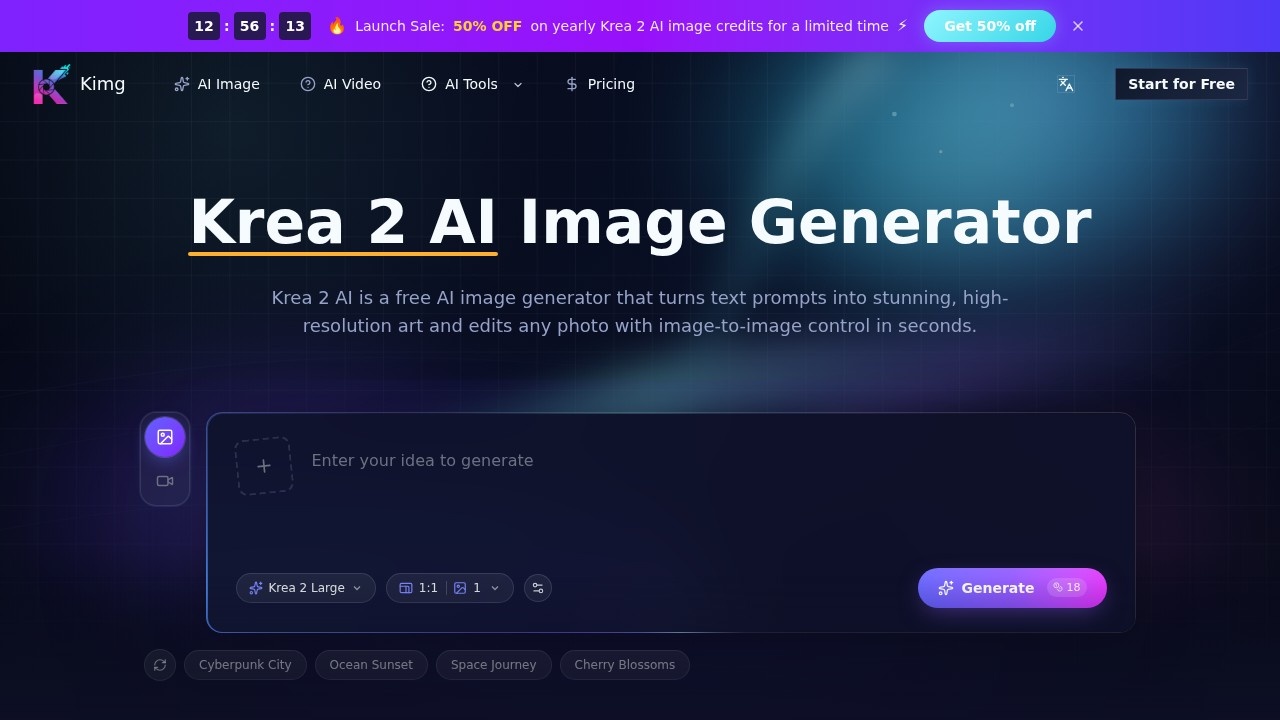
Krea 2 AI is an image generator by Krea for creating AI art from text, editing photos image to image, selecting styles, and downloading high-resolution results.
What is Krea 2 AI?
Krea 2 AI is a browser-based AI image generator that turns text prompts and photos into high-resolution images. It offers multiple visual styles and aspect ratios, allowing users to create detailed artwork in seconds. The tool supports both text-to-image generation and image-to-image editing, making it a versatile option for creators without design backgrounds.Application scenarios
Concept art creation
Generate cinematic travel scenes, dramatic atmosphere studies, or fantasy landscapes from text prompts.
Fashion and editorial design
Produce runway-style portraits and editorial images with controlled pose, styling, and scene mood.
Product visualization
Create photoreal product shots and concept images for marketing or e-commerce.
Photo editing and restyling
Upload a reference photo and transform it with a prompt while preserving the original subject and composition.
Social media content
Generate square, portrait, or wide images that fit platform-specific formats.
Print-ready artwork
Render high-resolution images with clean detail suitable for posters, large screens, and print projects.
Core Features
Text-to-image generation
Converts any text prompt into a detailed image in seconds, enabling instant visualization of ideas.
Image-to-image editing
Upload a photo and restyle, extend, or refine it from a prompt while keeping the original subject and composition intact.
High-resolution output
Renders sharp, high-resolution images with clean detail that hold up on large screens, posters, and print.
Multiple aspect ratios
Choose square, portrait, or wide aspect ratios to match different project requirements.
Multiple visual styles
Offers photorealistic, illustration, and concept art styles so creators can match a brand or explore fresh looks.
Browser-based workflow
Runs entirely in a browser, requiring no software installation or design background to use.
Target users
Krea 2 AI is designed for designers, marketers, content creators, and anyone who needs to generate or edit images quickly without stock photos or design skills. It suits professionals working on fashion, product visualization, concept art, and social media content.How to use Krea 2 AI?
- Open the Krea 2 AI website in your browser.
- Enter a text prompt describing the image you want to generate.
- Select a visual style (e.g., photorealistic, illustration, concept art) and an aspect ratio (square, portrait, or wide).
- Click "Generate" to create the image in seconds.
- For image-to-image editing, upload a reference photo, add a prompt, and let the tool restyle or refine it while preserving the original subject.
Effect review
Krea 2 AI delivers a straightforward, browser-based experience for generating high-resolution images from text prompts and editing photos with image-to-image control. The tool’s multiple styles and aspect ratios give creators flexibility for different projects, from fashion portraits to cinematic landscapes. While the site doesn’t provide user feedback or awards, the feature set suggests it can handle common creative tasks reliably. For users needing quick, print-ready visuals without a design background, Krea 2 AI offers a practical solution that balances ease of use with decent output quality.Frequently Asked Questions
What is Krea 2 AI?
How does image-to-image editing work in Krea 2 AI?
Can I choose different styles for my images?
What resolutions are available for downloads?
Is Krea 2 AI free to use?
What are the system requirements for using Krea 2 AI?
Krea 2 AI - AI Tool Detail
Krea 2 AI is an image generator by Krea for creating AI art from text, editing photos image to image, selecting styles, and downloading high-resolution results.
Category:Image generation
Visit Link:https://krea2ai.com/
Tags:AI art generator、text-to-image、image editing、high-resolution download