
GPT Image 2
AI image generator and editor by GPT Image 2 that turns text prompts or photos into high-res 2K visuals (up to 4K with upscaling) in seconds, with no watermarks for free experimentation across styles.
What is GPT Image 2?
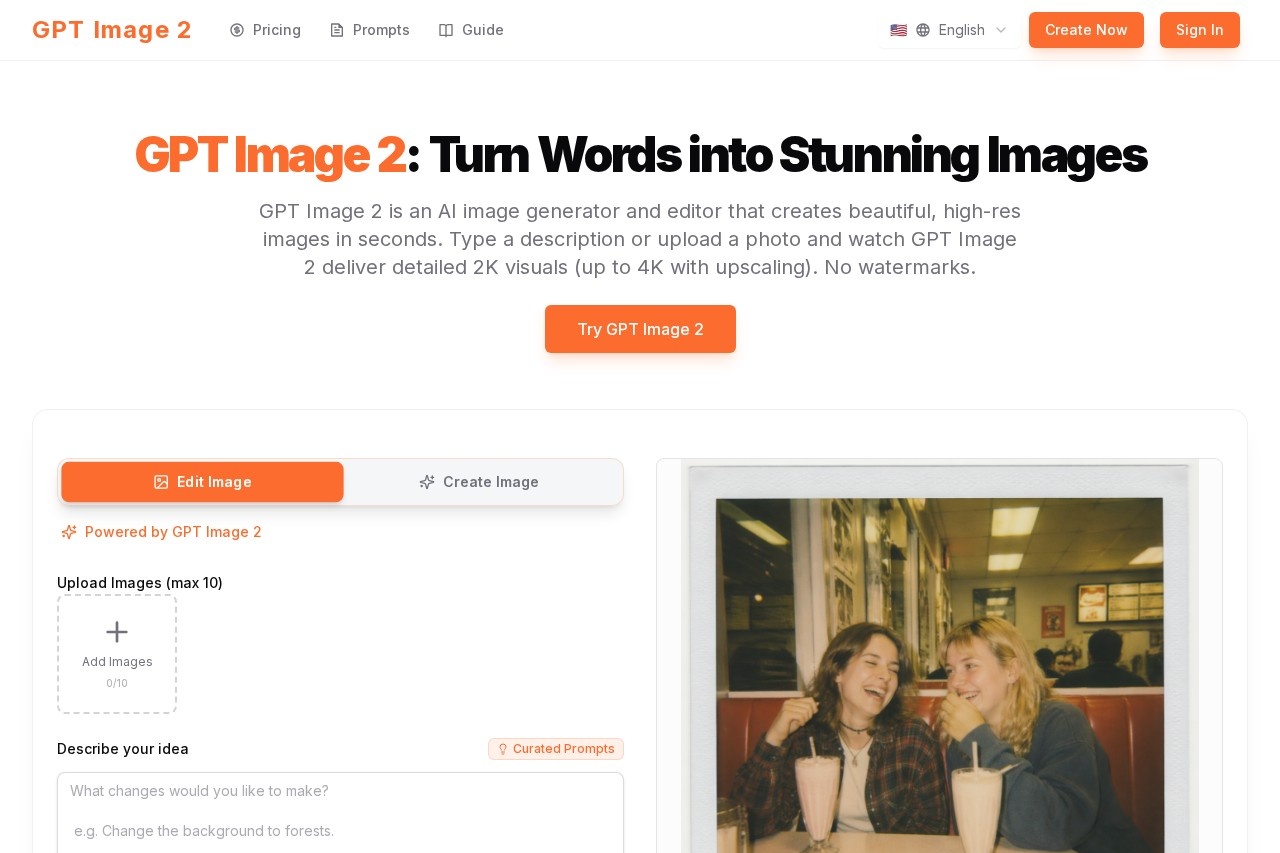
GPT Image 2 is an AI image generator and editor that turns text prompts or uploaded photos into high-resolution visuals in seconds. It delivers crisp 2K outputs with optional 4K upscaling, and exports images without watermarks. The tool supports natural language editing, character consistency across scenes, and style blending—all within a single workflow.Application scenarios
Campaign visuals
Generate print-ready images for ads, posters, and branded content with high text-rendering accuracy.
Character series
Lock a face or object from a reference photo to create consistent characters across storyboards, mascots, or product catalogs.
Image editing
Use plain-language commands for color tweaks, object removal, lighting shifts, inpainting, outpainting, and background replacement without masks or layers.
Style transfer
Blend multiple references or apply a mood (e.g., turning daytime shots noir) while preserving structure and detail.
Product catalogs
Build cohesive series of product images with consistent subjects across different poses, lighting, and locations.
Rapid iteration
Refine outputs quickly by giving new directions instead of starting over.
Core Features
Lightning speed
Generates polished results in seconds, enabling fast iteration.
Detailed output
Produces sharper, cleaner images ready for campaigns or product visuals.
Plain-language control
Edits images using natural language commands—no complex prompts required.
Character lock
Keeps identity and features steady across edits, allowing the same subject in new poses, lighting, and locations.
Smart edit modes
Supports fill, depth, and redux modes that respect subjects while restyling.
Blend references
Combines concepts, subjects, and styles into one frame with reliable transfer that preserves structure.
Cohesive output
Ensures lighting and composition stay believable after edits.
Text rendering
Handles typography and signage with high spelling accuracy for logos, posters, and branded visuals.
Target users
Designers, marketers, brand managers, content creators, and anyone needing fast, high-quality visuals for campaigns, storyboards, product catalogs, or social media. The tool is especially useful for teams that require consistent character or product identity across multiple scenes.How to use GPT Image 2?
- Visit the official website at https://gptimage2ai.com/.
- Type a text description or upload a photo to start generating or editing an image.
- Use natural language commands to refine the output—change colors, remove objects, or apply styles.
- Export the result as a watermark-free 2K or upscaled 4K image.
Pricing and free trial
GPT Image 2 offers two paid plans with a yearly option that saves 50%:- Basic: $14.9/month (billed yearly) or $29.9/month (monthly). Includes 26,400 credits/year (up to 2,640 images), 2K quality generation, standard support, and watermark-free exports.
- Pro (Most Popular): $24.9/month (billed yearly) or $49.9/month (monthly). Details for the Pro plan are not fully listed in the provided text.
No free trial is mentioned on the website.
Effect review
GPT Image 2 delivers on its promise of fast, high-resolution outputs with minimal friction. The combination of plain-language editing, character lock, and style blending makes it a practical tool for real-world design workflows—especially for campaigns and series where consistency matters. The 2K default and optional 4K upscaling ensure print-ready quality, while the lack of watermarks removes a common barrier for experimentation. For users who need to iterate quickly without complex masking or layering, this tool offers a streamlined, all-in-one solution.Frequently Asked Questions
What is GPT Image 2?
Is GPT Image 2 free to use?
What image resolutions does GPT Image 2 support?
Can I edit my own photos with GPT Image 2?
Does GPT Image 2 add watermarks to images?
How fast does GPT Image 2 generate images?
GPT Image 2 - AI Tool Detail
AI image generator and editor by GPT Image 2 that turns text prompts or photos into high-res 2K visuals (up to 4K with upscaling) in seconds, with no watermarks for free experimentation across styles.
Category:Image generation
Visit Link:https://gptimage2ai.com/
Tags:AI image generator、text-to-image、AI photo editor、high-resolution upscaling、no watermark