
绘影字幕
An AI-powered subtitle tool by 绘影 for automatic video captioning, translation, and editing, helping content creators and editors add accurate subtitles quickly and easily.
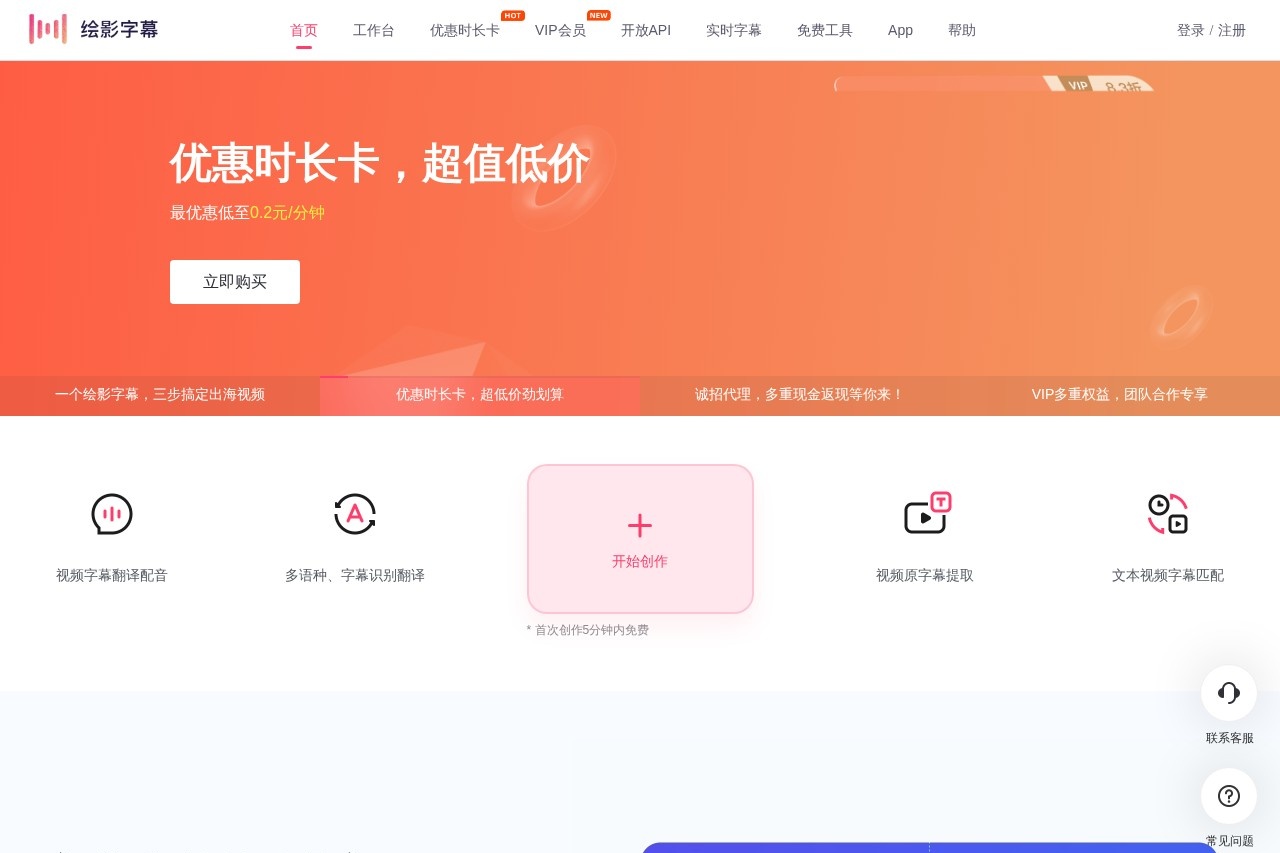
What is 绘影字幕?
绘影字幕 is an AI-powered subtitle tool that automatically generates, translates, and edits captions for videos. It helps content creators and editors add accurate subtitles quickly without manual typing. The platform works entirely in a web browser, so there’s no software to download—just sign up and start creating.Application scenarios
自媒体短视频
Add bilingual subtitles to short videos for social media platforms like Douyin or Bilibili.
出海视频
Translate Chinese videos into foreign languages with AI dubbing for international audiences.
多语种课程制作
Generate subtitles for educational content in multiple languages, including lecture videos.
影视制作
Create accurate subtitles for films or TV shows with timecode alignment.
会议直播
Use real-time subtitle output with OBS for live meeting captions.
视频原字幕提取
Extract existing subtitles from a video and translate them into 110 languages.
Core Features
自动识别加字幕
Upload a video without subtitles; the AI recognizes speech and generates captions automatically.
多语言识别与翻译
Supports speech recognition in 21 languages and translation into 110 languages, including Chinese, English, Japanese, Korean, French, and more.
字幕翻译加配音
Extract original subtitles, translate them, and add AI voiceover that syncs automatically with the video.
字幕时间轴匹配
Upload a subtitle script and video; the AI aligns text with audio and creates a precise timeline.
SRT在线编辑器
Edit subtitle files directly in the browser, with real-time saving to prevent data loss.
实时字幕输出
Connect the real-time subtitle client with OBS for live captioning during streams or meetings.
双语字幕制作
Generate side-by-side bilingual subtitles (e.g., English original + Chinese translation) in one step.
高速处理
A 1-hour video can be processed in about 5–10 minutes, depending on system load.
Target users
Content creators, video editors, educators, media professionals, and marketing teams who need fast, accurate subtitles for multilingual or international projects. It’s also useful for live event organizers and anyone managing video localization.How to use 绘影字幕?
- Register an account on the website (email or phone login supported).
- Go to the workspace and choose a creation mode (e.g., auto subtitle recognition, subtitle extraction, or text-video matching).
- Upload your video file and select the source language.
- Pay for the processing time (charged per minute of video).
- Wait for the AI to generate subtitles (typically 5–10 minutes for a 1-hour video).
- Edit and proofread subtitles in the online editor.
- Export the video with embedded subtitles or download the subtitle file (e.g., SRT).
Pricing and free trial
- New users get a 5-minute free trial on their first video (email-registered accounts excluded).
- Subtitle recognition costs 0.6 RMB per minute of video; buying a time card reduces the price to as low as 0.2 RMB per minute.
- Editing and exporting are free after the initial recognition payment.
- VIP membership offers additional benefits for team collaboration.
Effect review
User testimonials on the site highlight that 绘影字幕 saves significant manual work for content-heavy videos. One creator noted it freed up time for other tasks, while another praised the translation-plus-dubbing feature for streamlining multi-tool workflows. The platform’s accuracy is rated around 90% for standard Chinese and English in good audio conditions, though it may drop with accents or background noise. For most subtitle needs—from social media clips to educational courses—绘影字幕 delivers reliable, fast results without requiring technical expertise.Frequently Asked Questions
What languages does 绘影字幕 support for translation?
Can I edit the generated subtitles?
Is 绘影字幕 free to use?
What video formats are supported?
How accurate is the automatic captioning?
绘影字幕 - AI Tool Detail
An AI-powered subtitle tool by 绘影 for automatic video captioning, translation, and editing, helping content creators and editors add accurate subtitles quickly and easily.
Category:Video editing
Visit Link:https://huiyingzimu.com/
Tags:AI subtitles、video captioning、subtitle translation、video editing、content creation