
HappyHorse AI
HappyHorse AI is a browser-based platform for creating AI videos, featuring text-to-video and image-to-video generation, HD downloads, and a flexible credit system.
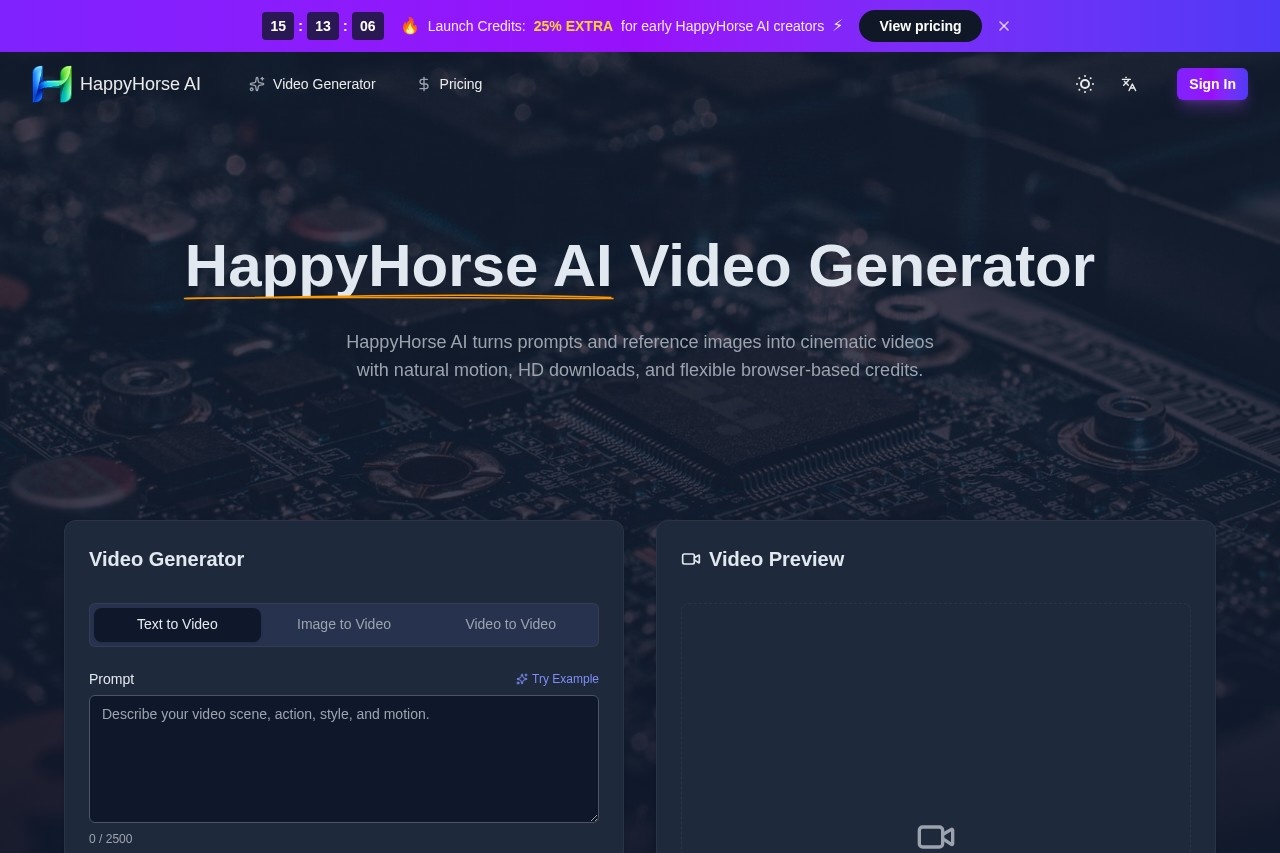
What is HappyHorse AI?
HappyHorse AI is a browser-based platform for generating AI videos. It transforms text prompts and reference images into cinematic video clips with natural motion. Users can download videos in HD and operate the tool using a flexible credit system. It is designed for creating short, polished video content directly from a web browser.Application scenarios
Cinematic ads
Turn launch copy or campaign scenes into short branded videos with cleaner motion and mood.
Concept trailers
Preview camera language, pacing, and story beats for films before larger production begins.
Image-to-video animation
Animate still illustrations, product shots, or portraits while maintaining their original composition.
Social loops
Create short, looping video content suitable for social media platforms.
Product showcases
Generate videos that highlight products with cinematic motion.
Core Features
Text-to-video generation
Turn written prompts into cinematic video clips.
Image-to-video generation
Create videos from reference images with strong subject follow and scene continuity.
Video-to-video generation
Transform existing videos into new AI-generated clips.
HD download
Export generated videos in high-definition resolutions.
Flexible credit system
Operate the platform using a browser-based credit payment model.
Customizable video settings
Adjust parameters like duration, aspect ratio, and resolution (including 480p, 720p, and 1080p).
Audio generation
Add generated audio to your video clips.
Advanced settings
Access additional controls for fine-tuning video generation.
AI Video Gallery
Browse a showcase of example clips to understand cinematic, product, portrait, and atmosphere outputs.
Target users
HappyHorse AI serves creative teams, directors, and individual creators. It is useful for marketers needing branded ad content, filmmakers conceptualizing trailers, and social media creators looking for animated loops. The platform is built for anyone who requires cinematic motion in a browser without complex software.How to use HappyHorse AI?
Access the tool through its website in a browser. Enter a text prompt or upload a reference image, then configure settings like duration, aspect ratio, resolution, and audio. The interface shows a credit cost for generation. After processing, you can preview and download the HD video clip for use in your projects.Effect review
The platform highlights its motion quality, scene coherence, and ability to closely follow reference images. It claims strong user preference in blind voting for its text-to-video and image-to-video outputs, specifically noting strengths in no-audio generation. Users often describe the motion as natural and less rigid, with particular praise for camera drift, body movement, and atmospheric handling that makes scenes feel cinematic. This focus on coherent, high-quality motion from a browser tool makes it a practical option for rapid creative iteration and producing polished short-form video content.Frequently Asked Questions
What is HappyHorse AI?
How do I create videos with HappyHorse AI?
Can I download my videos in high quality?
How does the credit system work?
Do I need to install any software to use HappyHorse AI?
What types of videos can I create with HappyHorse AI?
HappyHorse AI - AI Tool Detail
HappyHorse AI is a browser-based platform for creating AI videos, featuring text-to-video and image-to-video generation, HD downloads, and a flexible credit system.
Category:Text to Video
Visit Link:https://happyhorseai.net/
Tags:AI video generator、text-to-video、image-to-video、browser-based、video creation