
Happy Horse
Happy Horse is an AI video generator by an independent developer for turning prompts, images, and clips into engaging videos with fast iteration and flexible creative control.
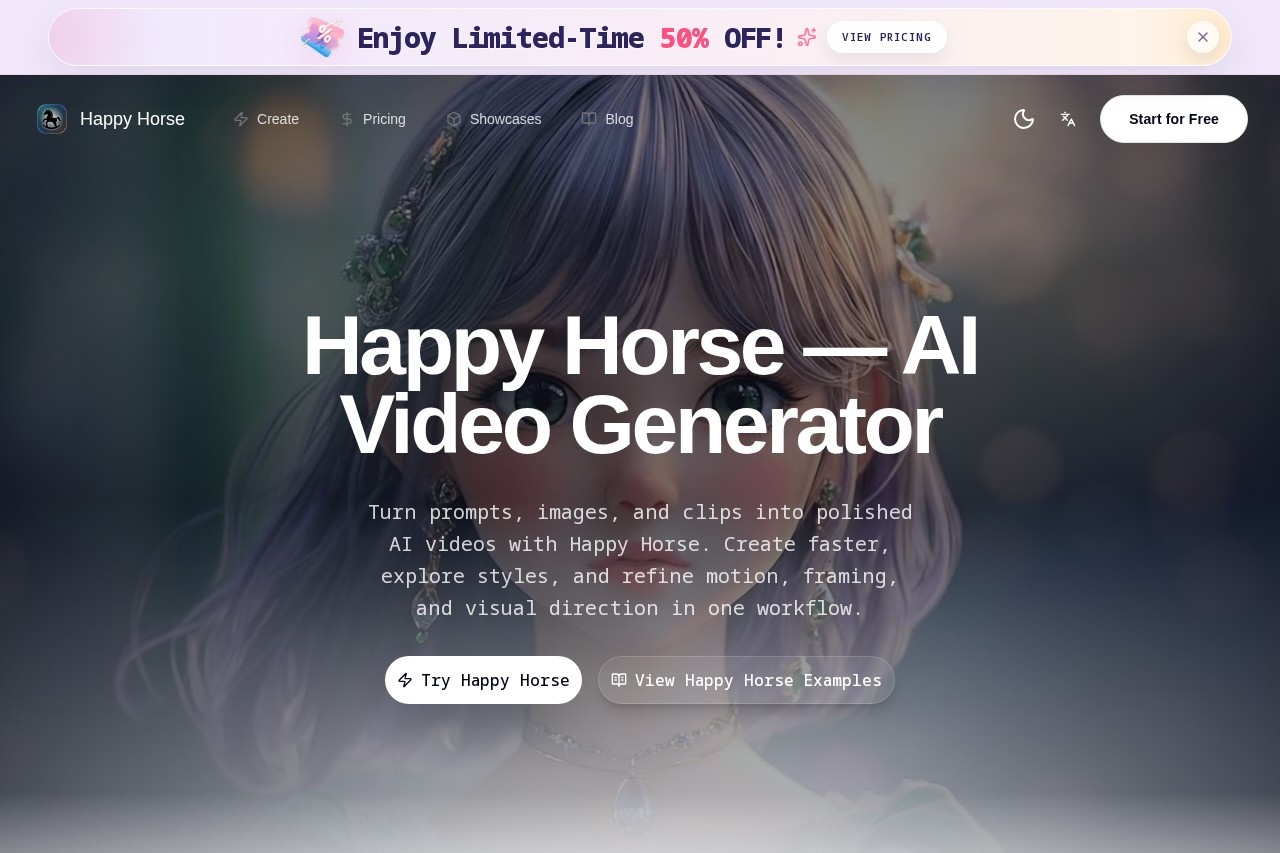
What is Happy Horse?
Happy Horse is an AI video generator by an independent developer that turns prompts, images, and clips into polished videos. Users describe scenes in natural language to generate cinematic video with accurate motion, lighting, and composition. It offers a single workflow for creating, styling, and refining video content quickly. The tool is designed for fast iteration and flexible creative control.Application scenarios
Short-form video creation
Create engaging videos for social media platforms like TikTok or Instagram in minutes instead of hours.
Marketing content production
Produce professional-grade video ads and marketing materials on limited budgets.
Educational video creation
Generate instructional or explainer videos with synchronized voice and visuals.
Storytelling and character-driven projects
Maintain character consistency across multiple shots for narrative work.
Reference-based video generation
Transform reference images, audio clips, or existing footage into new video content.
Creative experimentation
Explore different visual styles—photorealistic, anime, vintage, or stylized aesthetics—with director-level camera control.
Core Features
Text-to-video
Describe any scene in natural language and Happy Horse generates cinematic video with accurate motion, lighting, and composition.
Character consistency across scenes
Preserves faces, outfits, and body proportions across multiple shots for story-ready characters.
Native voice and singing generation
Generates videos with synchronized human voice and AI singing, ensuring perfect lip-sync and natural sound design.
Reference-to-video (R2V)
Upload reference images, audio clips, or existing footage and transforms them into polished video content with full creative control.
Camera and style control
Offers director-level camera control—pan, tilt, dolly, zoom—with precise style transfer for photorealistic, anime, vintage, or stylized aesthetics.
Image-to-video
Animate still images and references into moving video scenes.
Fast workflow
Iterate quickly from concept to export, reducing production time from a full day to minutes.
Happy Horse API (coming soon)
Plans to offer API access for developers to integrate AI video generation into their own applications.
Target users
Short-form video creators, marketers, and educators are the primary users mentioned in reviews. The tool suits independent creators, social media managers, and small marketing teams who need fast, high-quality video production without large budgets. Developers can also benefit from the upcoming API integration.How to use Happy Horse?
Visit the Happy Horse website and sign up to access the tool. Enter a text prompt, upload an image or reference clip, and choose your desired camera and style controls. Generate the video, review the output, and iterate quickly until satisfied. Export the final video for use in your projects.Effect review
Real users report that Happy Horse transforms their creative workflow, reducing video production from a full day to minutes. Short-form video creator Sarah Chen says the quality is exceptional and her followers love the results. Marketing manager Michael Rodriguez notes it enables professional-grade marketing content even with limited budgets. The tool's combination of text-to-video, character consistency, and native voice generation makes it a practical choice for creators who need polished, fast results without complex editing software.Frequently Asked Questions
What is Happy Horse?
How does Happy Horse work?
Can I use my own images or clips as input?
Is Happy Horse free to use?
What makes Happy Horse different from other AI video generators?
Who is Happy Horse for?
Happy Horse - AI Tool Detail
Happy Horse is an AI video generator by an independent developer for turning prompts, images, and clips into engaging videos with fast iteration and flexible creative control.
Category:Video generation
Visit Link:https://happy-horse.pro/
Tags:AI video generator、text-to-video、image-to-video、creative control、video creation