
Happy Horse AI
Happy Horse AI is the official platform for the advanced open-source AI video model. Create cinematic videos from text prompts, offering powerful video generation capabilities.
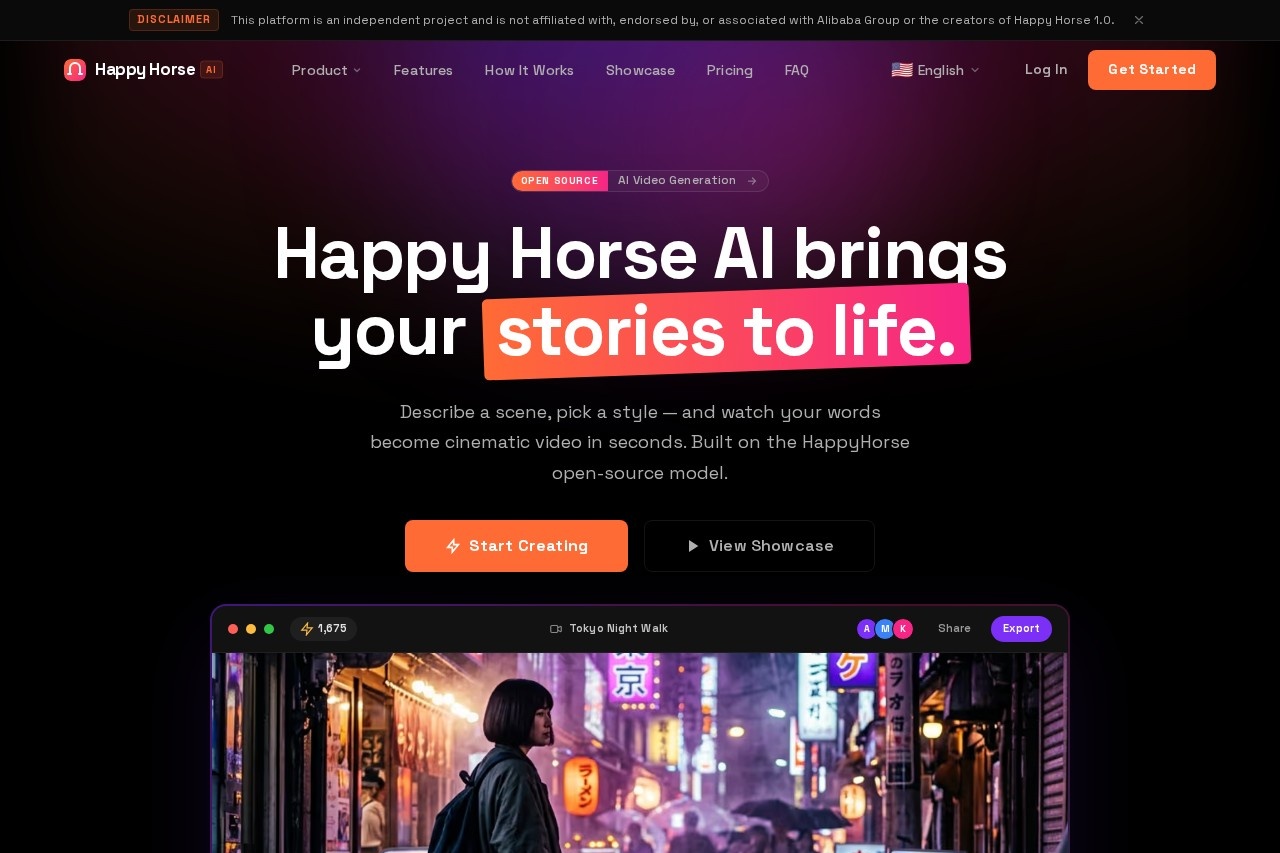
What is Happy Horse AI?
Happy Horse AI is the official platform for the open-source HappyHorse AI video model. It lets you generate cinematic videos from text prompts or reference images in seconds. The tool outputs native 1080p HD video with physically grounded motion and consistent scene synthesis. It’s built for professional-grade video creation without needing complex editing software.Application scenarios
Cinematic storytelling
Describe a scene and pick a style to produce atmospheric, narrative-driven video clips.
Character animation
Generate expressive character animations with realistic micro-expressions and motion.
Landscape and environment videos
Create cinematic landscapes, from ocean reveries to forest awakenings.
Marketing and advertising
Produce polished, cinematic visuals for product demos or brand content.
Concept art and pre-visualization
Quickly visualize scenes from text or reference images for film or game development.
Music video and soundtrack pairing
Use AI Audio Sync to match AI-generated soundtracks per scene.
Social media content
Export short, high-quality clips for platforms like Instagram or TikTok.
Core Features
Text-to-video generation
Enter a prompt (e.g., "a woman walking through neon-lit Tokyo streets") and get a cinematic video in seconds.
Reference image upload
Upload an image (e.g., desert_dunes.jpg) to guide the video generation.
Cinematic Presets
Choose from 8 visual styles and mood engines to control the look and feel.
Multi-Model Engine
Switch between HappyHorse, Veo 3.1, and Seedance models for different output styles.
Camera Control
Adjust pan, tilt, zoom, and roll sliders for precise camera movement.
AI Audio Sync
Automatically generate an AI-matched soundtrack per scene.
Native 1080p output
Generate videos at native 1080p HD resolution without upscaling artifacts.
Unified Generation
Characters, textures, and lighting remain consistent across consecutive shots and complex scene transitions.
Vision & Text to Video
Start from either a text prompt or a reference image; the model understands both inputs.
Motion Dynamics
Physical laws govern motion, from micro-expressions to large-scale sweeps, for natural-looking video.
Target users
Content creators, filmmakers, video editors, marketers, game developers, and anyone needing quick, cinematic video generation from text or images. The tool is designed for both professionals seeking high-quality output and hobbyists exploring AI video generation.How to use Happy Horse AI?
- Go to https://happyhorsee.io/ and click "Start Creating."
- Enter a text prompt describing your scene (e.g., "a woman walking through neon-lit Tokyo streets at night, cinematic, atmospheric fog").
- Optionally upload a reference image for visual guidance.
- Select a style (Cinematic Presets), duration (e.g., 4s), and steps (e.g., 20).
- Use Camera Control sliders (pan, tilt, zoom, roll) and AI Audio Sync if needed.
- Click "Generate" and wait for the video to render.
- Export the final video from the library.
Effect review
Happy Horse AI delivers on its promise of fast, cinematic video generation from text prompts. The native 1080p output and physically grounded motion produce clips that look professional without obvious artifacts. The combination of camera controls, style presets, and multi-model engine gives users real creative flexibility. For anyone needing quick, high-quality video from words or images, this tool is a solid, open-source-powered option worth testing.Frequently Asked Questions
What is Happy Horse AI?
How do I create a video with Happy Horse AI?
Is Happy Horse AI free to use?
What are the system requirements for Happy Horse AI?
Can I use Happy Horse AI for commercial projects?
What video formats and resolutions does Happy Horse AI support?
Happy Horse AI - AI Tool Detail
Happy Horse AI is the official platform for the advanced open-source AI video model. Create cinematic videos from text prompts, offering powerful video generation capabilities.
Category:Text to Video
Visit Link:https://happyhorsee.io/
Tags:AI video generation、text-to-video、open-source AI、cinematic video creation