
HappyHorse AI
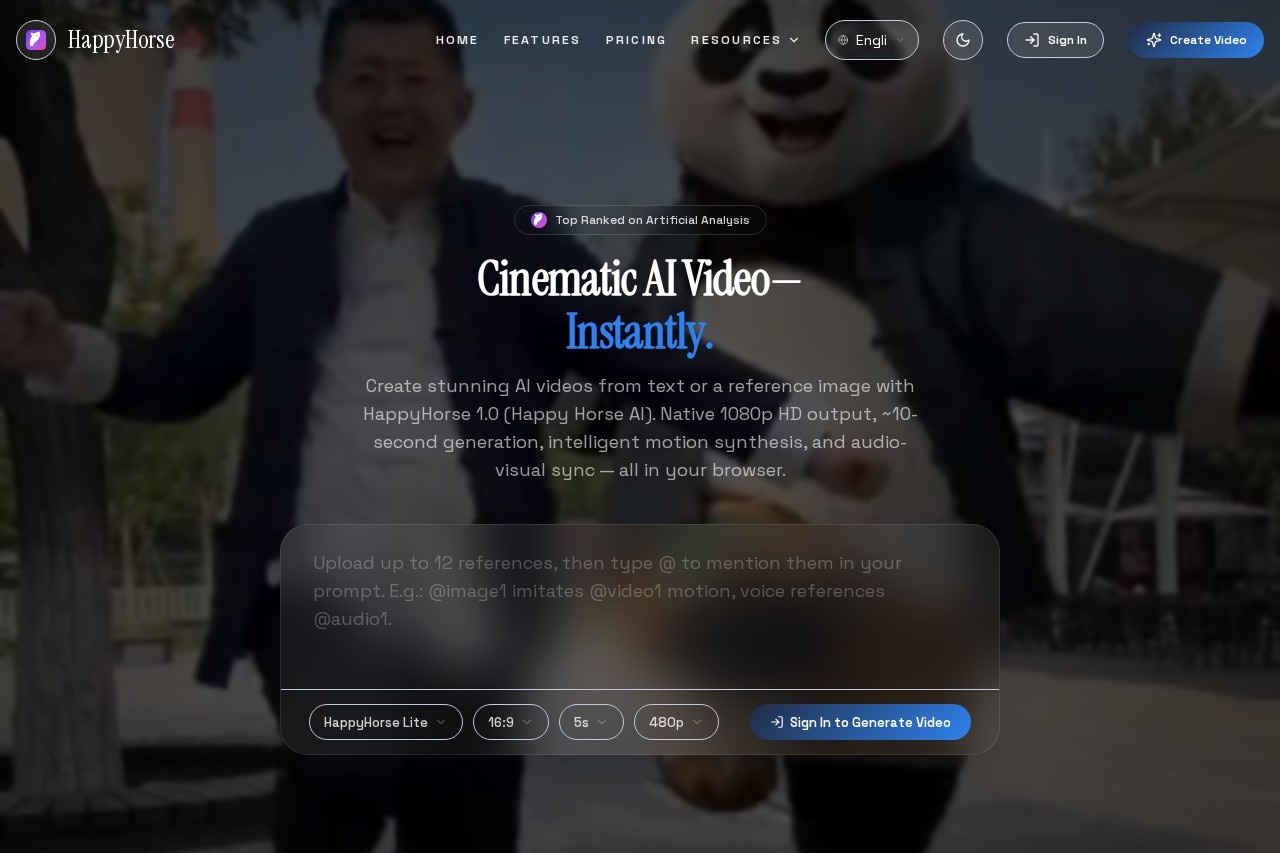
HappyHorse AI is a leading AI video generator that creates high-quality 1080p clips from text or images in seconds, featuring synchronized audio and over 50 visual styles.
What is HappyHorse AI?
HappyHorse AI is a browser-based AI video generator. It creates high-definition 1080p video clips from text prompts or reference images in approximately 10 seconds. The tool features intelligent motion synthesis and integrated audio-visual synchronization, including lip-sync and ambient sound. Creators use it to produce cinematic-quality video content quickly for various professional applications.Application scenarios
Product Launch Reels
Create cinematic hero shots and launch clips to showcase a product's features.
Paid Ad Creatives
Rapidly generate and A/B test multiple video hooks and ad variations.
App/SaaS Explainers
Demonstrate software workflows and product value with consistent multi-shot sequences.
Creator Brand Kits
Maintain a consistent visual style and framing across all video content for brand cohesion.
Storefront Promos
Generate fresh seasonal product clips by updating text prompts and reference images.
Music & Lip-Sync Videos
Produce videos with fully synchronized audio, lip movement, and ambient sound.
Core Features
Text to Video
Generate a cinematic video clip by writing a text prompt and selecting aspect ratio, duration, and resolution.
Image to Video
Guide video generation by uploading one or more reference images for the AI to animate.
Intelligent Motion Synthesis
Animate still images with natural motion, camera movement, and dynamic scene changes.
Native 1080p HD Output
Render videos in high definition without requiring a separate upscaling step.
Audio-Visual Sync
Generate video with precise lip-sync, ambient sound, and multi-language voiceover in a single pass.
Style Variety
Access over 50 visual styles, including cinematic, anime, documentary, and commercial.
Fast Generation
Produce videos with an average generation time of around 10 seconds.
HappyHorse 1.0
Unlock full 1080p HD, faster generation, and advanced multimodal features.
HappyHorse Lite
Start with a version that includes starter credits for quick experiments.
Target users
This tool is built for creators and professional teams needing efficient, high-quality video production. It directly serves marketers creating ad campaigns, product teams launching new features, SaaS companies building explainers, and content creators or brands that require consistent, on-brand visual storytelling.How to use HappyHorse AI?
The process is conducted entirely within a web browser. For text-to-video, you write a prompt and choose your aspect ratio, duration, and resolution before generating. For image-to-video, you upload reference images to guide the animation. Users can begin with HappyHorse Lite or unlock the full HappyHorse 1.0 model for advanced capabilities. For the most current steps, visit the official website.Effect review
HappyHorse AI positions itself as a top-tier solution, evidenced by its claimed #1 ranking on Artificial Analysis and recognition by major tech publications. The platform's focus on a high 99.5% success rate, native 1080p output, and single-pass audio-video generation suggests a strong emphasis on production-ready reliability and speed. For a creator, the combination of rapid generation, synchronized audio, and extensive style controls translates into a tool designed to significantly streamline the process of turning ideas into polished, cinematic video clips.Frequently Asked Questions
What is HappyHorse AI?
What input formats does HappyHorse AI accept?
How long does it take to generate a video?
What visual styles are available?
Does HappyHorse AI include audio in videos?
What resolution are the generated videos?
HappyHorse AI - AI Tool Detail
HappyHorse AI is a leading AI video generator that creates high-quality 1080p clips from text or images in seconds, featuring synchronized audio and over 50 visual styles.
Category:Video generation
Visit Link:https://happy-horse.ai/
Tags:AI video generator、text-to-video、image-to-video、video creation、AI content creation