
GPT Image 2
AI image generator by GPT Image 2 for fast, realistic product images, ad creatives, posters, and marketing visuals. No design skills needed.
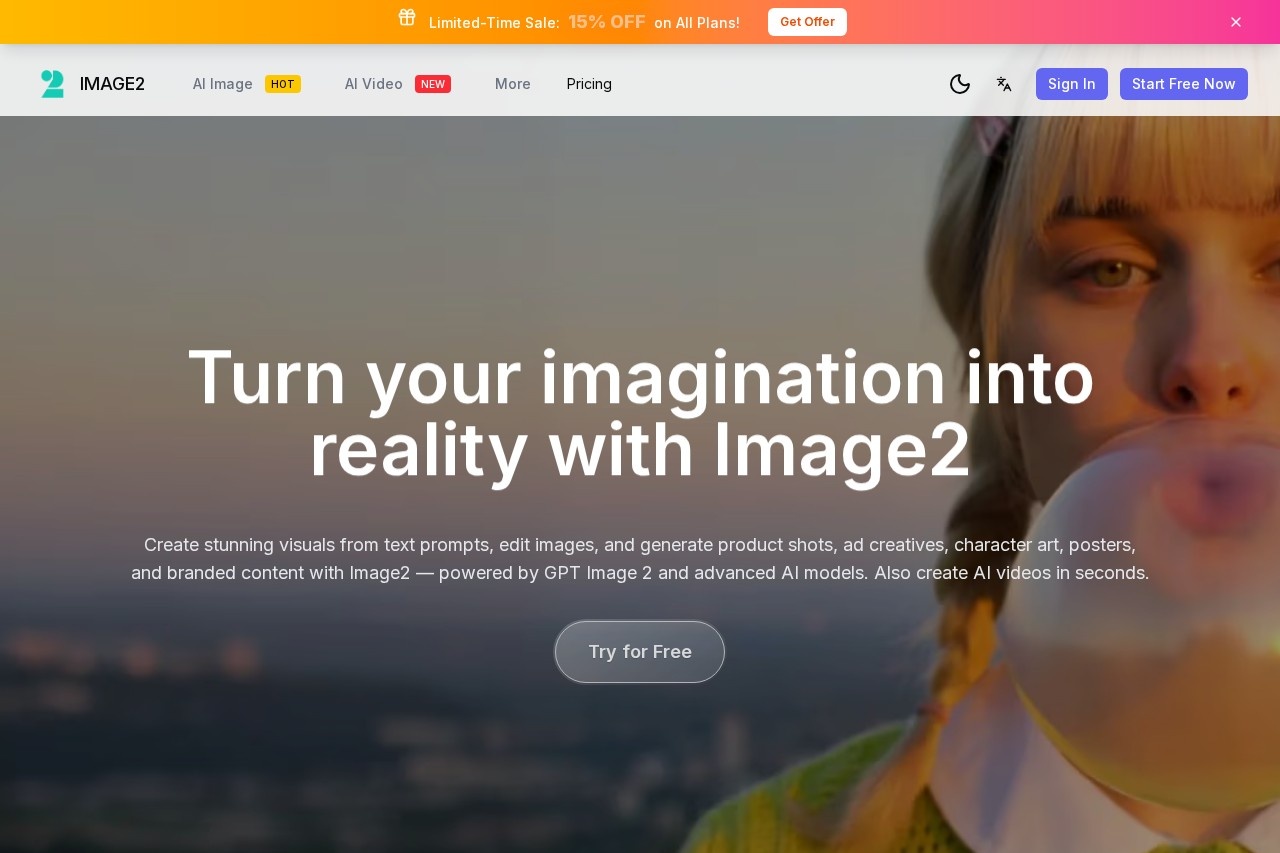
What is GPT Image 2?
GPT Image 2 is an AI-powered image generator and editor designed for fast, realistic marketing visuals. It lets you create product images, ad creatives, posters, and other branded visuals from text prompts or source images without needing design skills. The tool focuses on producing readable text within images—headlines, CTAs, and copy—making it suitable for ads, UI mockups, and e-commerce catalogs. It’s built for creators who need production-ready assets quickly.Application scenarios
Marketing & Social Media
Generate ad creatives, social posts, posters, and campaign visuals with readable headlines and CTA text for fast publishing.
E-commerce Product Photography
Turn product ideas, descriptions, or reference shots into photorealistic product images, catalog shots, lifestyle scenes, and packaging mockups.
Brand Concepts & Campaign Assets
Explore logo directions, color palettes, packaging concepts, and launch visuals without rebuilding every brand asset from scratch.
UI Mockups & Presentation Visuals
Create UI concepts, promo layouts, explainer visuals, slide graphics, and review-ready assets for team presentations and iteration.
Poster & Infographic Creation
Produce posters, infographics, product labels, and branded visuals where text remains easy to read.
Core Features
Text-to-Image Generation
Describe your image in plain text (up to 20,000 characters) and generate visuals using the GPT-Image-2 model.
Image-to-Image Editing
Upload a source image and edit it with natural-language prompts for quick adjustments.
Readable Text Rendering
Create posters, ads, and UI mockups where headlines, CTA text, and supporting copy stay clear and legible.
Photorealistic Output
Generate high-quality product images and multi-style visuals that look realistic.
Transparent Backgrounds
Export assets with transparent PNG backgrounds for design-ready use.
High-Resolution Output
Produce visuals at 1K or 2K resolution suitable for campaigns and print.
Aspect Ratio Options
Choose from preset ratios (1:1, 9:16, 16:9, 4:3, 3:4) to match different platforms and formats.
Credit-Based System
Each generation costs 50 credits, with remaining credits displayed in the interface.
Target users
Designers, ecommerce teams, marketers, social media managers, and developers who need fast, realistic visuals for ads, product shots, brand concepts, UI mockups, and presentations. No design skills are required, making it accessible to content creators and business owners alike.How to use GPT Image 2?
- Visit the official website and click “Try for Free.”
- Choose between Text to Image or Image to Image mode.
- Enter a description (up to 20,000 characters) or upload a reference image.
- Select your preferred aspect ratio and resolution (1K or 2K).
- Generate the image—each generation costs 50 credits.
- Download or export the result as a transparent PNG or high-resolution file.
Pricing and free trial
The website mentions a “Try for Free” option and a credit-based system where each generation costs 50 credits. No specific pricing tiers or free trial limits are detailed in the provided text.Effect review
User feedback on the site highlights GPT Image 2’s ability to render readable headlines and product copy without constant cleanup—a common pain point for AI image tools. With a 4.8/5 average rating from over 50,000 generated images and 10,000+ e-commerce shots, the tool delivers reliable results for marketing and product photography workflows. The combination of text readability, photorealistic output, and transparent backgrounds makes it practical for real-world publishing. For teams that need fast, on-brand visuals without design overhead, GPT Image 2 offers a solid, production-ready solution.Frequently Asked Questions
What is GPT Image 2?
Do I need design experience to use GPT Image 2?
What types of images can GPT Image 2 create?
How fast is GPT Image 2 at generating images?
Is GPT Image 2 free to use?
Can I use GPT Image 2 for commercial purposes?
GPT Image 2 - AI Tool Detail
AI image generator by GPT Image 2 for fast, realistic product images, ad creatives, posters, and marketing visuals. No design skills needed.
Category:Product image generation
Visit Link:https://image2-ai.com/
Tags:AI image generator、product photography、marketing visuals、ad creatives、no design skills