
GPT Image 2
GPT Image 2 by GPT Image 2 is an AI tool for generating, editing, upscaling, and transforming images in seconds, supporting reference images and commercial-ready outputs.
What is GPT Image 2?
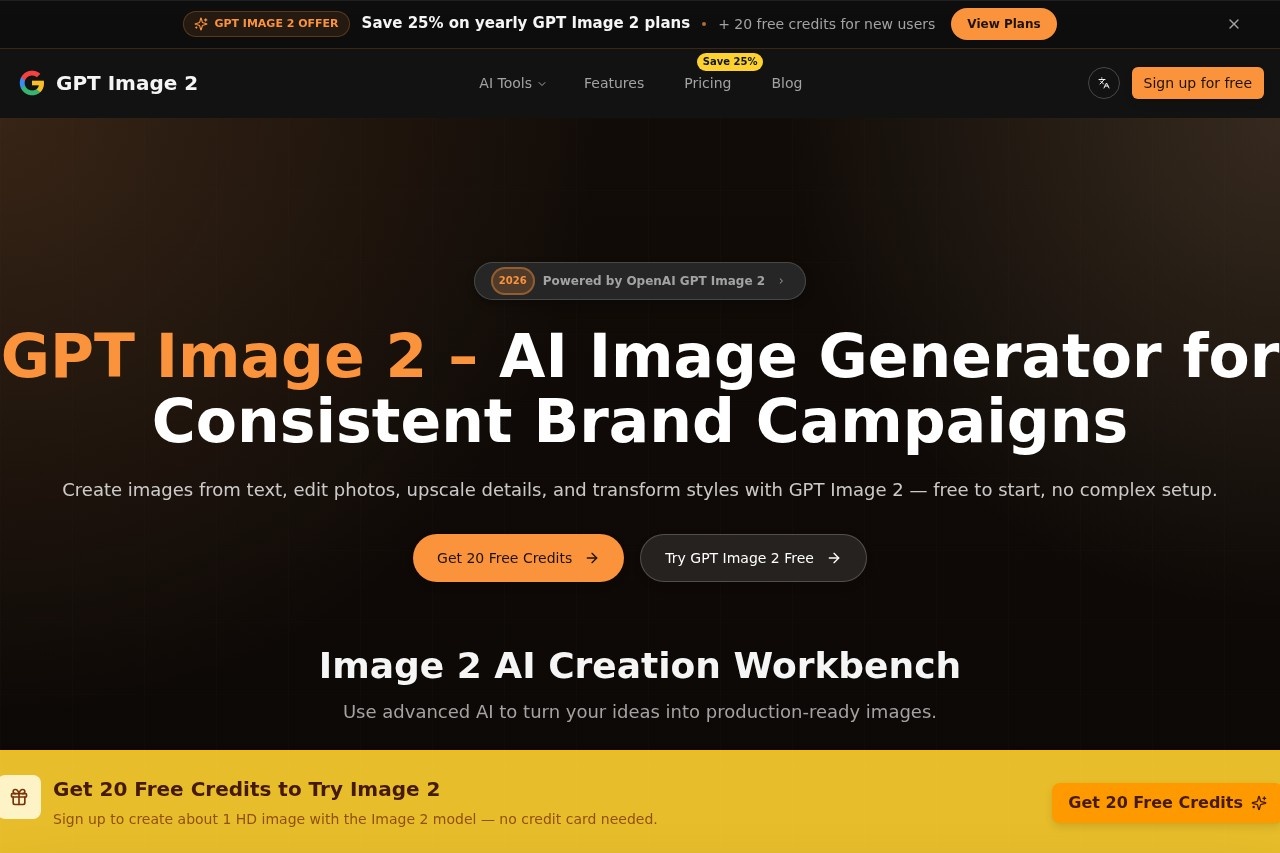
GPT Image 2 is an AI image generator that creates, edits, upscales, and transforms images from text prompts. It is powered by OpenAI and designed for consistent brand campaigns, offering native 4K output and pixel-accurate text rendering across 48+ languages. Users can generate production-ready images with no complex setup, starting with a free tier that includes 20 credits (roughly one HD image). The tool supports reference images and is built for commercial use.
Application scenarios
Marketing campaigns
Create consistent brand visuals with pixel-accurate text and native 4K output.
Social media content
Generate TikTok live-stream parody images or other viral-style visuals with floating comments, hearts, and gift icons.
Product mockups
Design UI mockups or product cards with detailed shopping elements.
Portrait photography
Produce ultra-realistic portraits, including headshot polaroid prints or selfies with specific camera parameters.
Creative storytelling
Turn ideas into polished visuals for fictional scenarios, like a 1980s polaroid set or a beach selfie.
Style transformation
Edit photos and transform styles using advanced AI, from realistic to satirical.
Core Features
Text-to-image generation
Enter a text prompt to create images from scratch, with support for detailed descriptions and negative prompts.
Image editing and upscaling
Edit existing photos and upscale details to improve resolution and clarity.
Style transformation
Transform the style of images, such as creating a TikTok live-stream parody or a 1980s polaroid set.
Native 4K output
Generate images at 4K resolution for high-quality, production-ready visuals.
Pixel-accurate text rendering
Render text clearly across 48+ languages, ideal for UI mockups or branded content.
Reference image support
Use reference images to guide the AI in generating consistent outputs.
Batch generation
Free users can generate up to 3 images per request; Pro users can generate up to 15 images per request.
Camera parameter control
Specify device type, lens, composition, and lighting for realistic first-person perspectives or computational photography styles.
Target users
GPT Image 2 is built for marketers, content creators, designers, and small business owners who need fast, consistent, and high-quality visuals for brand campaigns. It also suits social media managers, UI/UX designers, and anyone creating commercial-ready images without requiring advanced design skills.
How to use GPT Image 2?
- Sign up: Visit gptimage2.dev and create an account to get 20 free credits (no credit card needed).
- Enter a prompt: Write a text description of the image you want, including style, composition, and any specific details (e.g., camera parameters or negative prompts).
- Generate: Click to generate up to 3 images per request (free tier) or up to 15 images (Pro tier). Each image uses 15 credits.
- Edit or upscale: Use the editing and upscaling features to refine details or improve resolution.
- Export: Download the final image in 4K output for commercial use.
Pricing and free trial
GPT Image 2 offers a free plan with 20 credits (enough for about one HD image). Free users can generate up to 3 images per request. The website mentions an "Upgrade to Pro" option for up to 15 images per request, but no specific Pro pricing is listed. No credit card is required to start the free trial.
Effect review
GPT Image 2 delivers on its promise of fast, high-quality image generation with native 4K output and precise text rendering. The ability to control camera parameters and use reference images makes it a strong choice for consistent brand campaigns. The free tier is generous enough to test the tool, and the batch generation limit for Pro users suggests scalability for larger projects. While no user feedback or awards are mentioned, the feature set—especially the pixel-accurate text and style transformation—positions it as a practical alternative to more complex design software. For marketers and creators needing polished visuals quickly, GPT Image 2 is a reliable option.
Frequently Asked Questions
What is GPT Image 2?
Can I use my own images as references?
Are the images generated by GPT Image 2 suitable for commercial use?
What types of image editing can GPT Image 2 perform?
How fast is GPT Image 2 at generating images?
Is GPT Image 2 free to use?
GPT Image 2 - AI Tool Detail
GPT Image 2 by GPT Image 2 is an AI tool for generating, editing, upscaling, and transforming images in seconds, supporting reference images and commercial-ready outputs.
Category:Image generation
Visit Link:https://gptimage2.dev/
Tags:AI image generation、image upscaling、image editing、commercial use、reference image