
Gemini Omni
AI video generation tool by Google using a unified omni-model to create native 4K videos. Features include in-chat editing, Director's Mode, audio synthesis, and persistent world-state memory for adva
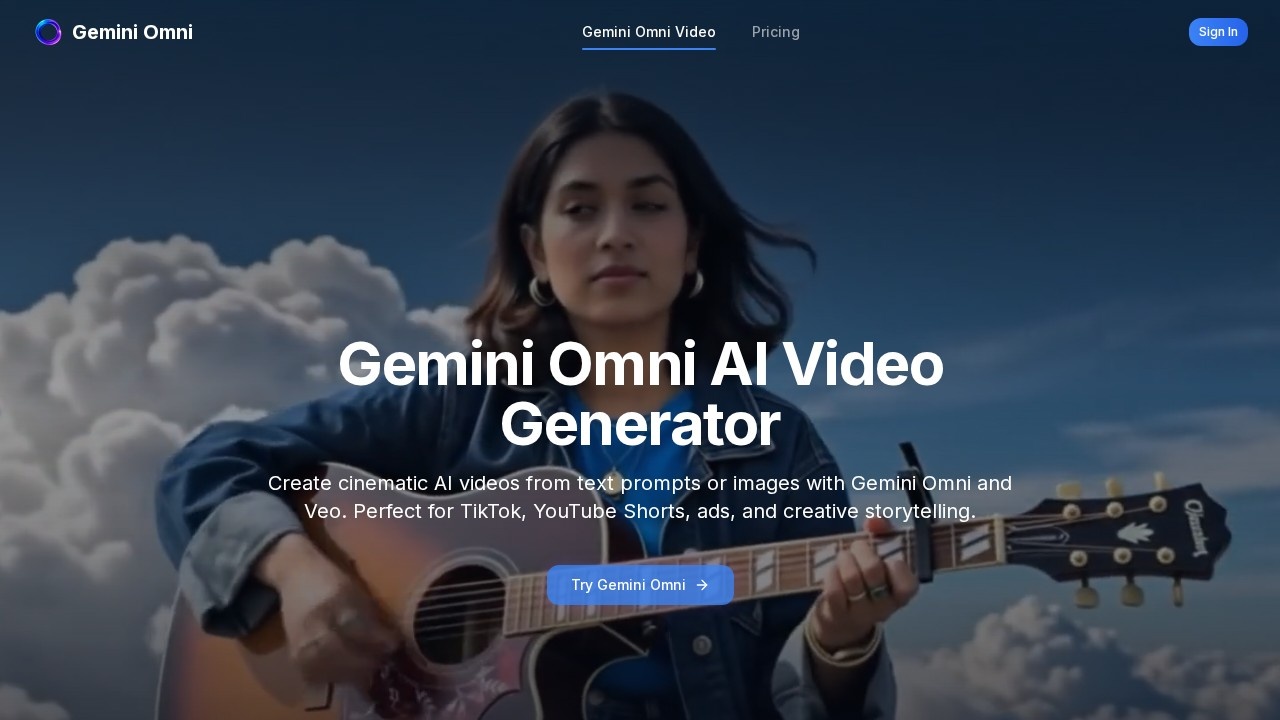
What is Gemini Omni?
Gemini Omni is an AI video generation tool from Google that creates cinematic videos from text prompts or images. It uses a unified omni-model to produce native 4K outputs, with features like in-chat editing, Director's Mode, audio synthesis, and persistent world-state memory. Users can generate content for TikTok, YouTube Shorts, ads, and creative storytelling. The platform offers multiple styles including cinematic, anime, fashion, product ads, and AI influencer formats.Application scenarios
TikTok and YouTube Shorts
Create short-form video content optimized for social media platforms.
Product ads
Generate promotional videos for e-commerce or marketing campaigns.
Creative storytelling
Produce cinematic narratives with camera moves and physics-based motion.
Education and science
Visualize complex concepts like protein folding or astronomical phenomena with scientific accuracy.
Environment transformation
Reimagine real-world scenes by changing lighting, atmosphere, and spatial elements.
Fashion and AI influencer
Generate fashion-focused videos or AI-driven influencer content.
Image-to-video conversion
Turn uploaded images into dynamic video clips with text prompts.
Core Features
Text-to-video generation
Create videos from text prompts alone, including surreal effects like structural foam or chrome reflections.
Image-to-video conversion
Upload images (JPG, PNG, WebP, max 10MB) and transform them into videos with a prompt.
Director's Mode
Control cinematic camera moves, aspect ratios (16:9 or 9:16), and video duration (5s or 10s).
Creative material generation
Produce physically plausible effects like particle systems, chrome reflections, and structural foam from single prompts.
Conversational style transfer
Apply material changes (e.g., chrome mirror reflection) while preserving camera motion and scene integrity.
World knowledge integration
Combine Gemini's knowledge of science, history, and culture to generate accurate visualizations of complex topics.
Cinematic world building
Generate architecturally detailed scenes with atmospheric lighting and coherent spatial relationships.
Physics-based motion
Generate character motion that respects real-world physics.
Environment transformation
Change lighting, atmosphere, and spatial elements in existing footage while maintaining original structure.
Multiple output quality options
Choose between 480p and 720p resolution, with quality tiers (Gemini Omni Lite for balanced quality and speed).
Target users
Content creators, marketers, educators, and filmmakers who need quick, cinematic video generation for social media, ads, or educational visualizations. The tool suits both beginners using text prompts and advanced users wanting control over camera movement, materials, and physics.How to use Gemini Omni?
- Visit the Gemini Omni website (https://www.geminiomnivideo.io/).
- Choose between text-to-video or image-to-video mode.
- For image-to-video, upload a JPG, PNG, or WebP file (max 10MB).
- Enter a text prompt describing the desired video output.
- Adjust generation settings: duration (5s or 10s), quality (480p or 720p), and aspect ratio (16:9 or 9:16).
- Click "Generate Video" to produce the output.
Pricing and free trial
The website mentions "10 credits" as a starting balance and "10 credits" for quality settings, but does not specify pricing tiers or free trial details. Users should check the site for current pricing.Effect review
Based on the showcase examples from the official Google I/O 2026 demo, Gemini Omni produces visually impressive outputs with physically plausible motion and material effects. The ability to generate cinematic camera moves, particle systems, and environment transformations from simple text prompts suggests strong creative potential. However, the lack of user reviews or independent benchmarks on the site means real-world consistency is unverified. For content creators needing rapid, high-quality video generation with minimal effort, Gemini Omni appears capable, but longer-form or complex projects may require testing.Frequently Asked Questions
What is Gemini Omni?
Can I edit videos directly in the chat interface?
What is Director's Mode?
Does Gemini Omni support audio generation?
What does 'persistent world-state memory' mean?
Is Gemini Omni available for free?
Gemini Omni - AI Tool Detail
AI video generation tool by Google using a unified omni-model to create native 4K videos. Features include in-chat editing, Director's Mode, audio synthesis, and persistent world-state memory for adva
Category:Video generation
Visit Link:https://www.geminiomnivideo.io/
Tags:AI video generation、Google AI、4K video、Director's Mode、omni-model