Gemini Omni
AI content creation tool by Omni for generating video drafts from text, image, video, and audio inputs, with natural language editing of shots, subjects, style, and pacing.
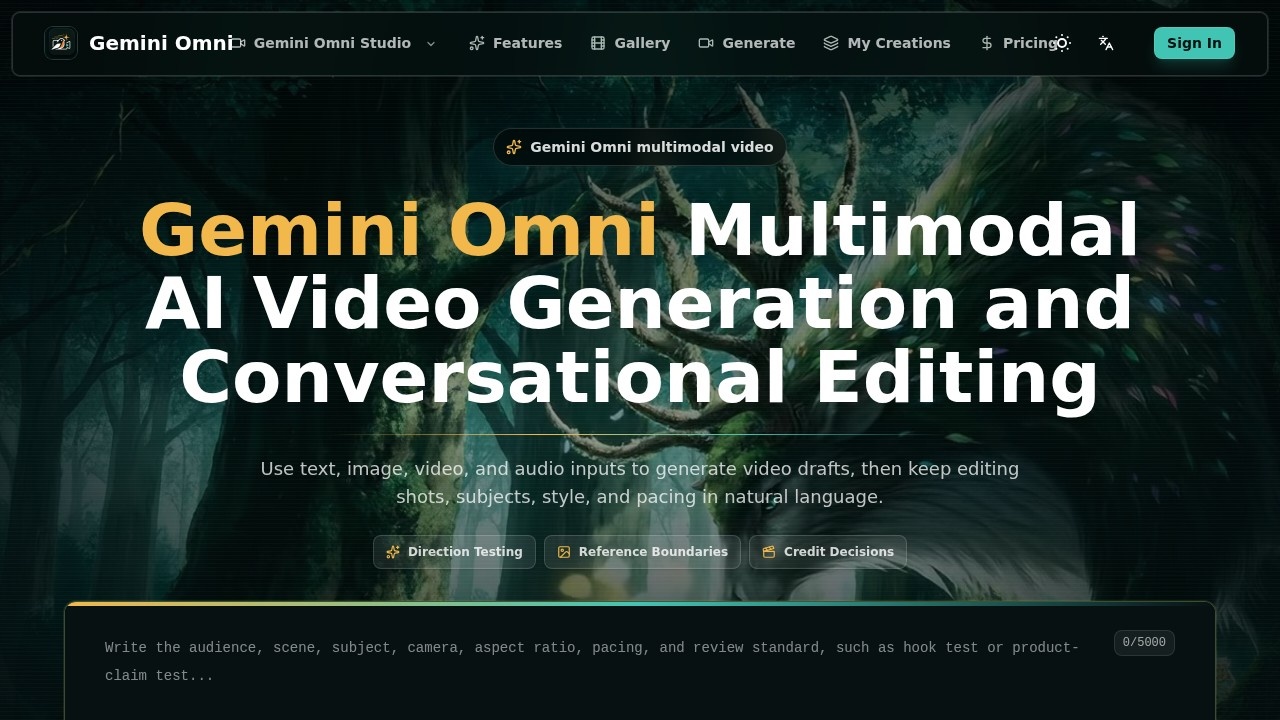
Gemini Omni Review
What is Gemini Omni?
Gemini Omni is a multimodal AI video generation and conversational editing tool. It allows users to generate video drafts from text, image, video, and audio inputs. After generation, users can refine shots, subjects, style, and pacing using natural language commands. The platform is designed to make AI video generation explainable by keeping every input, reference, generation, and edit tied to a specific reason.Application scenarios
Direction testing
Evaluate whether a shot is worth another pass by checking hook clarity, reference drift, product detail, or creator tone.
Three-second opener testing
Turn the audience, claim, and visual hook into the first shot to judge whether people would keep watching.
Person reference testing
Use a portrait or selfie as the visual anchor to test expression, camera distance, and identity stability.
Ad layout testing
Run a fixed structure first to see whether captions, pacing, and visual hierarchy fit paid social.
Product detail testing
Check whether packaging, material, scale, and key benefits still work once the image moves.
Creator shot testing
Turn script tone into a visible reference for performance, mood, and camera framing.
Feature motion prototyping
Prototype one step or before/after moment before writing the full explainer.
Mood and rhythm testing
Test light, motion speed, material behavior, and available audio cues against the scene.
Core Features
Multimodal input
Use text, image, video, and audio inputs to generate video drafts.
Conversational editing
Keep editing shots, subjects, style, and pacing using natural language commands.
Intent Start
Write the shot question before settings to decide whether you are testing scene, subject, motion, caption treatment, or channel fit.
Asset Anchor
Lock the reference boundary before adding motion, stating which person, product, layout, or style must remain recognizable.
Review Close
Use the output to decide whether to continue the direction, swap references, lower the cost, or move into manual editing.
Next-Version Note
Record why a draft works or fails so the next generation is not a guess.
Workflow control
Split a video test into three entry points: state the shot question, lock the reference boundaries, then decide whether the run is worth submitting.
Target users
Video creators, ad creative teams, product marketers, and content strategists who need to rapidly prototype and test video concepts. The tool is especially useful for teams running paid social campaigns, product demos, or creator-led content where multiple iterations are required before final production.How to use Gemini Omni?
Open the Test Room on the website. Start by writing your shot question (Intent Start) to define the test goal, camera distance, and channel spec. Then lock the reference boundary (Asset Anchor) to specify which person, product, layout, or style must remain recognizable. Finally, use the Review Close to decide whether to continue the direction, swap references, lower the cost, or move into manual editing. Record why each draft works or fails using the Next-Version Note.Effect review
The platform's emphasis on structured testing—rather than relying on a lucky first render—makes it a practical tool for teams that need predictable, explainable results. By tying every input, reference, generation, and edit to a specific reason, Gemini Omni reduces guesswork in video prototyping. The conversational editing capability is particularly valuable for rapid iteration without switching between multiple tools. However, the website does not provide specific user feedback, quality benchmarks, or awards, so real-world performance depends on how well users define their shot questions and reference boundaries. For teams already working with video content for paid social or product marketing, this tool offers a systematic approach to direction testing and creative decision-making.Frequently Asked Questions
What types of input does Gemini Omni accept for video creation?
Can I edit the video after the initial draft is created?
Is Gemini Omni suitable for professional video production?
Do I need technical skills to use Gemini Omni?
Can I upload my own media files to Gemini Omni?
What makes Gemini Omni different from other AI video tools?
Gemini Omni - AI Tool Detail
AI content creation tool by Omni for generating video drafts from text, image, video, and audio inputs, with natural language editing of shots, subjects, style, and pacing.
Category:Video generation
Visit Link:https://omnigemini.io/
Tags:AI video generation、text-to-video、multimodal content creation、natural language video editing、AI content creation