
Gemini Omni
AI video creation tool by Google for turning ideas into cinematic videos, with editing, remixing, and native audio features.
What is Gemini Omni?
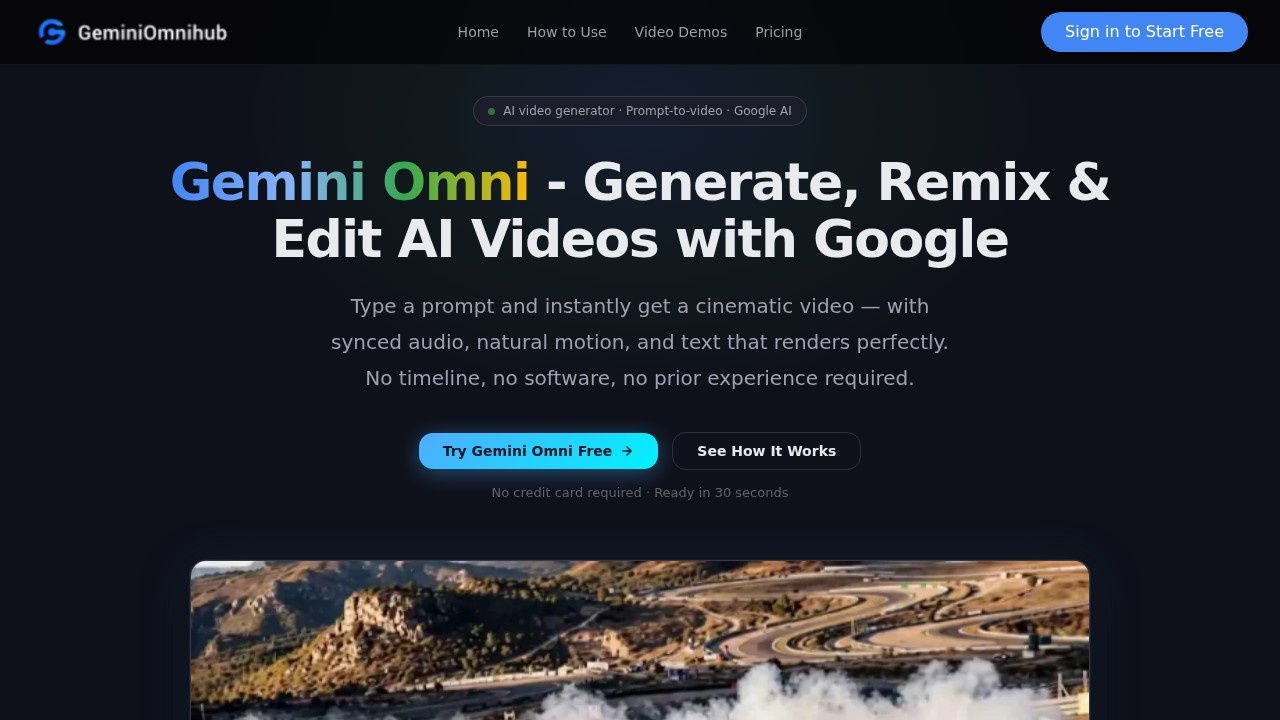
Gemini Omni is an AI video creation tool by Google that turns text prompts into cinematic videos. It generates clips with synced audio, natural motion, and properly rendered text—no timeline, software, or prior experience needed. The platform unifies video, image, and text generation into a single workflow, delivering stylistically consistent outputs powered by Google AI in seconds.Application scenarios
Text-to-video
Describe a scene in plain English to generate up to 10-second 1080p clips with strong prompt adherence and consistent scene coherence.
Image-to-video
Drop in a still image to animate it with believable camera moves and physics, preserving character identity across frames.
Video remixing
Upload existing footage and ask Gemini Omni to restyle, re-season, or reframe it—iterative editing without starting over.
Chat-based editing
Type what needs to change in a clip, and Gemini Omni patches it in place—no timeline scrubbing required.
Creative storytelling
Generate cinematic scenes like misty train stations, slow-motion fireworks, or character-driven moments from a single prompt.
Animation and style transfer
Create outputs in specific styles, such as stop-motion claymation with visible handmade textures.
Marketing and content production
Produce polished video assets for social media, ads, or presentations without post-processing.
Core Features
Text-to-video
Generate up to 10-second 1080p clips from a plain English description, with strong prompt adherence and consistent scene coherence.
Image-to-video animation
Animate any still image with believable camera moves and physics, maintaining character identity across every frame.
Video remix and restyle
Upload your own footage and ask Gemini Omni to restyle, re-season, or reframe it—iterative editing without starting over.
Chat-based editing
Edit clips directly by typing what needs to change—no timeline or scrubbing required, making it the fastest AI video edit loop available.
Multi-modal unification
Generate video, photorealistic images, and structured copy from one prompt, all stylistically consistent and powered by Google AI.
No post-processing needed
Every clip is generated from a single text prompt—unedited and unretouched, as shown in the real output demos.
Target users
Content creators, video editors, marketers, storytellers, and anyone who needs to quickly produce cinematic video from text or images. The tool is designed for users with no prior video editing experience, making it accessible to beginners while offering powerful remix and restyle capabilities for professionals.How to use Gemini Omni?
Visit the official site at https://geminiomnihub.com/. No credit card is required to start. Click "Try Gemini Omni Free" to begin. Type a prompt describing your desired scene, and the tool generates a cinematic video with synced audio in about 30 seconds. You can also upload still images or existing footage to animate or restyle. For editing, simply type changes in the chat interface—no timeline or scrubbing needed. Export your finished clip directly.Pricing and free trial
The website states "Try Gemini Omni Free" and "No credit card required · Ready in 30 seconds," indicating a free trial is available. No specific pricing tiers or paid plan details are provided in the text.Effect review
The real output demos on the site show clips generated from single text prompts—unedited and unretouched—demonstrating strong visual quality and prompt adherence. Examples include cinematic scenes like misty train stations, slow-motion fireworks, and character-driven moments, all with natural motion and synced audio. The tool's ability to preserve character identity across frames and handle specific styles (e.g., stop-motion claymation) suggests it handles complex creative requests reliably. For users needing fast, polished video without post-processing, Gemini Omni delivers a streamlined, no-friction experience.Frequently Asked Questions
What is Gemini Omni?
Can I edit videos within Gemini Omni?
Does Gemini Omni support audio features?
Is Gemini Omni free to use?
What types of videos can I create with Gemini Omni?
Gemini Omni - AI Tool Detail
AI video creation tool by Google for turning ideas into cinematic videos, with editing, remixing, and native audio features.
Category:Video generation
Visit Link:https://geminiomnihub.com/
Tags:Google AI video、cinematic video creation、AI video editing、video remix tool、AI filmmaking