Claude Code
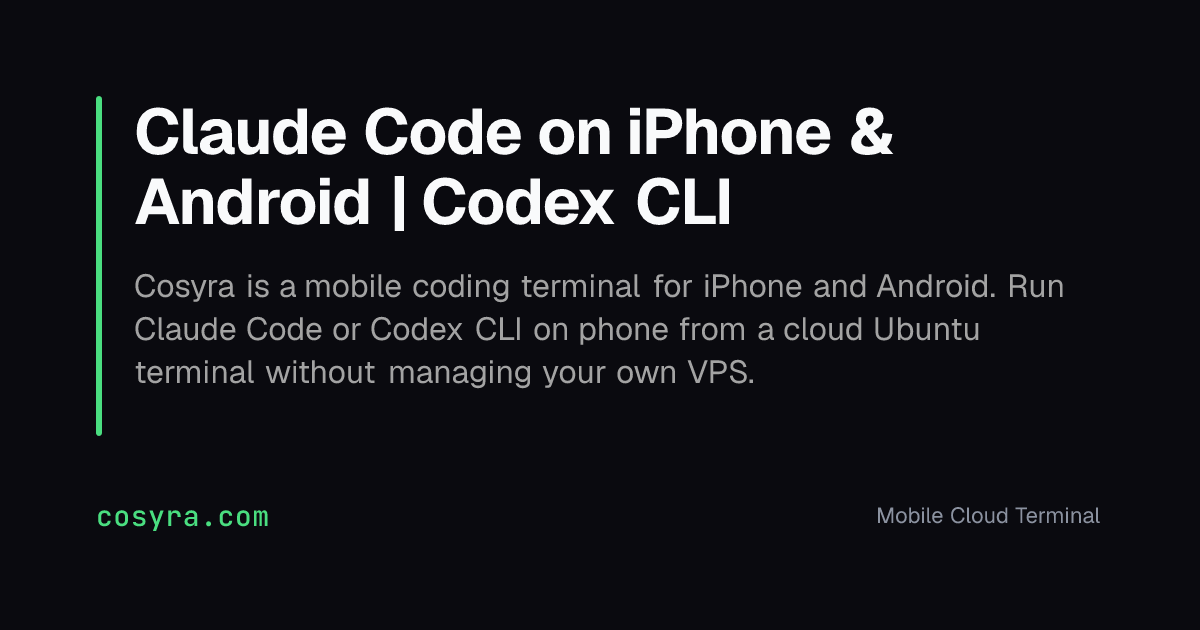
Cosyra provides a mobile coding terminal for iPhone and Android, enabling you to run Claude Code or Codex CLI from a cloud Ubuntu terminal without managing your own VPS.
What is Claude Code?
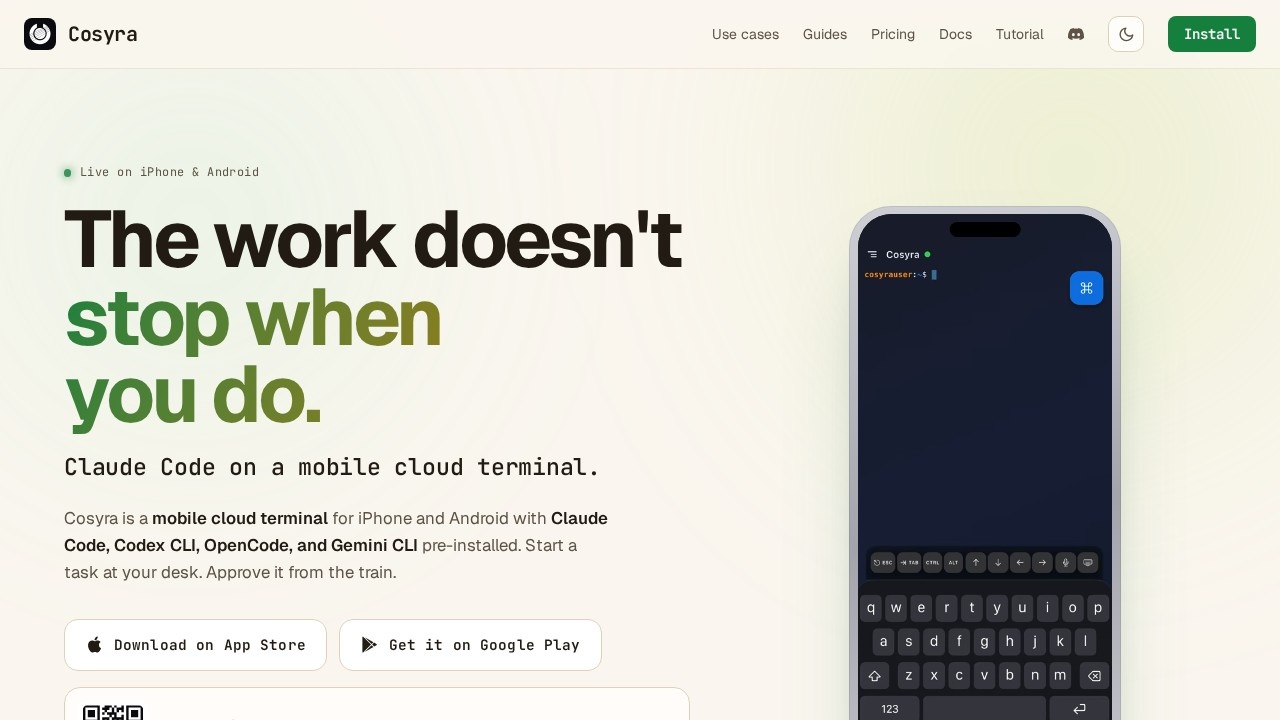
Cosyra is a mobile cloud terminal for iPhone and Android that comes with Claude Code, Codex CLI, OpenCode, and Gemini CLI pre-installed. It provides a real Ubuntu 24.04 workspace with 30GB persistent storage, not a sandbox or chat wrapper. You can start a coding task on your laptop and approve or continue it from your phone. The service runs on a cloud container, so your code stays isolated in your own environment.Application scenarios
On-call incident response
When you're away from a laptop and a production issue arises, open Cosyra to tail logs, read stack traces, patch environment variables, and redeploy with Claude Code assisting.
Commute coding
Use a 40-minute train ride to refactor a repo, hand Claude Code a plan, and review the diff before your stop—without needing a laptop.
No-laptop day
Leave your laptop at home for a day trip or weekend, and still access a full Ubuntu development environment from your phone.
Long-context refactors
Claude Code handles refactoring tasks involving 50+ files, perfect for complex codebase changes.
Tight-loop API exploration
Codex CLI is ideal for unfamiliar APIs, one-shot fixes, and exploring code by prompt.
Free-tier AI exploration
Gemini CLI offers 60 requests per minute and 1000 requests per day family-wide, with Flash as the default model.
Provider-agnostic development
OpenCode lets you swap between Anthropic, OpenAI, and Google providers without rewriting configuration files.
Core Features
Pre-installed AI CLIs
Claude Code, Codex CLI, OpenCode, and Gemini CLI come ready to use out of the box.
Real Ubuntu workspace
You get Ubuntu 24.04 with 30GB persistent storage, Python, Git, tmux, and vim pre-installed.
Session hibernation
Start a task on your phone, hibernate the session, and resume it on your laptop when you get to work.
Bring your own API key
Use your own Anthropic, OpenAI, or Google account—Cosyra never sits between you and your provider for billing.
On-device key encryption
API keys are stored with platform-native encryption on your phone and sent over TLS.
Isolated containers
Every account gets its own cloud container—your repos and files are never pooled or shared across users.
Package installation
You can install any package you need within the Ubuntu environment.
Target users
- On-call developers who need to respond to production incidents from their phone.
- Commuting engineers who want to be productive during travel time.
- Remote workers who prefer not to carry a laptop on day trips or weekends.
- Developers exploring multiple AI coding assistants like Claude Code, Codex CLI, and Gemini CLI.
How to use Claude Code?
Download the Cosyra app from the App Store or Google Play. Open the app, boot the cloud container, paste your API key from your Anthropic, OpenAI, or Google account, and start coding. You can run Claude Code directly from the terminal. The session can be hibernated and resumed across devices.Pricing and free trial
Cosyra offers 1 hour free with no card required, and you can cancel anytime. The service is rated 5.0 on the App Store.Effect review
Cosyra delivers on its promise of a mobile coding terminal that feels like a real development environment, not a toy. The 5.0 App Store rating and free trial suggest early adopters find it genuinely useful for on-call and commute scenarios. Having Claude Code, Codex CLI, and Gemini CLI pre-installed eliminates setup friction, while bring-your-own-key billing keeps costs transparent. For developers who need a full Ubuntu workspace in their pocket, Cosyra is a practical, well-executed solution.Frequently Asked Questions
What is Cosyra and how does it relate to Claude Code?
Do I need my own server or VPS to use Claude Code via Cosyra?
Can I use Claude Code on my phone with Cosyra?
Does Cosyra support other AI coding tools besides Claude Code?
Is there a free tier or trial for Cosyra?
Claude Code - AI Tool Detail
Cosyra provides a mobile coding terminal for iPhone and Android, enabling you to run Claude Code or Codex CLI from a cloud Ubuntu terminal without managing your own VPS.
Category:Programming Assistant
Visit Link:https://cosyra.com/
Tags:mobile coding、cloud terminal、AI coding、Claude Code、Codex CLI