
Free Video Splitter
AI Toolbox's free video splitter lets you cut videos by duration, file size, or timestamps directly in your browser with no upload, watermark, or account needed.
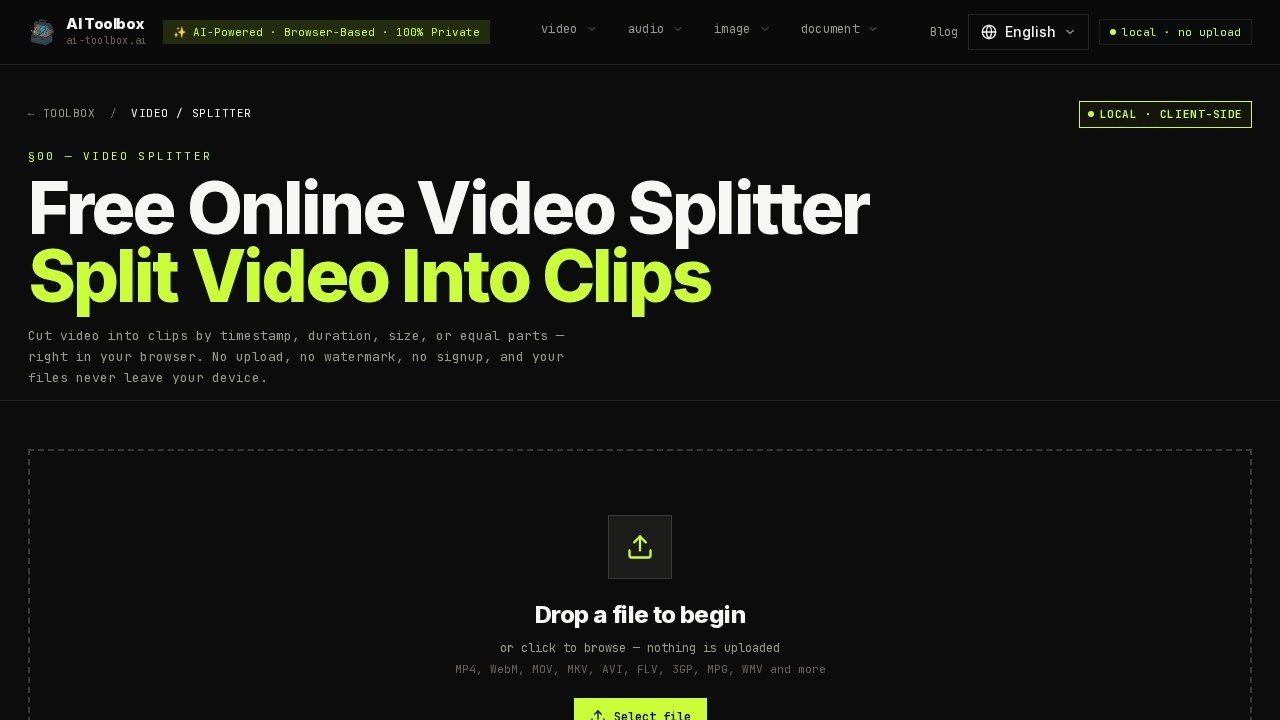
What is Free Video Splitter?
Free Video Splitter is a browser-based tool from AI Toolbox that lets you cut video files directly on your device without uploading anything to a server. It supports a wide range of formats including MP4, WebM, MOV, MKV, AVI, FLV, 3GP, MPG, and WMV. The tool processes everything locally using WebAssembly-compiled FFmpeg, so your footage never leaves your machine. Users can split videos by duration, file size, timestamps, or into equal parts—all with no registration, no file-size cap, and zero watermarks.
Application scenarios
Social media uploads
Split large videos into smaller clips that fit platform file-size limits for Instagram, TikTok, or YouTube.
Lecture recording management
Break long lecture recordings into equal-length chapters for easier navigation and study.
Video editing workflow
Create precise cuts at specific timestamps for assembling rough edits or extracting key moments.
Messaging and file sharing
Crop videos to fit the file-size restrictions of messaging apps like WhatsApp, Telegram, or email attachments.
Personal video archiving
Divide home videos or event recordings into manageable clips without compromising privacy.
Content repurposing
Slice long-form content (e.g., webinars, tutorials) into shorter segments for social media or blog posts.
Core Features
Manual split with timestamps
Click anywhere on the waveform or thumbnail timeline to split video precisely. Drag markers to reposition or type exact timecodes for frame-level accuracy.
Equal parts split
Choose the total number of segments to split video into uniform chapters—ideal for breaking lecture recordings or long-form content.
Split by duration
Set a segment length (e.g., 30 seconds) to chunk the entire video into fixed-interval clips. The final clip may be shorter if leftover footage remains.
Split by size
Specify a target MB per clip to fit upload limits. Fast Mode estimates size from bitrate and adjusts timestamps; Advanced Mode re-encodes for exact target sizes.
Fast Mode (stream copy)
Splits instantly by copying original streams without re-encoding. Cuts snap to the nearest keyframe (typically within a second), saving minutes on large files.
Advanced format and quality control
When Fast Mode is off, choose output containers (MP4, WebM, MOV, MKV, AVI) and set quality to High, Medium, or Low. Re-encoding gives format flexibility and precise cuts.
Zero-upload privacy
All processing uses WebAssembly-compiled FFmpeg in your browser tab—no data leaves your device.
Export in multiple formats
Output clips in MP4, WebM, MOV, or other formats with adjustable quality levels.
Target users
Content creators, video editors, educators, social media managers, and anyone who needs to split video files quickly without uploading sensitive footage to the cloud. The tool is also useful for professionals handling confidential video material who require local-only processing.
How to use Free Video Splitter?
- Open the tool at the official URL in your browser.
- Drop a video file onto the page or click to browse your device.
- Choose a splitting method: manual timestamps, equal parts, duration, or file size.
- Enable Fast Mode for instant stream-copy splits, or disable it for frame-perfect cuts and format conversion.
- Adjust output format and quality settings if needed.
- Export the resulting clips directly to your device—no upload or account required.
Effect review
Free Video Splitter delivers exactly what it promises: fast, local, and private video splitting without any server uploads. The Fast Mode using stream copy is genuinely useful for large files where re-encoding would take minutes, and the four splitting methods cover most common use cases. The zero-upload privacy is a standout feature for anyone working with sensitive footage. While frame-perfect cuts require disabling Fast Mode (which adds re-encoding time), the trade-off is clearly explained. For a free tool with no registration or file-size limits, it’s a practical, no-nonsense solution for everyday video splitting needs.
Frequently Asked Questions
How can I split a video using this tool?
Do I need to upload my video to use the splitter?
Is there a watermark added to the output?
Do I need an account to use the free video splitter?
What are the splitting options available?
Is the tool completely free to use?
Free Video Splitter - AI Tool Detail
AI Toolbox's free video splitter lets you cut videos by duration, file size, or timestamps directly in your browser with no upload, watermark, or account needed.
Category:Video editing
Visit Link:https://ai-toolbox.ai/tools/video-splitter
Tags:free video splitter、browser-based video editor、no watermark、cut video by size、AI Toolbox