
RemoveFromVideo
RemoveFromVideo offers an AI-powered online tool to effortlessly erase watermarks, text, subtitles, and unwanted objects from videos. Perfect for cleaning TikTok, YouTube, and social media clips witho
What is RemoveFromVideo?
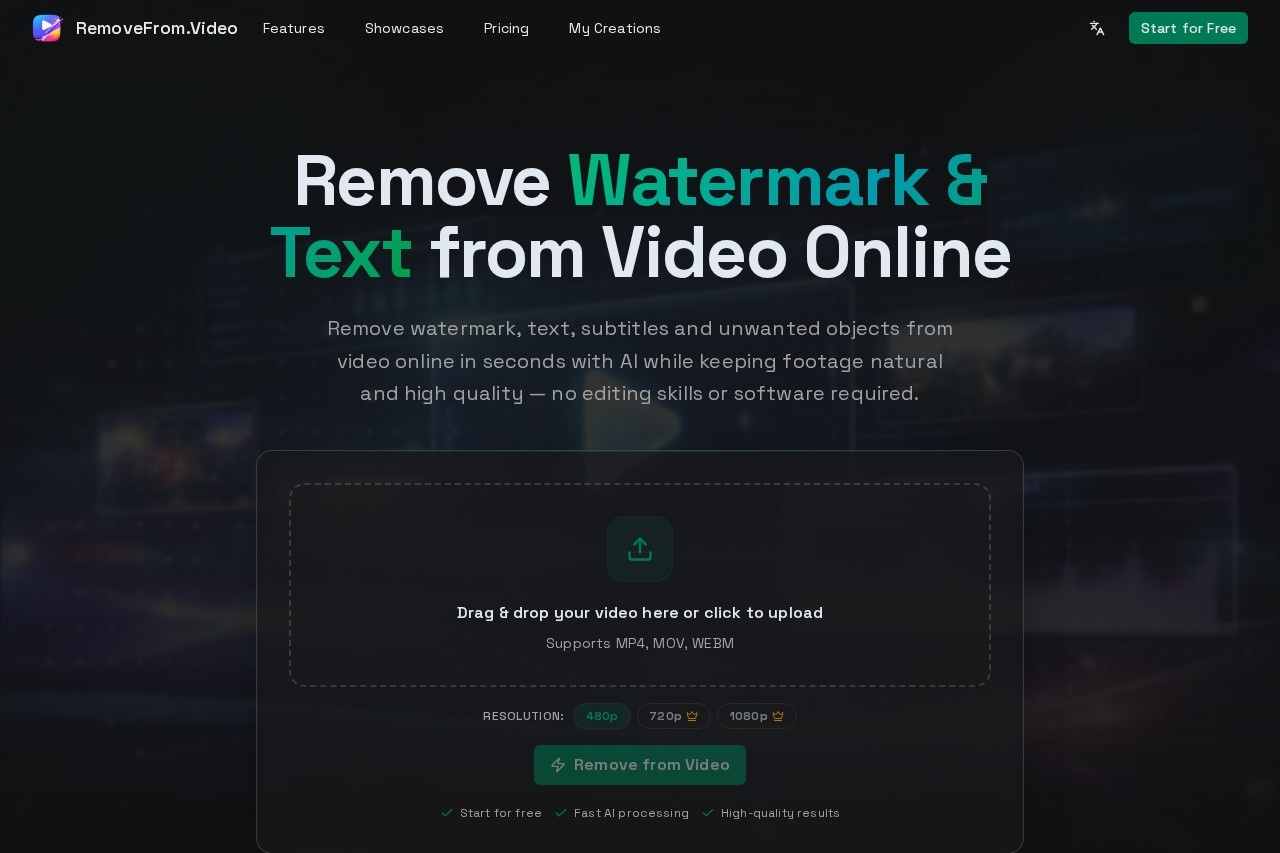
RemoveFromVideo is an AI-powered online tool that erases watermarks, text, subtitles, and unwanted objects from videos. It processes videos in seconds, aiming to keep the footage natural and high-quality without requiring editing skills or software. Users upload a video, select what they want to remove, and download the cleaned result. It is designed for cleaning clips from platforms like TikTok and YouTube.Application scenarios
Repurposing social content
Turn TikTok or Reels clips with watermarks into new videos for YouTube Shorts or Instagram Reels.
Cleaning screen recordings
Erase titles, captions, or overlay text from tutorials and presentations.
Editing film and video
Remove hardcoded subtitles or burned-in captions from movies and short videos.
Fixing filming mistakes
Delete unwanted people, background distractions, signs, or vehicles from travel or commercial footage.
Brand content creation
Remove logos or channel watermarks to reuse and repost video content across different platforms.
Core Features
Watermark removal
Erase logos, brand marks, TikTok watermarks, and YouTube channel logos from videos online.
Text erasure
Automatically detect and delete titles, captions, and overlay text while preserving the original background and motion.
Subtitle removal
Clean hardcoded subtitles and burned-in captions from videos automatically without manual frame-by-frame work.
Object removal
Use AI video inpainting to remove people, distractions, signs, vehicles, or any unwanted objects from footage.
Format support
Upload videos in MP4, MOV, or WEBM formats for processing.
Resolution options
Process videos at output resolutions of 480p, 720p, or 1080p.
Drag-and-drop interface
Upload videos directly by dragging and dropping files into the web tool.
Free start
Begin using the tool for free, as indicated by the "Start for free" call to action.
Target users
The tool is built for creators, marketers, and everyday users. It benefits video creators who want to repurpose content across social platforms, marketers needing cleaner commercial or promotional videos, and individuals looking to fix personal videos or remove distractions without professional editing software.How to use RemoveFromVideo?
The workflow is straightforward. First, upload your video in MP4, MOV, or WEBM format by dragging and dropping it on the site. Second, choose a removal mode: Watermark, Text, Subtitles, or Objects. Third, click "Remove from Video" to let the AI process and generate the cleaned video. Finally, preview the result and download the final video for your projects.Effect review
The platform promotes fast AI processing and high-quality results that maintain natural motion and visual integrity. By offering dedicated AI modes for different removal tasks, it implies a focused solution for common video cleaning challenges. For a user seeking to quickly repurpose social media clips or remove simple overlays, the feature set suggests a practical, no-fuss tool. The emphasis on being "no editing skills or software required" positions it as an accessible option for straightforward cleanup jobs, though the final output quality would depend on the specific video and removal complexity.Frequently Asked Questions
What is RemoveFromVideo?
Which video platforms does RemoveFromVideo support?
How does RemoveFromVideo work?
Is RemoveFromVideo free to use?
What video formats are supported?
Does RemoveFromVideo require technical skills?
RemoveFromVideo - AI Tool Detail
RemoveFromVideo offers an AI-powered online tool to effortlessly erase watermarks, text, subtitles, and unwanted objects from videos. Perfect for cleaning TikTok, YouTube, and social media clips witho
Category:Video editing
Visit Link:https://removefrom.video/
Tags:video editing、watermark removal、object removal、AI video cleaner、content cleanup