
AI Baby Dance
AI Baby Dance by Kling AI turns photos into animated baby dance videos. Choose templates, preview for free, and download MP4 files ready for TikTok or Reels in minutes.
What is AI Baby Dance?
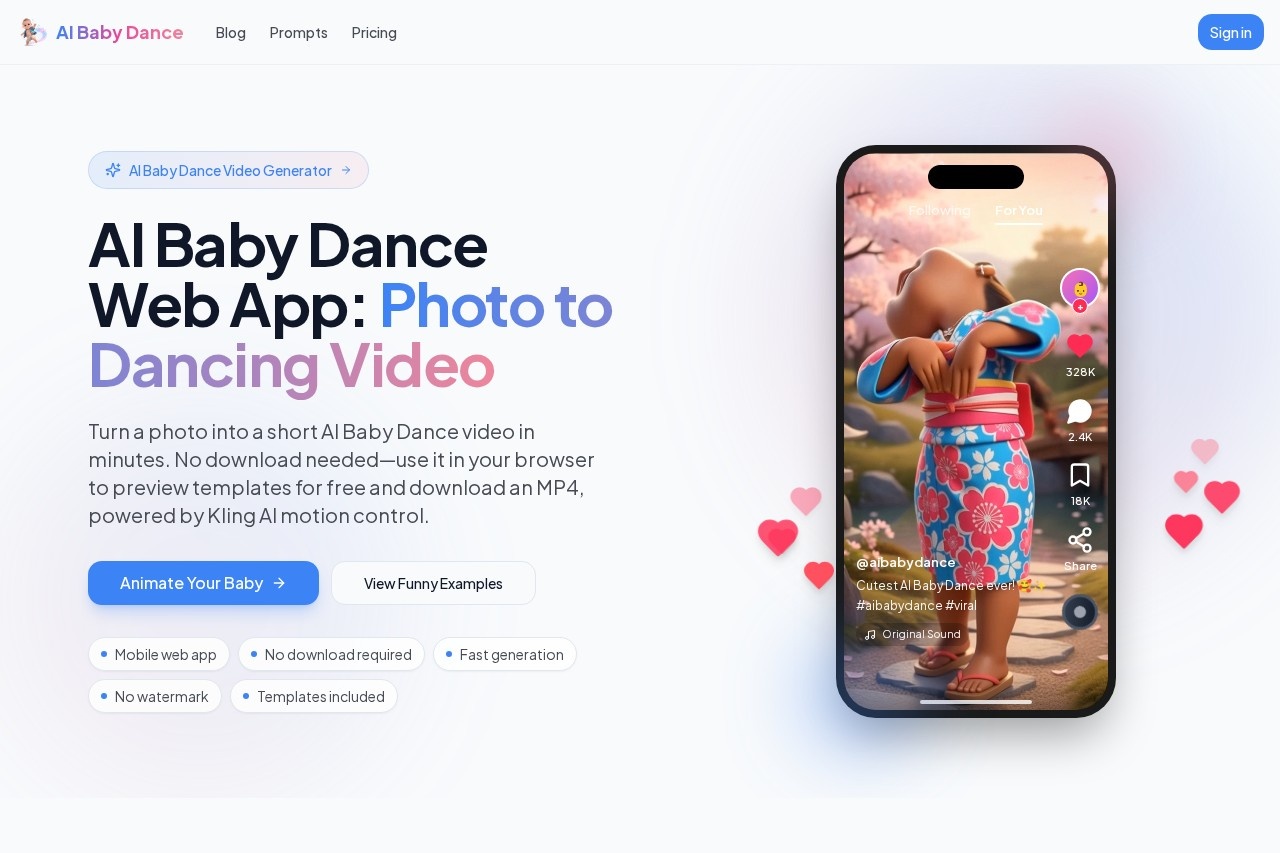
AI Baby Dance is a web application that transforms a single photo into a short animated video of the subject dancing. It is powered by Kling AI motion control technology to create these clips. Users can preview dance templates for free in their browser and download the final video as an MP4 file. The tool is designed for quickly generating viral-style content for platforms like TikTok, Reels, and Shorts.Application scenarios
Social media content
Create engaging, shareable dance clips for TikTok, Instagram Reels, or YouTube Shorts.
Personal entertainment
Turn photos of family, friends, or even pets into humorous dancing videos.
Trend participation
Easily recreate and participate in the popular "AI Baby Dance" viral video trend.
Quick video creation
Generate a fun video asset in minutes without any video editing skills or software.
Core Features
One-Click Generation
Turn a single photo into a dancing video with a single action, requiring no editing expertise.
Trending Templates
Choose from a variety of pre-set dance styles, including Cute, Funny, K-pop, and Hiphop.
Fast Generation
Watch the creation process move through clear stages: Queued, Generating, Rendering, and Ready.
MP4 Download
Export your final video as a standard MP4 file compatible with major social platforms.
Mobile-Friendly Web App
Use the tool directly in a mobile or desktop browser without any software download or installation.
Easy Re-Generate
Quickly attempt a new generation with a different template or photo if the first result isn't perfect.
Free Preview
Test and preview dance templates for free before committing to generating a full video.
Kling AI Motion Control
The underlying technology aims to provide smoother motion, greater stability, and fewer visual artifacts in the final video.
Target users
This tool is ideal for social media users, parents, and content creators looking for a fast, effortless way to produce entertaining and trendy short-form video content. It specifically serves anyone who has seen the "AI Baby Dance" trend online and wants to replicate it with their own photos.How to use AI Baby Dance?
The process involves four simple steps. First, select a dance motion template. Second, upload a front-facing, well-lit photo of a baby, child, or adult. Third, generate the video. Finally, download the resulting MP4 file. You must sign in to generate and download videos, and new users receive free credits to start. The entire process happens within a web browser.Pricing and free trial
The website indicates a credit-based system. New users who sign up receive 60 free credits to start. Generating a video requires credits, and there are tiered output options, as a "Paid Upgrade" is mentioned for accessing 720p (Standard) and 1080p (HD) resolutions.Effect review
The platform promotes its use of Kling AI motion control as a key differentiator, claiming it delivers smoother motion and better realism compared to other methods, which addresses common user desires for stable motion and fewer artifacts. The emphasis on fast, template-driven generation within a mobile browser makes it highly accessible for creating content on the go. While the output quality will depend on the input photo, the feature set is squarely aimed at fulfilling the specific, viral use case it describes, offering a straightforward path from a personal photo to a shareable social media clip.Frequently Asked Questions
What is AI Baby Dance?
How do I create a baby dance video?
Is AI Baby Dance free to use?
What formats are supported for photos?
Can I use the videos on social media?
How long does it take to generate a video?
AI Baby Dance - AI Tool Detail
AI Baby Dance by Kling AI turns photos into animated baby dance videos. Choose templates, preview for free, and download MP4 files ready for TikTok or Reels in minutes.
Category:Video generation
Visit Link:https://aibabydance.app/
Tags:AI video generator、photo animation、baby dance、social media content、Kling AI