Add Person to Photo
Add Person to Photo by an AI developer lets you upload a scene and a portrait to naturally insert a missing person with accurate lighting and perspective, perfect for reunions, travel shots, and memor
What is Add Person to Photo?
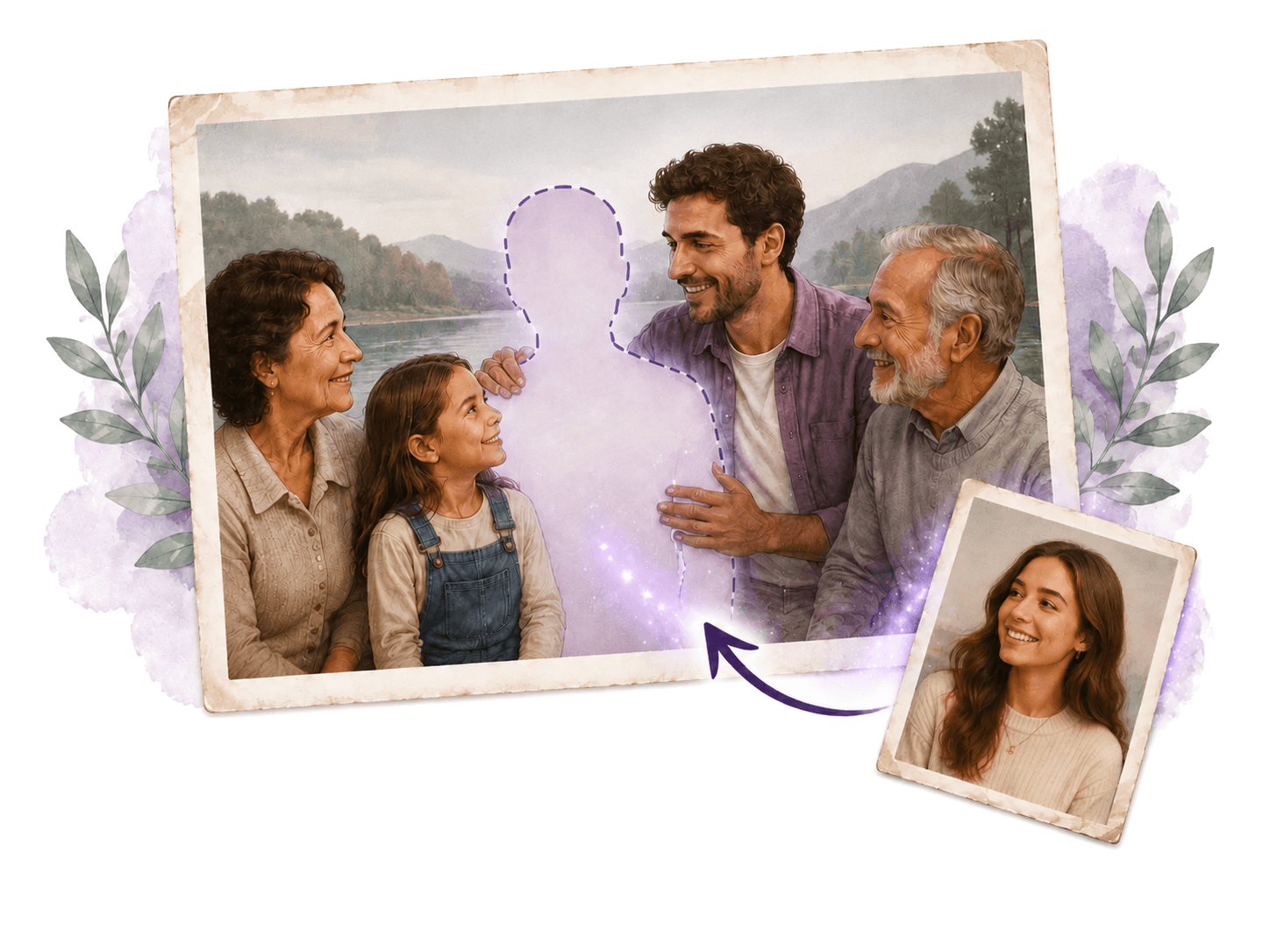
Add Person to Photo is an AI-powered tool that lets you upload a scene photo and a portrait of a person to naturally insert that person into the image. It handles lighting, perspective, scale, and shadow matching automatically, making the addition look realistic. Users commonly use it to reunite missing family members in group photos, add friends who missed a trip, or honor late loved ones by placing them into meaningful scenes.
Application scenarios
Family reunions
Insert a missing dad or sister into a family portrait taken during golden hour or a reunion.
Memorial keepsakes
Add a late grandmother or grandfather to a wedding or graduation photo they never attended.
Travel photography
Place a friend who missed the trip into a landscape shot, such as a Santorini cliff at sunset.
Group photos
Add a colleague who was on a call or a partner who got stuck in traffic to a team or event photo.
Pet inclusion
Bring a dog into a picture with realistic ground shadows and gaze direction for a complete family moment.
Creative fun
Insert a friend into a Renaissance painting or place yourself next to a favorite character for playful, weird results.
Core Features
Automatic lighting and shadow matching
The AI matches lighting, scale, and shadow automatically when adding a person to a scene.
Specify placement
You can place the added person on the left, right, center, foreground, or background to match the photo's layout.
Natural interaction prompts
Request the added person to put their arm around someone, hold hands, lean in, or look at each other for a connected feel.
Style adaptation
The tool adapts the added person's appearance, color palette, and texture to match artistic styles like oil paintings, watercolors, vintage film, or manga.
Size and depth control
You can adjust the AI's placement if the person appears at the wrong size or depth in the scene.
Pet addition
Add pets with realistic ground shadows and gaze direction to include the whole family, including four-legged members.
Target users
This tool is designed for anyone who needs to realistically add a person to a photo without manual editing skills. It's ideal for families wanting to complete reunion photos, travelers fixing group shots, event organizers adding missing team members, and creative users who enjoy inserting people into paintings or illustrations for fun.
How to use Add Person to Photo?
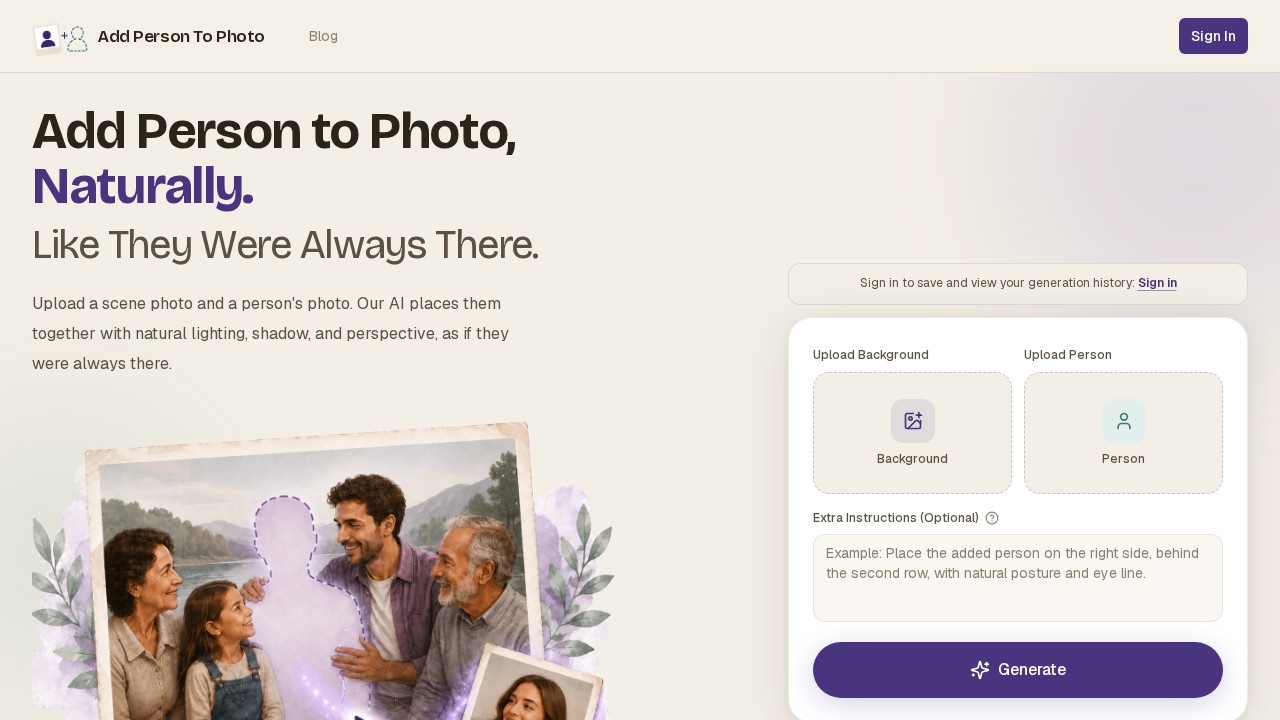
Visit the official website and upload a scene photo (e.g., a family portrait at golden hour). Then upload a portrait photo of the person you want to add. Optionally, specify placement (left, right, center, foreground, background) or request a natural interaction (e.g., "put arm around shoulder"). The AI composites the person into the scene with matched lighting and perspective. You can then download the result.
Effect review
Based on the website's examples, Add Person to Photo delivers realistic composites for common scenarios like reuniting missing family members or adding friends to travel shots. The ability to specify placement and request natural interactions gives users control beyond basic insertion. The style adaptation feature extends its usefulness to creative projects like painting or manga inserts. While no user reviews or quality metrics are provided on the site, the feature set suggests it handles lighting, shadow, and scale well enough for casual and emotional use cases. For anyone without Photoshop skills, this tool offers a practical, one-click solution for completing group photos.
Frequently Asked Questions
What is Add Person to Photo?
How does Add Person to Photo work?
Is Add Person to Photo free to use?
What types of photos work best with this tool?
Can I use Add Person to Photo for commercial purposes?
Is my privacy protected when using Add Person to Photo?
Add Person to Photo - AI Tool Detail
Add Person to Photo by an AI developer lets you upload a scene and a portrait to naturally insert a missing person with accurate lighting and perspective, perfect for reunions, travel shots, and memor
Category:Image editing
Visit Link:https://add-person-to-photo.com/
Tags:AI photo editing、portrait insertion、image manipulation、travel photography、family reunion