
Facing AI
Facing AI is a free tool for instantly swapping faces in photos and videos, offering realistic results with no sign-up or watermarks.
What is Facing AI?
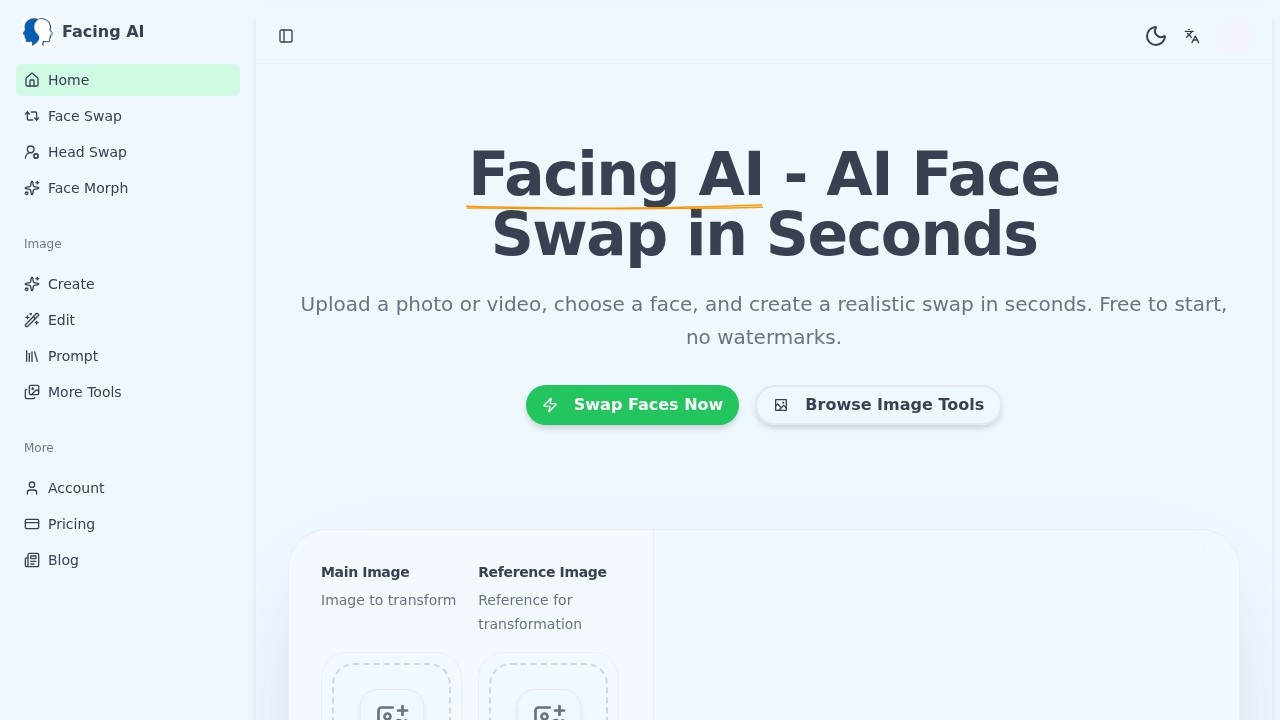
Facing AI is a free online AI face swap tool that works on both photos and videos. It uses deep learning to swap faces with ultra-realistic accuracy, automatically handling skin tone, lighting, and angles. No sign-up or account is required to start using it. The tool delivers high-resolution output with no watermarks, making it suitable for social media content, creative projects, and professional composites.
Application scenarios
Social media content
Create fun or engaging face swap posts for platforms like Instagram, TikTok, or Twitter.
Creative projects
Experiment with face swaps in personal art, memes, or video edits.
Professional composites
Use realistic face swaps for mockups, presentations, or design work.
Video editing
Swap faces in video clips with one click, no complex software needed.
Head swaps
Replace entire heads in images for more dramatic transformations.
Face morphing
Blend two faces together using the dedicated Face Morph tool.
Core Features
Photo & video face swap
Swap faces in both photos and videos with a single click. The AI blends facial features, skin tone, and lighting for seamless results.
No sign-up required
Start swapping immediately without creating an account, entering an email, or any other friction.
HD output, no watermarks
Every face swap is delivered in high resolution with zero watermarks, preserving sharp details and natural skin textures.
Intelligent face blending
The AI automatically adjusts skin tone, lighting, and angles to make the swapped face look natural in the target image or video.
Head swap
Replace entire heads in photos for more dramatic transformations beyond just face swapping.
Face morph
Blend two faces together smoothly using the dedicated Face Morph tool.
AI image generator
Generate new images from text prompts using the built-in AI image generator.
AI image editor
Edit existing images with AI-powered tools for further adjustments.
Target users
Content creators, social media managers, video editors, graphic designers, and anyone who needs quick, realistic face swaps for fun or professional use. The tool's no-sign-up approach also makes it ideal for casual users who want to try face swapping without commitment.
How to use Facing AI?
- Go to the Facing AI website at https://facing.app/.
- Upload a photo or video that contains the face you want to swap.
- Choose a reference face (either from another uploaded file or a provided option).
- The AI automatically blends the face, adjusting skin tone, lighting, and angles.
- Download your result in high resolution with no watermarks.
No account or email is required at any step.
Effect review
Based on the website's claims, Facing AI delivers hyper-realistic face swaps with intelligent blending that handles skin tone, lighting, and angles automatically. The free, no-watermark output at high resolution is a strong selling point for both casual and professional use. While the tool's actual performance depends on the quality of input files, the feature set suggests it can handle a wide range of face swap scenarios quickly. The lack of sign-up friction makes it easy to test and compare results without commitment. For users who need a straightforward face swap tool without extra bells and whistles, Facing AI appears to be a solid, no-nonsense option.
Frequently Asked Questions
What is Facing AI?
Is Facing AI really free?
Do I need to sign up or create an account?
Are there watermarks on the output?
What types of media can I use for face swapping?
How realistic are the face swap results?
Facing AI - AI Tool Detail
Facing AI is a free tool for instantly swapping faces in photos and videos, offering realistic results with no sign-up or watermarks.
Category:AI Face Swap
Visit Link:https://facing.app/
Tags:face swap、video editing、photo editing、AI tool、free