
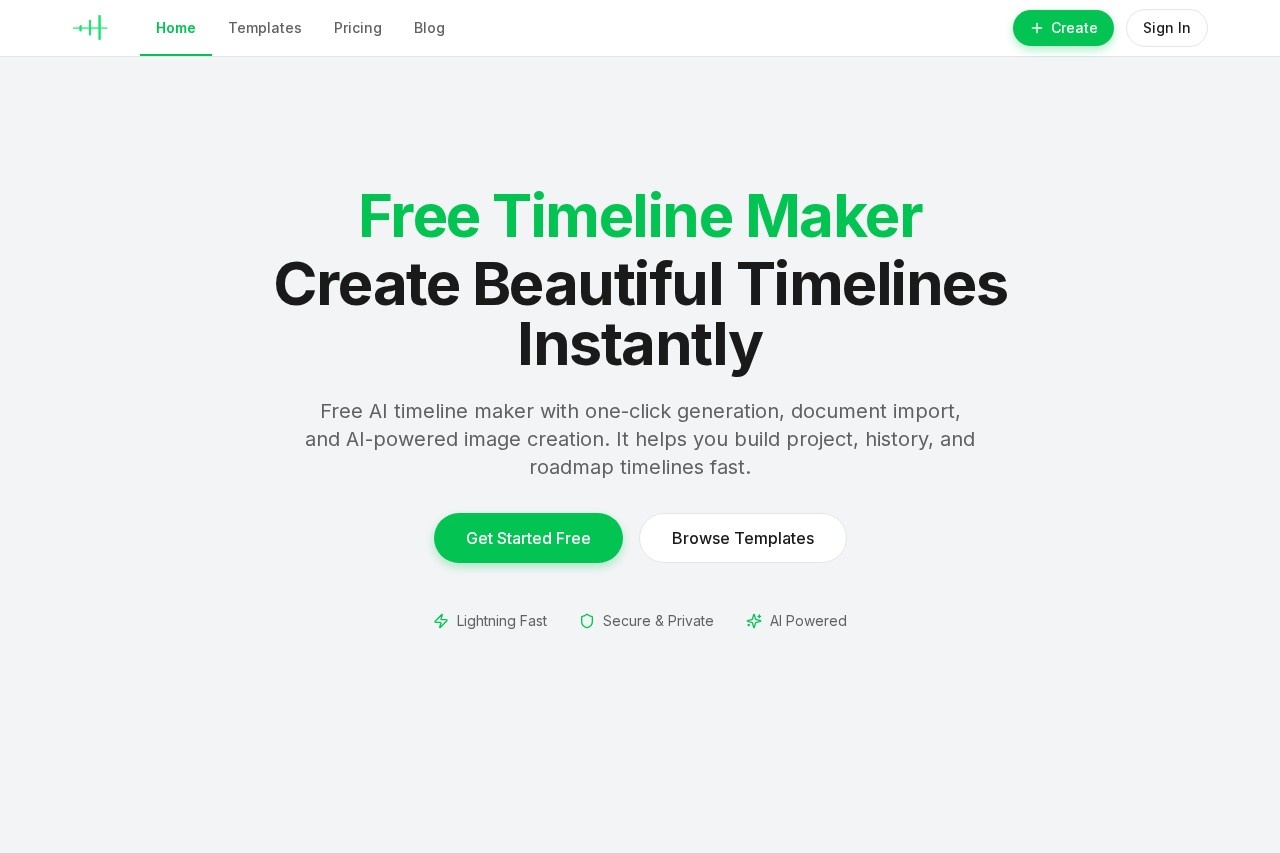
What is AI Timeline Maker?
AI Timeline Maker is a free tool from timeline-maker.org that lets you create, edit, and share timelines instantly. It uses AI to generate timelines from a single sentence prompt or by importing documents like PDFs, Word files, or plain text. The tool also supports real-time collaboration, AI-powered image creation, and multiple export formats for presentations, reports, or data analysis. It's built for project management, history mapping, roadmaps, and personal storytelling.
Application scenarios
Project management
Plan milestones, track progress, and visualize project timelines.
Learning paths
Plan learning schedules and log personal growth or study notes.
Life stories
Capture personal memories and important life moments in a visual timeline.
Company history
Showcase a company's journey and key milestones over time.
Product roadmaps
Track product releases and evolution for stakeholders.
Historical timelines
Map historical events clearly for educational or reference purposes.
Core Features
AI-powered generation
Turn a single sentence prompt into a complete, beautiful timeline instantly—no manual data entry required.
Document import
Upload a PDF, Word, or plain text file; AI automatically extracts dates and events and builds a timeline in seconds.
Real-time collaboration
Invite teammates via link or email to edit, comment, and work on timelines together with live updates.
Roles and permissions
Control who can edit, comment, or view the timeline, keeping ownership and access clear.
Multiple export formats
Download timelines as PNG, PDF, PowerPoint, Word, or Excel for presentations, reports, or data reuse.
Flexible layout
Switch between horizontal, vertical, or grid display modes to fit different use cases.
AI assistant
Built-in AI helps organize content, generate summaries, and polish wording to speed up creation.
One-click share
Generate share cards or links so your timeline reaches more people easily.
Rich templates
Use ready-made templates for project plans, life logs, study notes, and more.
Theme customization
Customize the look and feel of timelines with multiple themes.
Target users
Project managers, educators, students, historians, content creators, and anyone who needs to visualize sequential events—whether for work, study, or personal projects. Teams collaborating on timelines will also benefit from the real-time editing and permission controls.
How to use AI Timeline Maker?
- Get started free: Visit timeline-maker.org and click "Get Started Free."
- Generate a timeline: Enter a single sentence describing your timeline, or upload a PDF, Word, or plain text document.
- Review and edit: AI extracts events and dates automatically; you can tweak, add, or remove items in the editor.
- Collaborate (optional): Invite teammates via link or email to edit or comment in real time.
- Export: Download your timeline as PNG, PDF, PowerPoint, Word, or Excel for presentations, reports, or data analysis.
Pricing and free trial
The website explicitly states "Free Timeline Maker" and "Get Started Free" at multiple points, indicating the tool is free to use with no mention of paid tiers or trial limitations.
Effect review
AI Timeline Maker delivers a straightforward, AI-driven solution for creating timelines with minimal effort. The one-click generation from a sentence or document import eliminates manual data entry, making it highly practical for busy professionals and students. Real-time collaboration and multiple export formats add significant value for team projects and presentations. While the tool lacks user feedback or awards on the site, its feature set—especially the AI assistant and flexible layouts—suggests it will serve well for quick timeline creation across various scenarios. For anyone needing to visualize events fast, this is a capable and free option.
Frequently Asked Questions
什麼是AI時間軸製作工具?
AI時間軸製作工具能自動生成事件嗎?
AI時間軸製作工具支援協作嗎?
我可以從AI時間軸製作工具匯出時間軸嗎?
AI時間軸製作工具可以匯入哪些檔案格式?
AI時間軸製作工具適合專業專案嗎?
AI Timeline Maker - AI Tool Detail
AI時間軸製作器是timeline-maker.org提供的工具,用於創建、編輯和分享時間軸。它能生成事件、導入文件、支持協作,並在幾分鐘內為項目導出視覺化內容。
Category:文件處理
Visit Link:https://timeline-maker.org/
Tags:AI時間軸生成器、時間軸製作工具、協作時間軸創建、文件匯入時間軸